
From my experience with Calorie AI, I found it excels at simplifying nutrition tracking through its AI-powered food recognition, which significantly reduces the time needed to log meals. The app’s detailed nutrient breakdowns and personalized recommendations make it a practical choice for users serious about managing their diet and weight. However, the AI can occasionally misidentify complex dishes, requiring manual corrections. Also, premium features come at a subscription cost, which might not suit all budgets. Overall, if you want an efficient and intelligent calorie tracker with multi-platform support, Calorie AI delivers reliable and user-friendly tools.
Calorie AI Nutrition Tracker and Food Diary App for Healthy Eating
Calorie AI is an AI-powered nutrition tracking app that simplifies calorie counting and diet management by using photo recognition and personalized recommendations.
What is Calorie AI?
Calorie AI is a nutrition tracking app designed to help users monitor their calorie intake and nutritional information through an intuitive food diary. Leveraging AI technology, it simplifies food logging by recognizing meals from photos and providing personalized dietary insights. The app supports users in achieving their health goals by offering detailed nutrient breakdowns and progress tracking.

Key Features of Calorie AI
AI Food Recognition
Automatically identify foods from photos to speed up meal logging.
Comprehensive Nutrient Tracking
Track calories, macros, vitamins, and minerals for balanced nutrition.
Personalized Diet Recommendations
Receive tailored meal suggestions based on your goals and preferences.
Progress Visualization
Graphs and reports to monitor weight and nutrition trends.
Multi-platform Access
Available on web, iOS, and Android for seamless tracking anywhere.
Pros and Cons of Calorie AI
Pros
- Easy meal logging with AI photo recognition
- Detailed nutrient tracking beyond calories
- Personalized diet and meal recommendations
- Cross-platform availability
- User-friendly interface
Cons
- Premium features require subscription
- AI recognition may struggle with complex dishes
- Limited language support (English only)
Key Use Cases for Calorie AI
Calorie Counting
Track daily calorie intake easily by logging meals and snacks to support weight management goals.
Nutrition Monitoring
Monitor macro- and micronutrient consumption to ensure balanced and healthy eating habits.
Diet Planning
Plan meals ahead with AI-powered suggestions tailored to dietary preferences and goals.
Weight Management
Use personalized insights and progress tracking to support weight loss, maintenance, or gain.
Food Diary Logging
Maintain a detailed food diary with photo recognition and manual entry options for accurate tracking.
How Calorie AI Works
-
1
Create an Account
Sign up on the Calorie AI app or website to start tracking your nutrition.
-
2
Log Your Meals
Use the AI-powered photo recognition or manual entry to record your food intake.
-
3
Track Nutrients
View detailed calorie and nutrient breakdowns for each meal and daily totals.
-
4
Set Goals
Define your dietary and weight goals to receive personalized recommendations.
-
5
Monitor Progress
Review your nutrition and weight trends over time to stay on track.
Who's Using Calorie AI
Individuals tracking calories for weight management
Fitness enthusiasts monitoring nutrition
People with dietary restrictions seeking personalized plans
Health-conscious users wanting detailed nutrient insights
Dietitians and nutrition coaches recommending tracking tools
Calorie AI Pricing
Free
$0/month
Basic calorie and nutrient tracking with limited features.
Premium
$9.99/month
Unlock advanced features including AI food recognition, personalized plans, and detailed reports.
Frequently Asked Questions About Calorie AI
Yes, Calorie AI offers a free plan with basic tracking features. Premium features require a subscription.
Yes, Calorie AI is available on web, iOS, and Android platforms, allowing syncing across devices.
Yes, the app provides personalized recommendations based on your dietary preferences and goals.
The AI uses advanced image recognition to identify common foods accurately, but manual adjustments are possible.
It depends on your specific needs and how you plan to use the tool. The official website and documentation are the best sources for the latest details.
It depends on your specific needs and how you plan to use the tool. The official website and documentation are the best sources for the latest details.
Yes, it can help with that use case depending on how you configure it and what features are available. You’ll get the best results with clear inputs and a defined goal.
Some tools offer a free plan or trial with limited features. Availability can vary, so confirm on the official website.
Share your review
Reviews are limited to one per logged-in user and are published after moderation.
You need an account to review this tool.
0.0
★
★
★
★
★
0 reviews
5 star
0
4 star
0
3 star
0
2 star
0
1 star
0
No reviews yet
Be the first to share how this tool worked for you.
Questions from the community
Read questions and answers about this tool, or ask your own.
No questions yet
Start the conversation by asking the first question about this tool.
Is this tool helpful?
Alternative Tools
Explore similar AI tools that might fit your needs

Free
MyFitnessPal
MyFitnessPal is a nutrition and fitness tracking app that helps users log food intake, exercise, and monitor progress toward health goals with a large food database and device integrations.

Free
Lose It!
Lose It! is a weight loss app that helps users track calories, log meals and exercise, set personalized goals, and engage with a supportive community to achieve their health objectives.

Free
Cronometer
Cronometer is a nutrition tracking app that helps users log food intake and monitor detailed nutrient consumption including vitamins and minerals to support health and fitness goals.

Free
psychoroid.com
Psychoroid is an AI-powered chatbot designed to provide empathetic mental health support and therapy assistance through conversational AI available 24/7 on the web.
Free
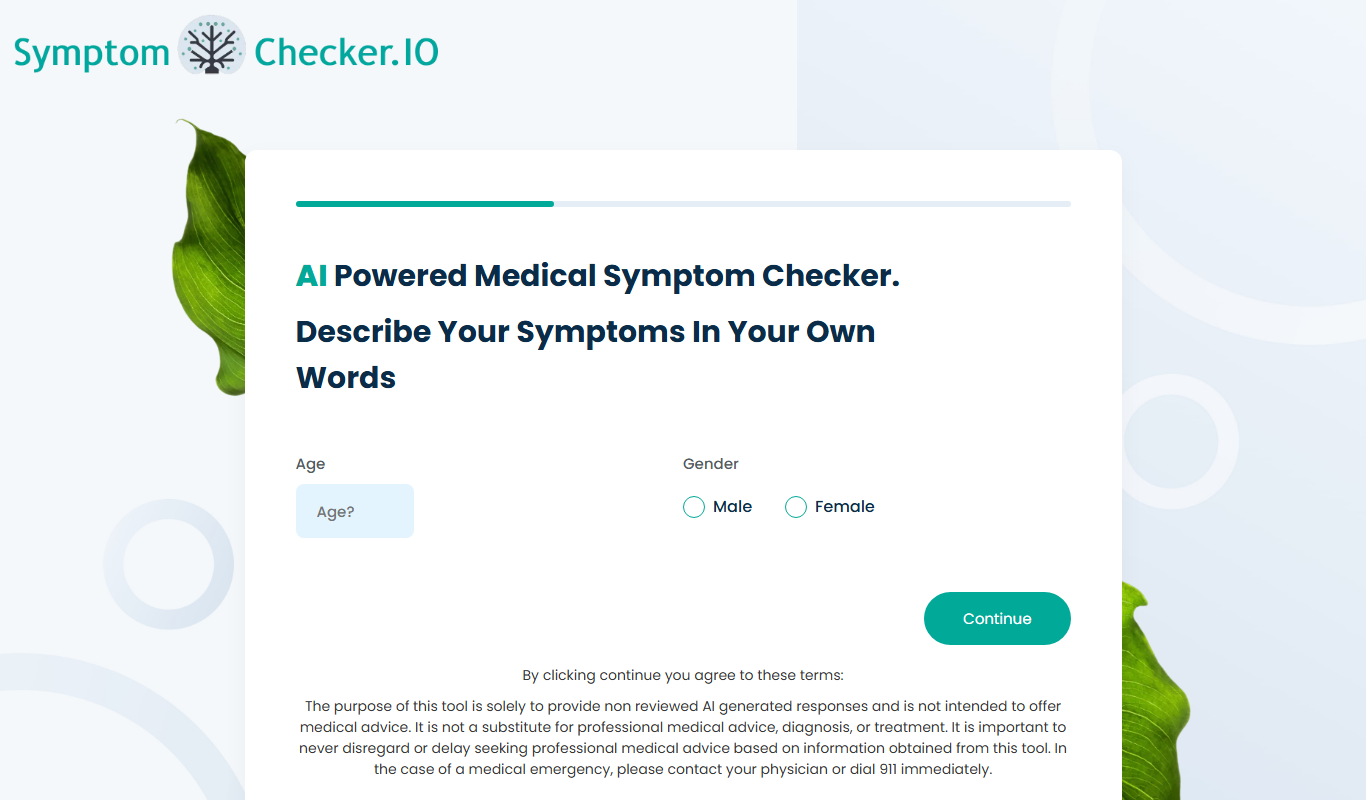
SymptomChecker.io
SymptomChecker.io is a free web-based tool that helps users input symptoms and receive possible medical condition matches to guide preliminary self-assessment.

One-time purchase
Nutroscan
Nutroscan is a DNA testing service that provides personalized nutrition and health insights based on your genetic profile, helping you optimize diet and wellness.

Contact for pricing
variational.ai
Variational AI is a platform designed to develop and optimize variational quantum algorithms, integrating quantum computing with machine learning to accelerate research and applications.

Free Trial
Oatmeal Health
Oatmeal Health is a personalized nutrition platform that uses genetic testing and health data to provide customized diet and supplement recommendations to improve wellness.

Custom Pricing
Shoorah Wellbeing
Shoorah Wellbeing is a UK-based digital platform that helps organizations support employee mental health through confidential access to resources, wellbeing program management, and HR analytics.

Freemium
SoulcareAI
SoulcareAI is an AI-powered therapy chatbot that provides emotional support, mood tracking, and personalized self-care recommendations to help users manage mental health and wellness.

Free Trial
Neurture
Neurture is an AI-powered writing assistant designed to generate SEO-optimized content such as blog posts and marketing copy through an easy-to-use web platform.