
From my experience with Botsify, I found it excels at simplifying chatbot creation for businesses without requiring coding skills. The drag-and-drop builder combined with multi-channel deployment options makes it practical for customer support and lead generation. It’s particularly well-suited for small to medium businesses and marketing teams looking to automate repetitive queries while maintaining the option for human agent intervention. However, the pricing after the free trial can be a consideration for smaller budgets, and some advanced AI customizations are limited. Overall, Botsify offers a balanced platform for those seeking accessible chatbot automation across popular messaging channels.
Botsify AI Chatbot Platform for Customer Support and Automation
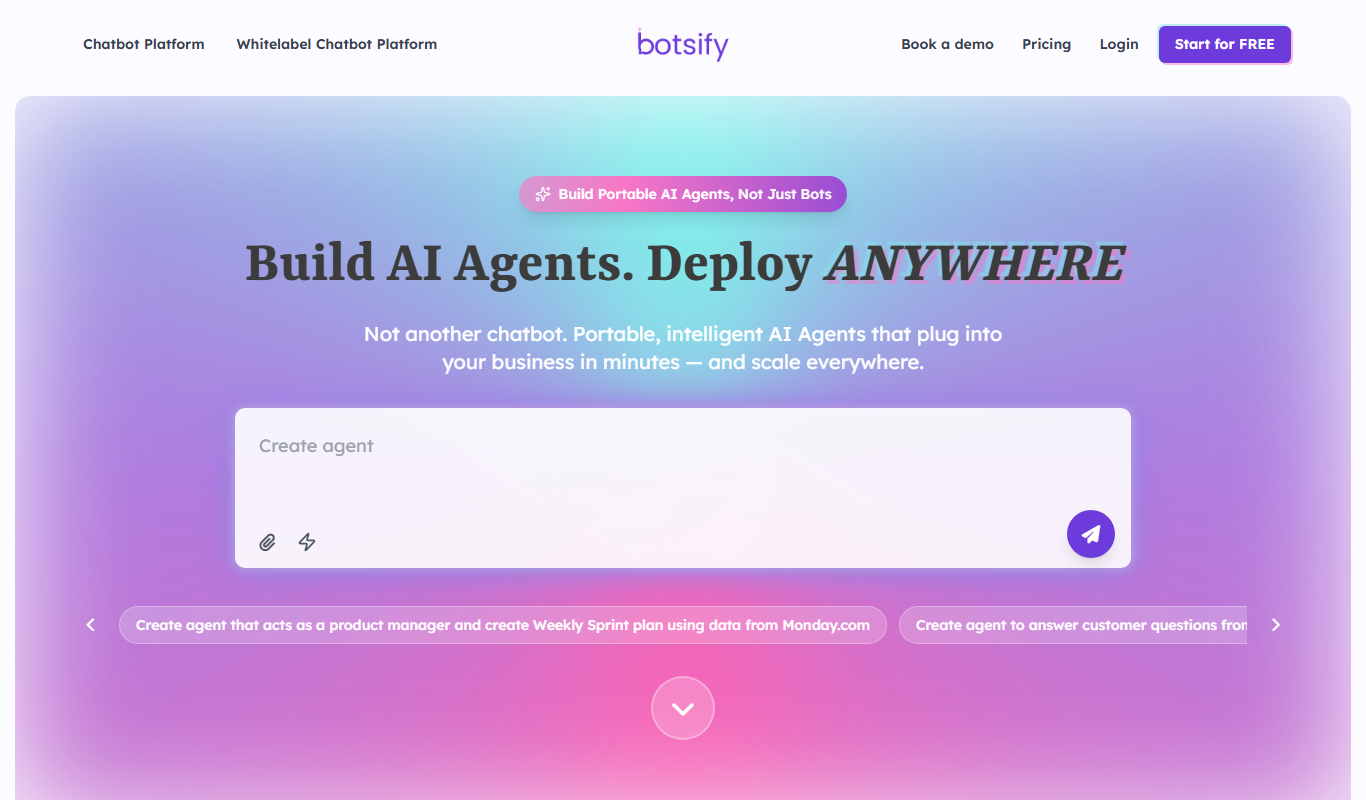
Botsify is an AI-powered chatbot platform that enables businesses to create and deploy chatbots across multiple channels like websites, Facebook Messenger, and WhatsApp to automate customer support, lead generation, and user engagement without coding.
What is Botsify?
Botsify is an AI-powered chatbot platform designed to help businesses automate customer interactions across multiple channels. It enables users to create conversational chatbots without coding, integrating with popular messaging platforms and websites to provide instant support, lead capture, and personalized user engagement.
Key Features of Botsify
Drag-and-Drop Chatbot Builder
Create conversational flows easily without coding knowledge.
Multi-Platform Integration
Deploy chatbots on websites, Facebook Messenger, WhatsApp, Slack, and more.
AI and Machine Learning
Leverage natural language processing to understand user intent and provide accurate responses.
Human Takeover
Seamlessly transfer conversations to human agents when needed.
Analytics Dashboard
Track chatbot performance, user interactions, and optimize accordingly.
Pros and Cons of Botsify
Pros
- User-friendly drag-and-drop chatbot builder
- Supports multiple messaging platforms
- AI-powered natural language understanding
- Human agent takeover for complex queries
- Comprehensive analytics and reporting
Cons
- Pricing can be high for small businesses after trial
- Limited customization options for advanced AI models
- Some integrations require technical setup
Key Use Cases for Botsify
Customer Support Automation
Automate responses to common customer queries to reduce support workload and improve response times.
Lead Generation
Engage website visitors with conversational forms to capture leads automatically.
E-commerce Assistance
Provide product recommendations, order tracking, and FAQs to enhance online shopping experiences.
Education and Training
Deliver interactive learning experiences and answer student questions through chatbots.
Booking and Scheduling
Allow users to book appointments or schedule meetings via conversational interfaces.
How Botsify Works
-
1
Sign Up
Create an account on Botsify’s website to access the chatbot builder.
-
2
Build Your Chatbot
Use the drag-and-drop interface to design conversation flows and add AI responses.
-
3
Integrate Channels
Connect your chatbot to platforms like Facebook Messenger, WhatsApp, or your website.
-
4
Train and Test
Train the chatbot with sample questions and test its responses before going live.
-
5
Deploy and Monitor
Launch your chatbot and monitor performance with analytics and user feedback.
Who's Using Botsify
Small and medium businesses
E-commerce stores
Customer support teams
Marketing agencies
Educational institutions
Botsify Pricing
Free Trial
$0 for 14 days
Access core features with limited usage to test the platform.
Basic
$50/month
Suitable for small businesses with essential chatbot features and limited chats.
Pro
$150/month
Advanced features, higher chat limits, and multi-channel support.
Enterprise
Custom pricing
Tailored solutions with dedicated support and unlimited chats.
Frequently Asked Questions About Botsify
No, Botsify provides a drag-and-drop interface that allows you to create chatbots without any coding.
You can deploy chatbots on websites, Facebook Messenger, WhatsApp, Slack, Telegram, and via API.
Botsify offers a 14-day free trial to test the platform before purchasing a subscription.
Yes, Botsify supports human takeover to allow agents to handle complex queries.
This tool is designed to help users accomplish its core tasks more efficiently. It is typically used by individuals or teams looking to improve productivity and workflow.
Pricing depends on the plan and included features. For the most accurate and up-to-date details, check the official pricing page.
Integration support depends on the tool and its available connectors or API. Check the official documentation or integrations page to confirm what is supported.
It depends on your specific needs and how you plan to use the tool. The official website and documentation are the best sources for the latest details.
Share your review
Reviews are limited to one per logged-in user and are published after moderation.
You need an account to review this tool.
0.0
★
★
★
★
★
0 reviews
5 star
0
4 star
0
3 star
0
2 star
0
1 star
0
No reviews yet
Be the first to share how this tool worked for you.
Questions from the community
Read questions and answers about this tool, or ask your own.
No questions yet
Start the conversation by asking the first question about this tool.
Is this tool helpful?
Alternative Tools
Explore similar AI tools that might fit your needs

Free
MobileMonkey
MobileMonkey is an AI-powered chatbot platform that enables businesses to automate marketing, lead generation, and customer support conversations across multiple messaging channels including Facebook Messenger, Instagram, SMS, and web chat.

Freemium
Marketer
Marketer is an AI-driven marketing automation platform that helps businesses create, manage, and optimize digital marketing campaigns with real-time analytics and multi-channel integration.

Freemium
Marky – Your AI Social Media Manager
Marky is an AI-powered social media management tool that automates content creation, scheduling, and analytics to help businesses maintain an active and engaging social media presence.

Free Trial
AIndLeads – AI finds Leads
AIndLeads is an AI-powered lead generation tool that automates finding and verifying business contacts to improve sales prospecting.

Free
ChatDox AI 2.0
ChatDox AI 2.0 is an AI-powered platform that enables users to interact with documents through a chat interface, automating document workflows and improving information retrieval.
Freemium
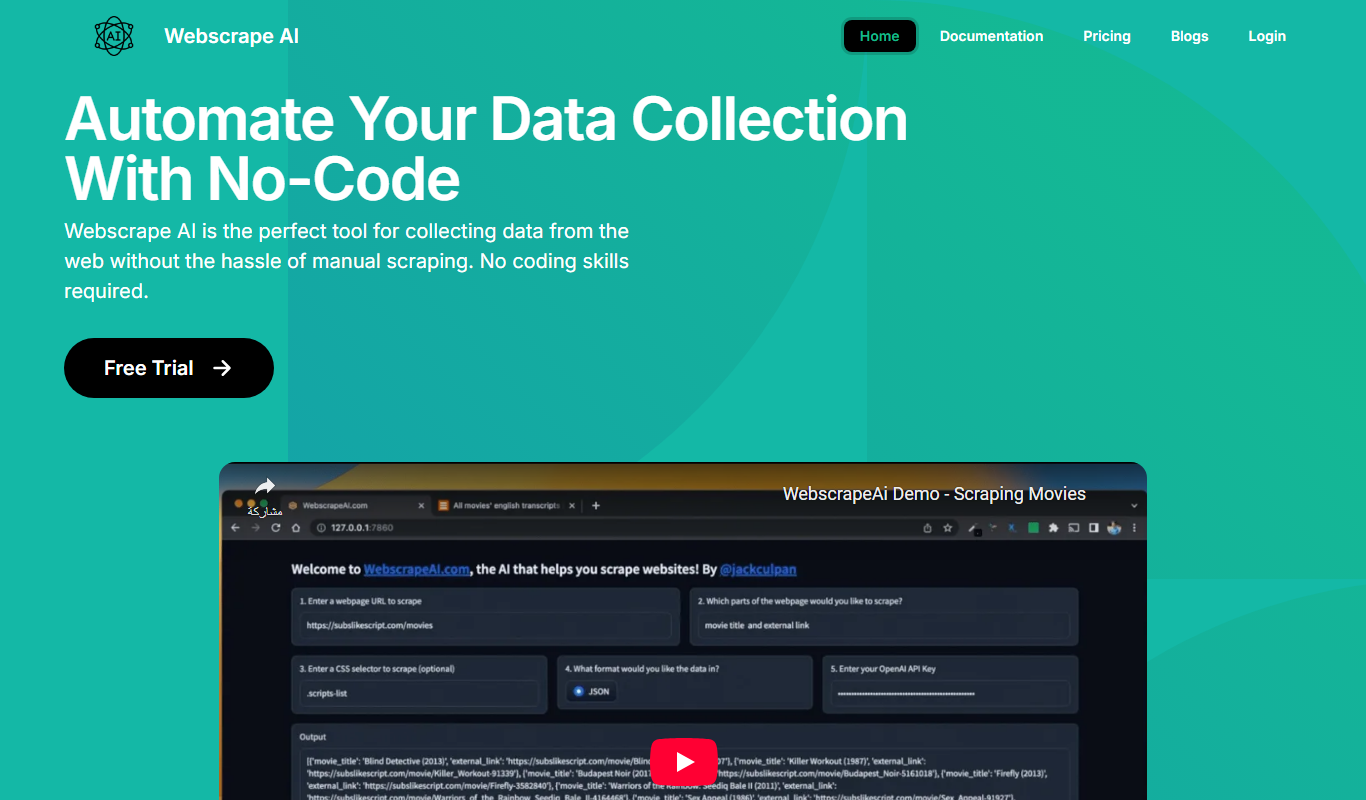
webscraping.ai
Webscraping.ai is an AI-powered platform that enables users to extract structured data from websites easily without coding, offering automation, scheduling, and API access.

Freemium
Razzle.ai
Razzle.ai is an AI-driven platform that helps marketing and social media teams generate high-quality, brand-consistent content quickly for various channels including social media, ads, and emails.
Free Trial
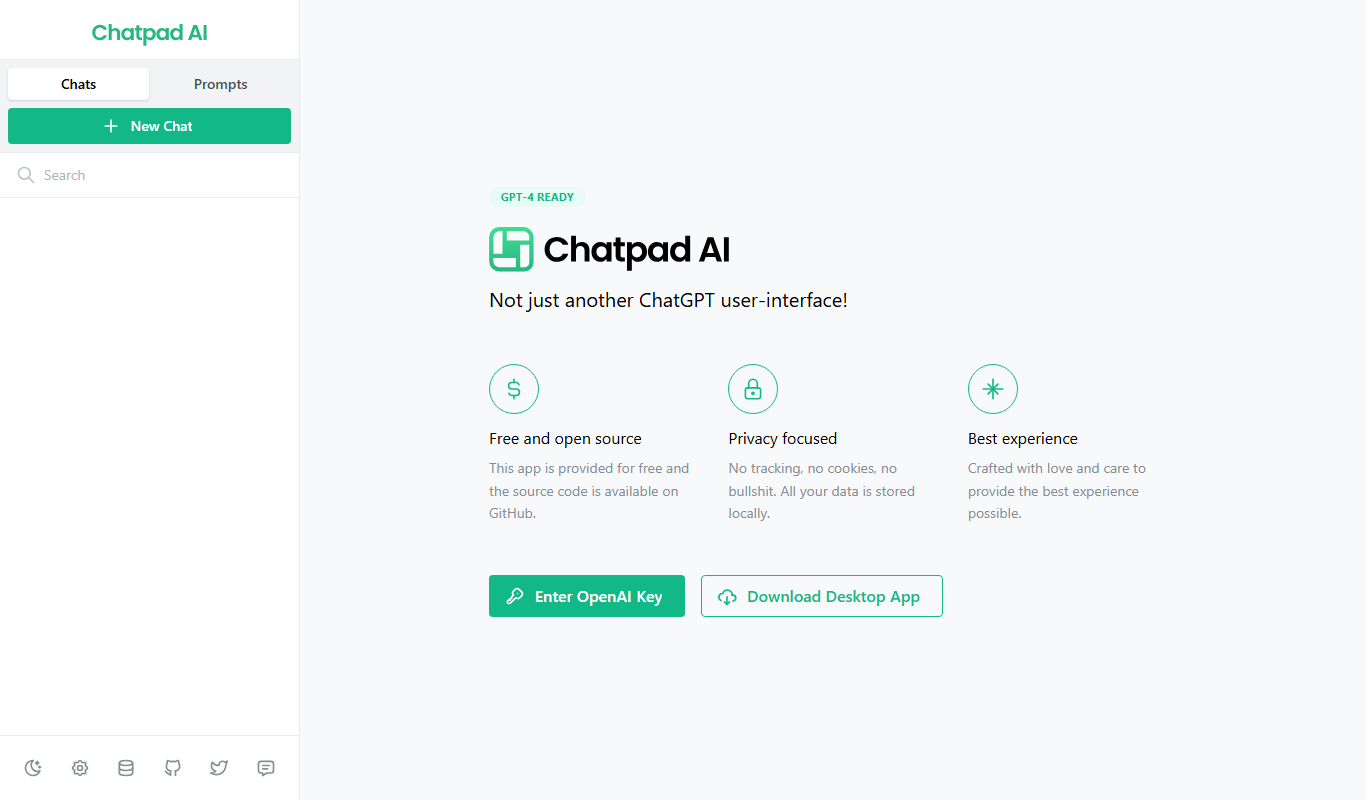
Chatpad AI
Chatpad AI is a conversational AI platform that helps businesses automate customer interactions through customizable chatbots deployed on websites and other channels.
Free Trial
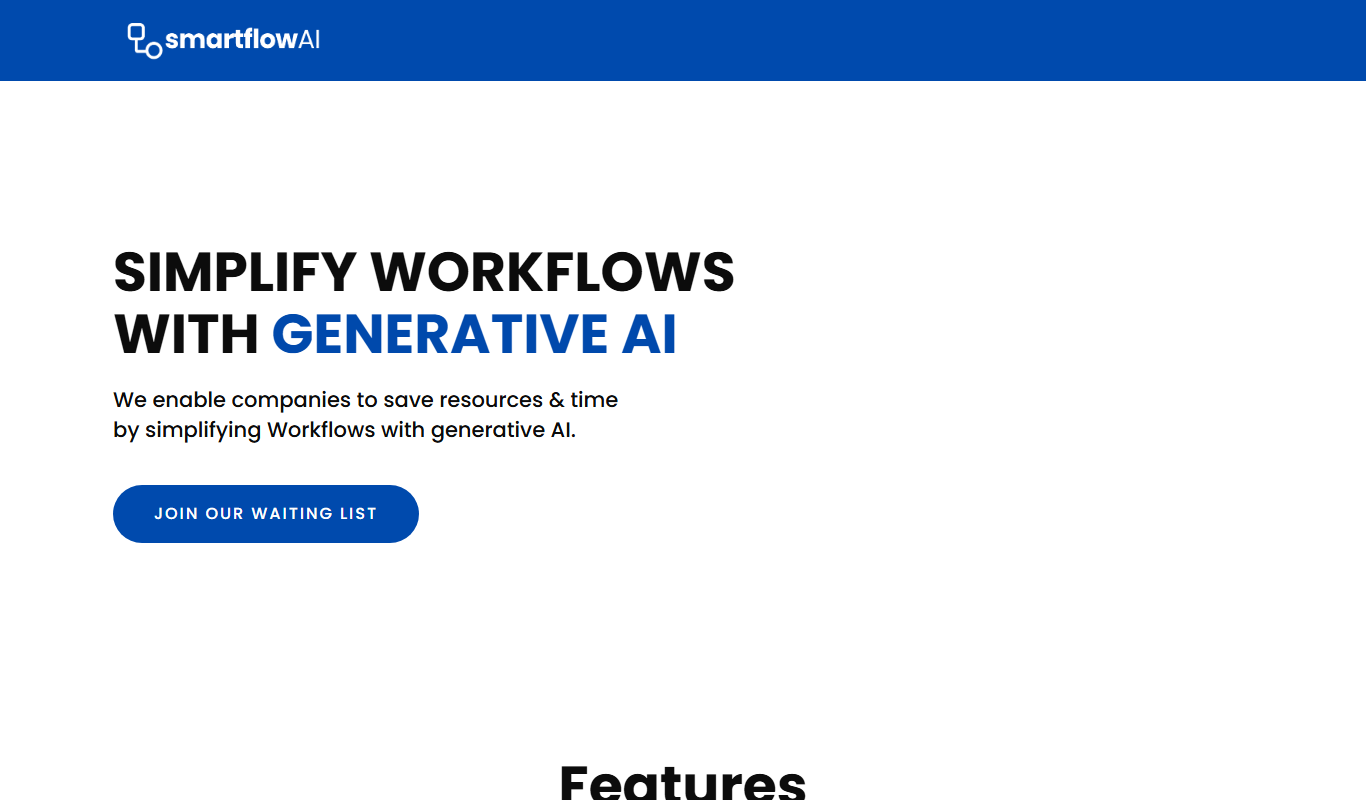
SmartflowAI
SmartflowAI is a web-based AI-powered workflow automation platform that helps businesses automate and optimize their processes through custom workflows, data integration, and real-time monitoring.