
From my experience with Boardmix online whiteboard, I found it excels at providing an intuitive and flexible platform for real-time team collaboration and brainstorming. The ease of inviting collaborators and the variety of interactive tools make it especially useful for remote teams and creative sessions. However, some advanced integrations and features are locked behind paid plans, which might limit smaller teams relying solely on the free tier. Overall, if you need a straightforward, cross-platform whiteboard solution for visual collaboration and project planning, Boardmix delivers solid performance and usability.
Boardmix Online Whiteboard for Collaborative Teamwork and Brainstorming
Boardmix is an online whiteboard tool designed for real-time team collaboration, brainstorming, and project planning accessible via web and mobile platforms.
What is Boardmix online whiteboard?
Boardmix is an online whiteboard platform designed to enhance team collaboration and creativity. It offers a flexible digital canvas where users can brainstorm, plan projects, and conduct workshops in real time. With a variety of interactive tools such as sticky notes, drawing pens, and templates, Boardmix helps teams visualize ideas and workflows effectively, regardless of their physical location.
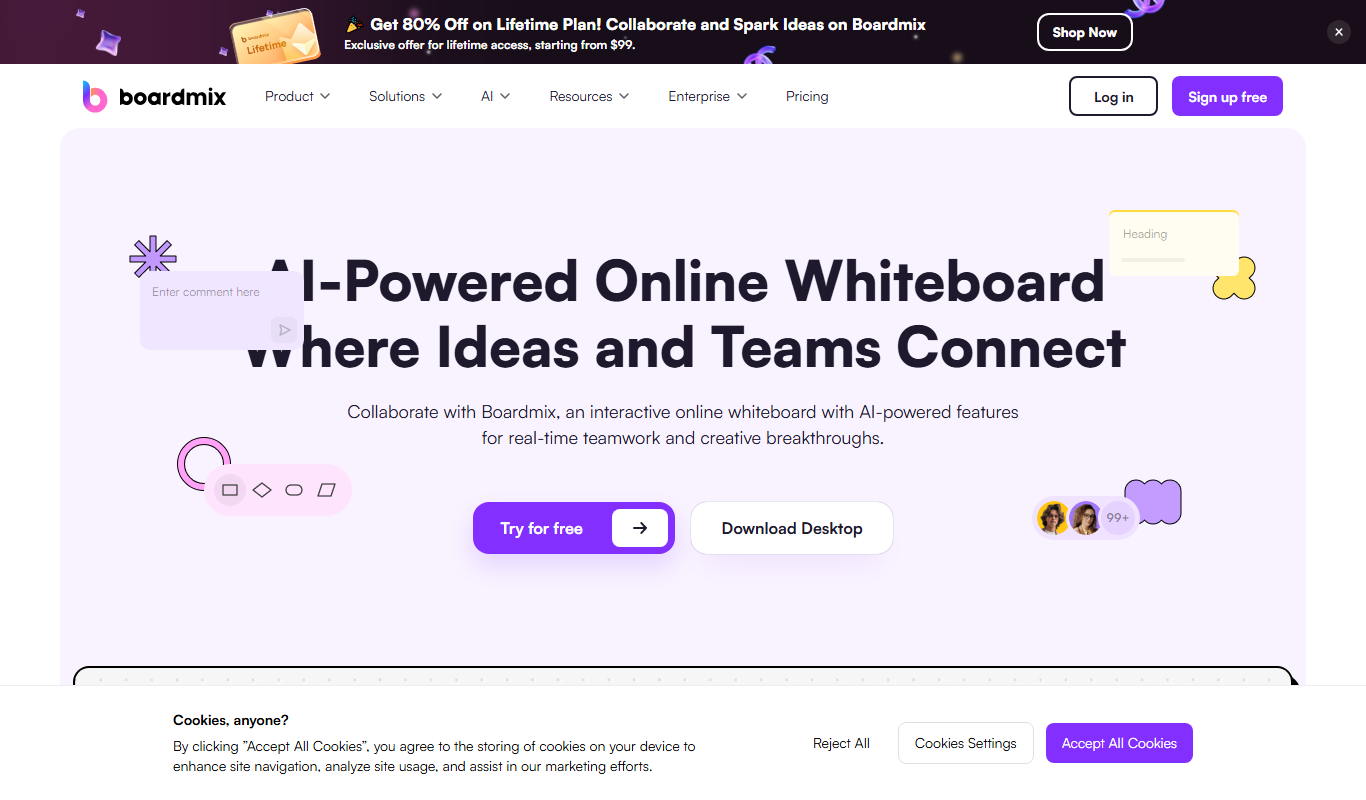
Key Features of Boardmix online whiteboard
Real-Time Multi-User Collaboration
Multiple users can simultaneously interact on the same board with live updates.
Rich Drawing and Annotation Tools
Includes pens, shapes, sticky notes, text boxes, and image embedding for versatile content creation.
Customizable Templates
Offers a variety of templates for brainstorming, project planning, retrospectives, and more.
Cross-Platform Accessibility
Accessible via web browsers and mobile apps on iOS and Android devices.
Integration with Productivity Apps
Supports integrations with tools like Slack, Microsoft Teams, and Google Drive for streamlined workflows.
Pros and Cons of Boardmix online whiteboard
Pros
- Intuitive and user-friendly interface
- Robust real-time collaboration features
- Wide range of templates and tools
- Cross-platform support including mobile apps
- Flexible pricing plans including a free tier
Cons
- Limited advanced integrations compared to some competitors
- Some features require paid subscription
Key Use Cases for Boardmix online whiteboard
Remote Team Collaboration
Facilitates real-time collaboration among remote teams with shared whiteboards and interactive tools.
Brainstorming Sessions
Supports creative brainstorming with sticky notes, drawing tools, and templates to capture ideas visually.
Project Planning
Enables teams to organize tasks, timelines, and workflows visually for better project management.
Workshops and Training
Provides an interactive space for conducting workshops, training sessions, and presentations online.
Design Collaboration
Allows designers and stakeholders to co-create, annotate, and iterate on visual concepts together.
How Boardmix online whiteboard Works
-
1
Create an Account
Sign up on the Boardmix website or mobile app to start using the whiteboard.
-
2
Start a New Board
Create a new whiteboard from scratch or choose from various templates tailored for different use cases.
-
3
Invite Team Members
Share the board link or invite collaborators via email to work together in real time.
-
4
Collaborate and Edit
Use drawing tools, sticky notes, text, and images to brainstorm, plan, and organize ideas interactively.
-
5
Save and Export
Save your work automatically and export boards as images or PDFs for sharing outside the platform.
Who's Using Boardmix online whiteboard
Remote teams
Project managers
Educators and trainers
Designers and creative professionals
Startups and SMEs
Boardmix online whiteboard Pricing
Free
$0/month
Basic features with limited boards and collaborators.
Pro
$8/month per user
Unlimited boards, advanced features, and priority support.
Enterprise
Custom pricing
Tailored solutions with enhanced security, integrations, and dedicated support.
Frequently Asked Questions About Boardmix online whiteboard
Yes, Boardmix offers a free plan with basic features suitable for individual users and small teams.
Absolutely, Boardmix is designed to facilitate real-time collaboration among remote and distributed teams.
Boardmix is accessible via web browsers and has mobile apps for both iOS and Android.
Yes, you can export boards as images or PDFs for offline sharing and archiving.
This tool is designed to help users accomplish its core tasks more efficiently. It is typically used by individuals or teams looking to improve productivity and workflow.
Some tools offer a free plan or trial with limited features. Availability can vary, so confirm on the official website.
Yes, it can help with that use case depending on how you configure it and what features are available. You’ll get the best results with clear inputs and a defined goal.
Yes, it can help with that use case depending on how you configure it and what features are available. You’ll get the best results with clear inputs and a defined goal.
Share your review
Reviews are limited to one per logged-in user and are published after moderation.
You need an account to review this tool.
0.0
★
★
★
★
★
0 reviews
5 star
0
4 star
0
3 star
0
2 star
0
1 star
0
No reviews yet
Be the first to share how this tool worked for you.
Questions from the community
Read questions and answers about this tool, or ask your own.
No questions yet
Start the conversation by asking the first question about this tool.
Is this tool helpful?

Free
MeetLess
MeetLess is a web platform that helps teams reduce meeting time by providing structured agendas, real-time collaborative notes, and task assignment features.

Free
Build Club
Build Club is an AI-driven platform that helps software developers collaborate, generate code, and prototype projects efficiently in a shared web environment.

Free Trial
Portals.co
Portals.co is a web-based platform that enables businesses to create custom, branded client portals for secure file sharing, messaging, and project collaboration without coding.

Free Trial
mindlib
Mindlib is a web-based knowledge management platform that helps teams and individuals organize, share, and collaborate on documents and knowledge bases efficiently.

Free Trial
PeopleGPT by Juicebox
PeopleGPT by Juicebox is an AI-driven platform that centralizes and analyzes employee data, enabling teams to access detailed people insights through natural language queries for better collaboration and talent management.
Free
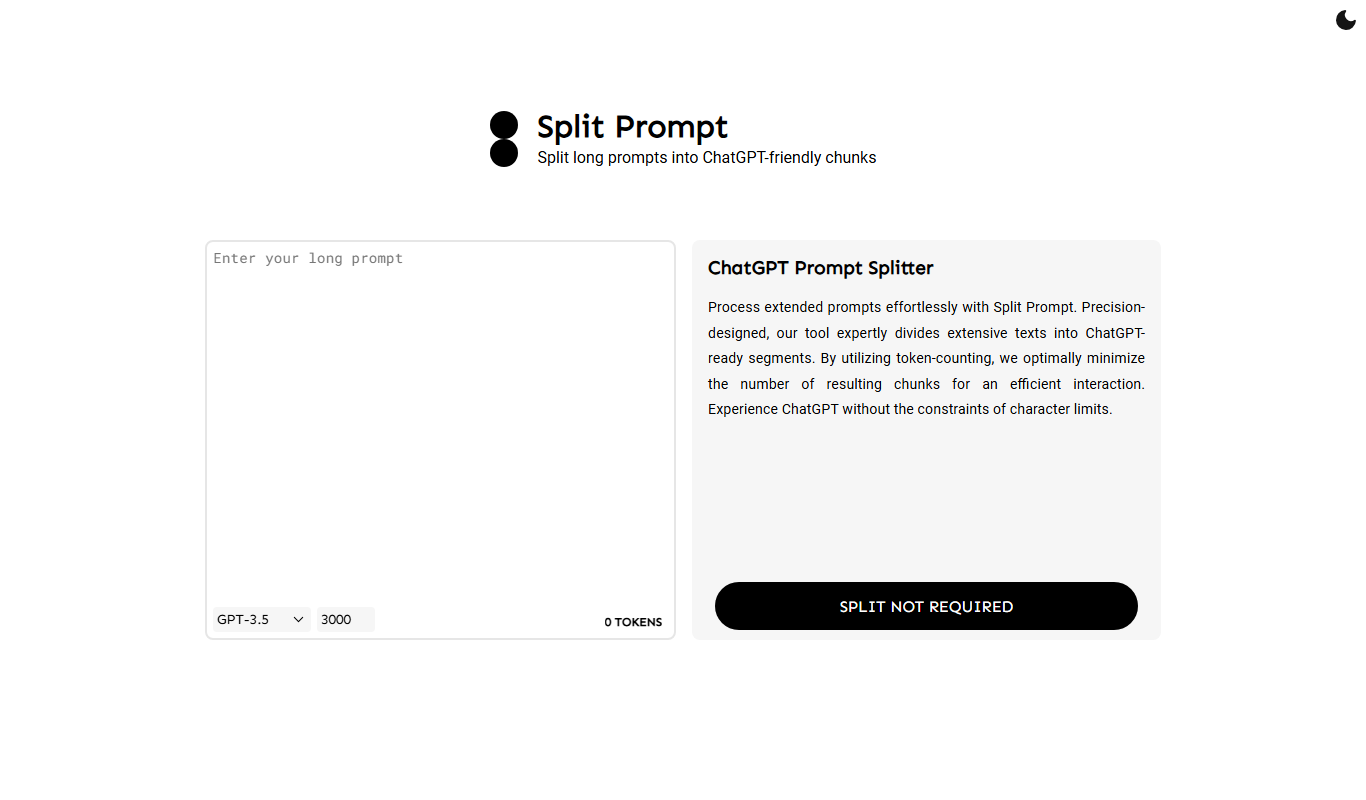
Split Prompt
Split Prompt is a web-based tool designed to help users organize, version, and collaborate on AI prompts efficiently, improving AI workflow productivity.
Free
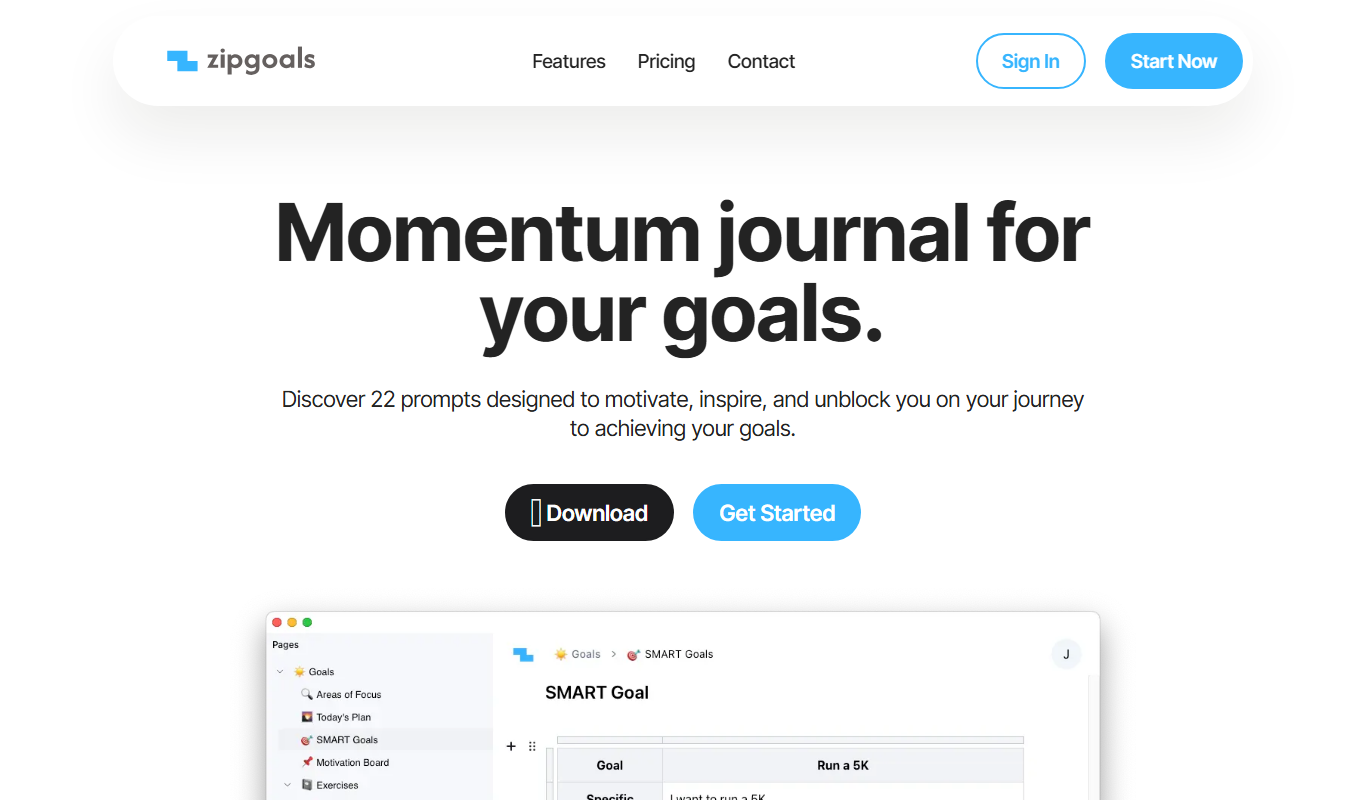
Zipgoals
Zipgoals is a goal tracking software designed for individuals and teams to set objectives, track progress, and improve productivity using features like OKR management and reporting.

Free
Substrate
Substrate Run is a cloud-based IDE that allows developers to collaborate in real-time on code projects directly from their browsers without local setup.