
From my experience with Spellbox, I found it excels at providing a straightforward and efficient AI writing assistant that supports a variety of creative and professional writing tasks. The platform’s clean interface and multiple writing modes make it accessible for both beginners and experienced content creators. However, the limitation to English language support and lack of mobile apps might restrict some users. Overall, if you need a reliable AI tool for brainstorming, drafting, or refining written content, Spellbox delivers solid results with an affordable pricing model.

Spellbox AI Writing Assistant for Creative and Efficient Content Generation
Spellbox is an AI-powered writing assistant that helps users generate, edit, and refine creative and professional content through an easy-to-use web platform.
Categories:
AI Content Creation Tools
AI Productivity Tools
AI Writing & Content Tools
Storyboard AI
Tech Stack:
JavaScript
Node.js
Python
React
What is Spellbox?
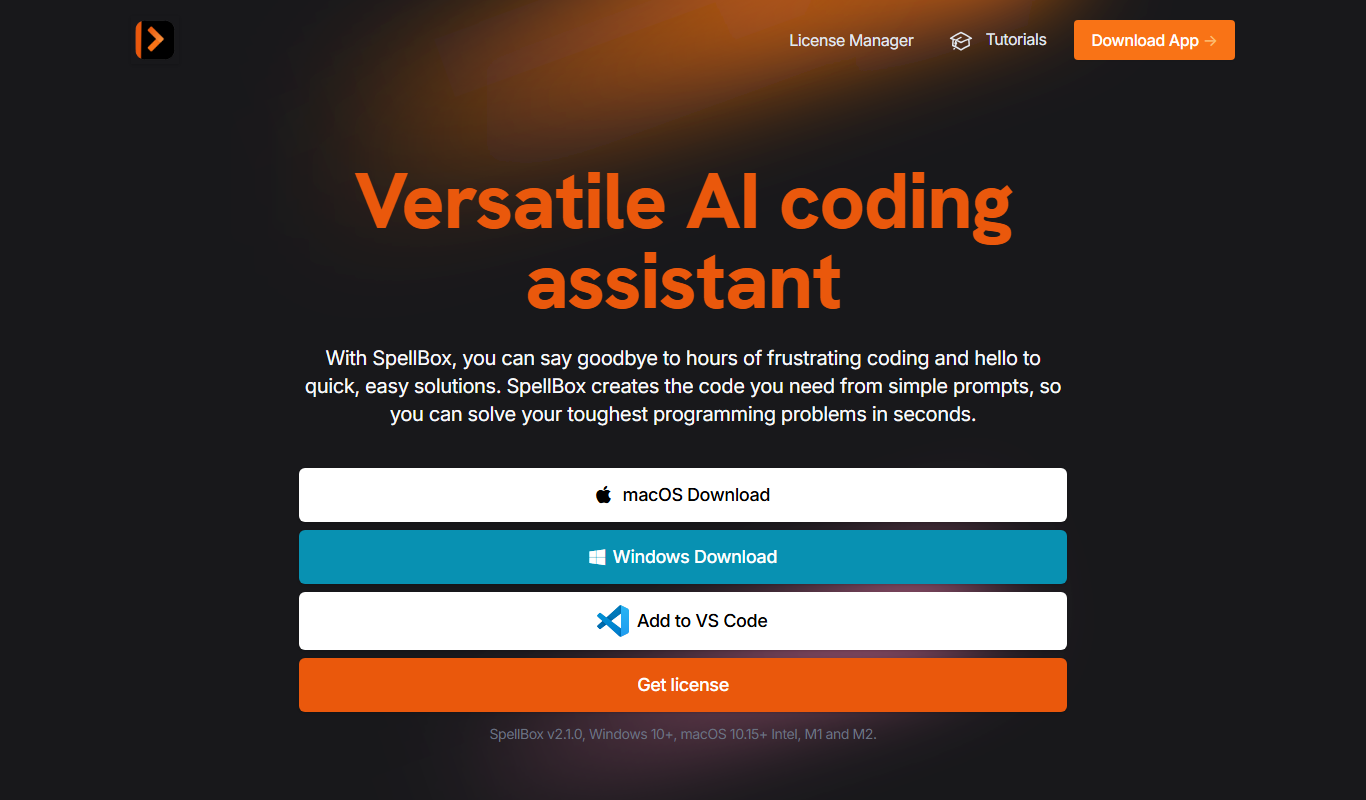
Spellbox is an AI-powered writing assistant designed to help users generate creative and professional content quickly. It leverages advanced language models to assist with brainstorming, drafting, and refining text across various writing styles and formats. The tool is accessible via a web platform, providing an intuitive interface for writers, marketers, and content creators to enhance productivity and creativity.
Key Features of Spellbox
AI-Powered Content Generation
Automatically generate creative and professional text based on user prompts.
Multiple Writing Modes
Supports various writing tasks including storytelling, article writing, and rewriting.
User-Friendly Interface
Clean and intuitive design for easy interaction with AI tools.
Real-Time Editing
Instantly edit and refine AI-generated content within the platform.
Pros and Cons of Spellbox
Pros
- Easy to use with a clean interface
- Supports multiple writing styles and tasks
- Affordable pricing with a free tier
- Fast content generation
Cons
- Limited language support (English only)
- No dedicated mobile app available
Key Use Cases for Spellbox
Creative Writing
Generate story ideas, character descriptions, and narrative content to support authors and storytellers.
Content Generation
Produce blog posts, articles, and marketing copy efficiently with AI-assisted writing.
Brainstorming and Ideation
Use AI to brainstorm concepts, outlines, and creative directions for various writing projects.
Editing and Refinement
Improve existing text by rewriting, expanding, or polishing content for clarity and engagement.
How Spellbox Works
-
1
Create an Account
Sign up on the Spellbox website to access the AI writing tools.
-
2
Select Writing Mode
Choose from various writing modes such as story generation, article drafting, or rewriting.
-
3
Input Prompts
Provide initial text or prompts to guide the AI in generating content.
-
4
Generate and Edit
Review AI-generated content and make edits or request refinements as needed.
Who's Using Spellbox
Content creators
Authors and storytellers
Marketing professionals
Small business owners
Students and educators
Spellbox Pricing
Free
$0/month
Access to basic AI writing features with limited usage.
Pro
$15/month
Unlimited access to all features, faster generation speeds, and priority support.
Frequently Asked Questions About Spellbox
Yes, Spellbox offers a free plan with limited features and usage.
Spellbox supports creative writing, content generation, rewriting, and brainstorming.
Currently, Spellbox is accessible via web browsers and does not have dedicated mobile apps.
It depends on your specific needs and how you plan to use the tool. The official website and documentation are the best sources for the latest details.
Pricing depends on the plan and included features. For the most accurate and up-to-date details, check the official pricing page.
Yes, it can help with that use case depending on how you configure it and what features are available. You’ll get the best results with clear inputs and a defined goal.
Share your review
Reviews are limited to one per logged-in user and are published after moderation.
You need an account to review this tool.
0.0
★
★
★
★
★
0 reviews
5 star
0
4 star
0
3 star
0
2 star
0
1 star
0
No reviews yet
Be the first to share how this tool worked for you.
Questions from the community
Read questions and answers about this tool, or ask your own.
No questions yet
Start the conversation by asking the first question about this tool.
Is this tool helpful?

Free
Blizzy
Blizzy is an AI writing assistant that helps users generate and improve text content quickly through real-time AI suggestions and editing tools.

Freemium
yuzzit.video
Yuzzit.video is an AI-driven platform that automates video editing by analyzing raw footage and assembling polished videos using customizable templates and cloud collaboration.
Freemium
DeepMaker AI
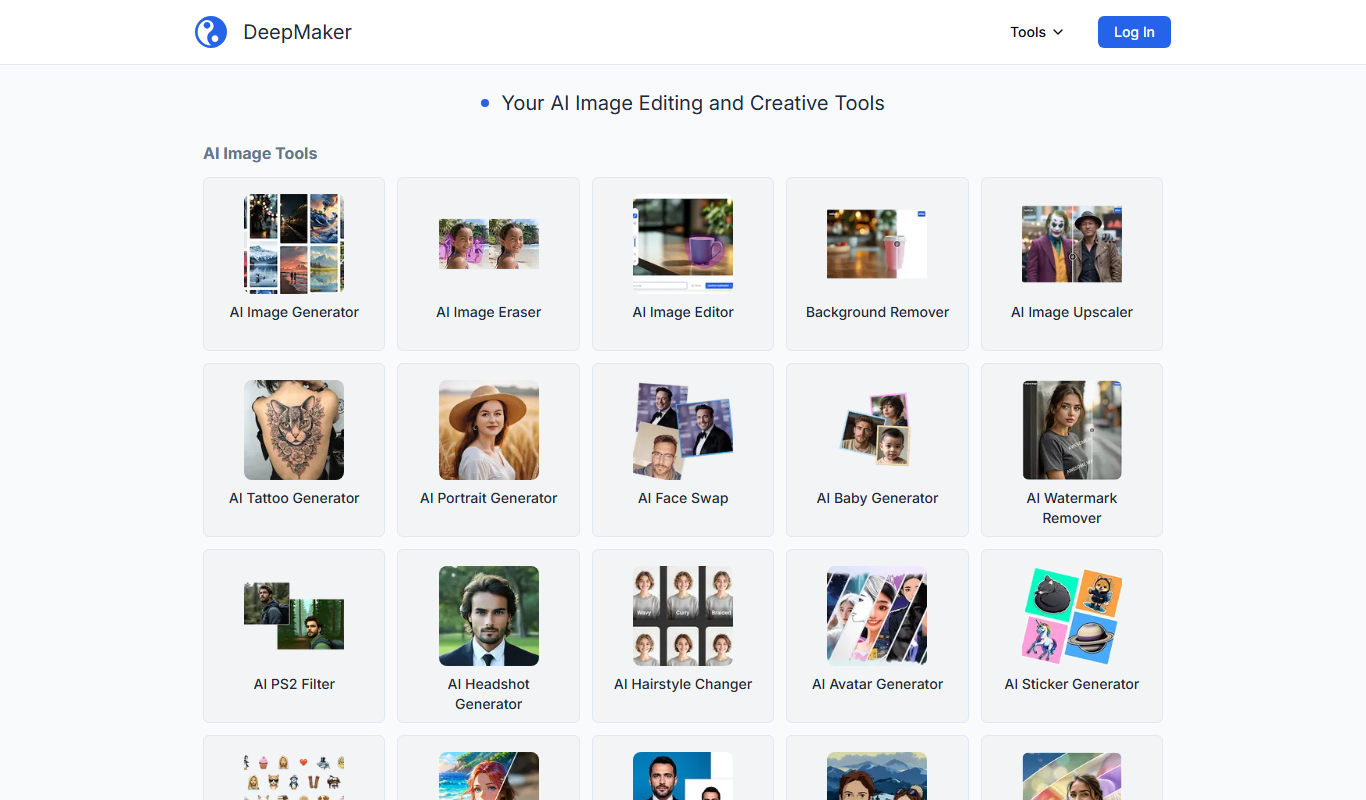
DeepMaker AI is a web-based platform that uses artificial intelligence to automate video editing and creation, offering customizable templates and voiceover integration to help users produce professional videos quickly.
Freemium
Narkis.ai
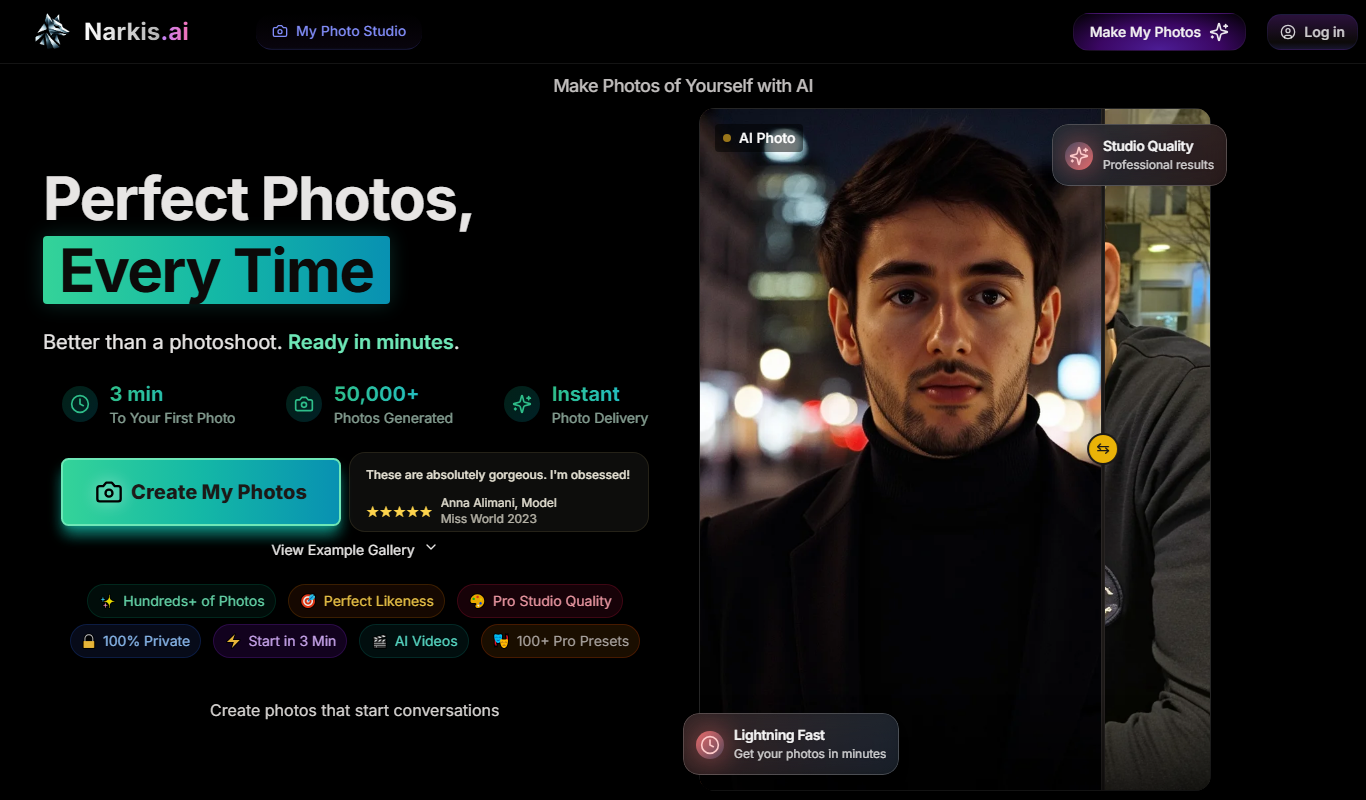
Narkis.ai is an AI-powered writing assistant designed to generate SEO-friendly content, marketing copy, and blog posts with customizable tone and keyword integration.

Freemium
Sveltron
Sveltron is an AI-powered writing assistant that helps users generate, edit, and improve written content efficiently through real-time suggestions and grammar corrections.

Free
MyItura
MyItura is an AI-powered writing assistant designed to help marketers and content creators generate high-quality, SEO-friendly content efficiently.
Free
1440.io
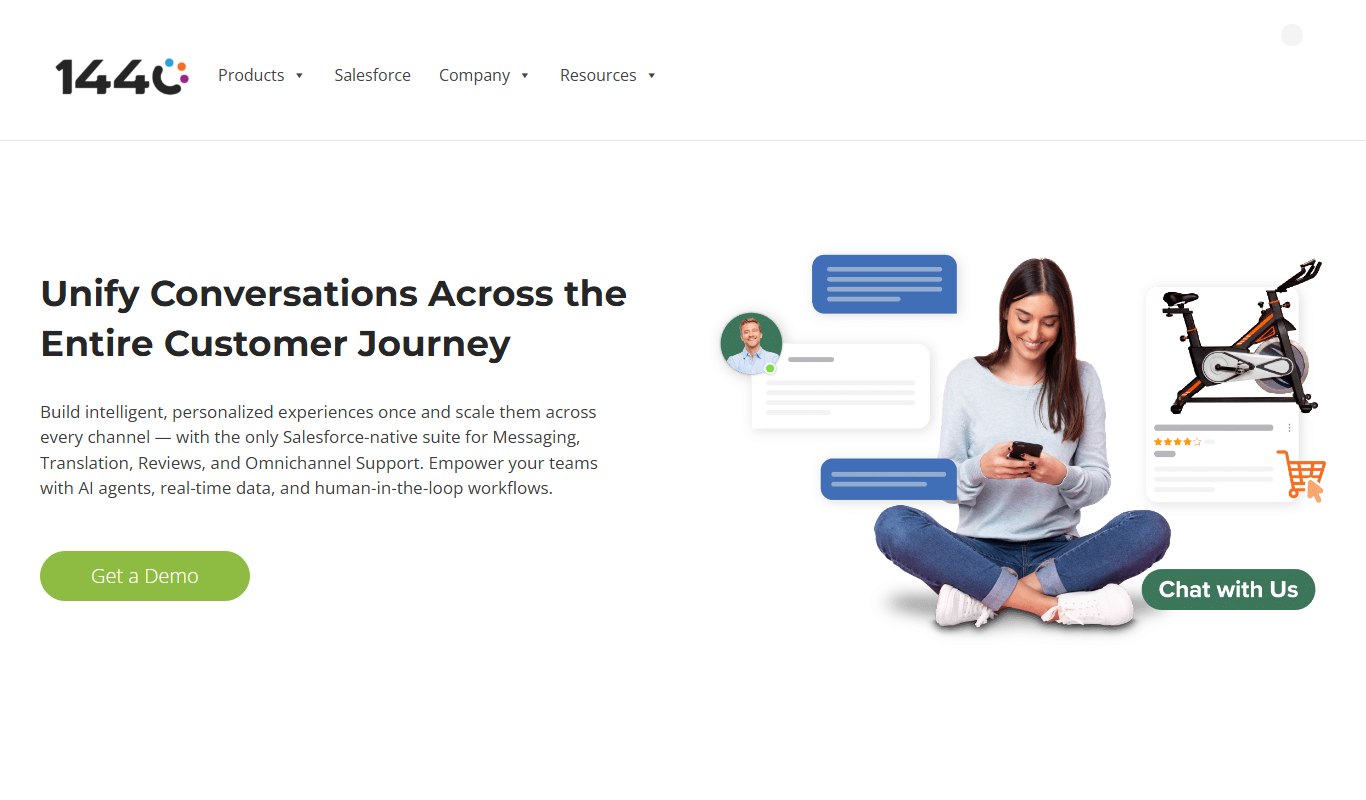
1440.io is an AI-powered writing assistant that helps users generate, edit, and improve written content efficiently through advanced AI features.

Freemium
Scenario
Scenario is an AI tool that generates customizable game characters for developers and streamers, offering fast, high-quality art assets with easy export options.