
From my experience with Databox, I found it excels at simplifying complex data into clear, actionable dashboards that anyone on a team can understand. After spending time with the platform, I can say it’s particularly well-suited for marketing teams and business managers who need to track multiple data sources without technical overhead. However, there’s a trade-off: some advanced customization and integrations require higher-tier plans, which might be a barrier for smaller businesses. Overall, if you need a centralized, real-time view of your business metrics with easy sharing and mobile access, Databox delivers solid results.
Databox Business Analytics Platform for Data Visualization and Reporting
Databox is a business analytics platform that consolidates data from multiple sources into customizable dashboards, enabling real-time KPI tracking and automated reporting for better decision-making.
Tech Stack:
AWS
JavaScript
Node.js
React
What is Databox?
Databox is a business analytics platform designed to help companies visualize, track, and report on their data from multiple sources in one centralized dashboard. It enables users to monitor KPIs in real time, create custom reports, and make data-driven decisions without needing advanced technical skills.
Key Features of Databox
Pre-built Integrations
Connect with over 70 popular business tools including Google Analytics, HubSpot, Salesforce, and more.
Customizable Dashboards
Design dashboards with flexible widgets to visualize data exactly how you need.
Mobile App Access
Access your dashboards and reports on the go via iOS and Android apps.
Automated Reporting
Schedule and automate report delivery to keep your team informed without manual effort.
Data Alerts
Receive notifications when key metrics change significantly or reach set goals.
Pros and Cons of Databox
Pros
- Easy integration with numerous data sources
- User-friendly drag-and-drop dashboard builder
- Real-time data visualization and alerts
- Mobile apps for data access anywhere
- Automated reporting saves time
Cons
- Advanced features require higher-tier plans
- Customization options can be overwhelming for beginners
- Limited offline data access
Key Use Cases for Databox
Business Performance Tracking
Monitor key performance indicators (KPIs) across multiple data sources in real time to make informed business decisions.
Marketing Analytics
Aggregate marketing data from platforms like Google Ads, Facebook, and HubSpot to analyze campaign effectiveness and ROI.
Sales Reporting
Visualize sales data from CRM and e-commerce platforms to track revenue, pipeline, and sales team performance.
Data Integration
Connect and unify data from over 70 integrations including Google Analytics, Salesforce, and Shopify for centralized reporting.
Custom Dashboard Creation
Build tailored dashboards with drag-and-drop widgets to focus on metrics that matter most to your business.
How Databox Works
-
1
Connect Data Sources
Link your business tools and platforms to Databox through pre-built integrations or APIs.
-
2
Create Dashboards
Use drag-and-drop widgets to build custom dashboards tailored to your KPIs and business goals.
-
3
Set Alerts and Goals
Configure alerts to notify you when metrics hit targets or fall below thresholds.
-
4
Analyze and Share
Review real-time data insights and share reports with your team or stakeholders.
Who's Using Databox
Marketing agencies
Small and medium businesses
Sales teams
Data analysts
Business executives
Databox Pricing
Free
$0/month
Basic access with limited data sources and dashboards, suitable for small teams or trial.
Starter
$49/month
Includes more data connections, additional dashboards, and email support.
Professional
$199/month
Advanced features including data alerts, API access, and priority support.
Business
Custom pricing
Tailored solutions for enterprises with dedicated support and onboarding.
Frequently Asked Questions About Databox
Databox supports over 70 integrations including Google Analytics, HubSpot, Salesforce, Facebook Ads, Shopify, and many more.
Yes, Databox offers mobile apps for both iOS and Android to view dashboards and receive alerts on the go.
Databox provides a free plan with limited features and a trial period for paid plans to test advanced capabilities.
Absolutely, Databox allows you to create fully customizable dashboards using drag-and-drop widgets.
This tool is designed to help users accomplish its core tasks more efficiently. It is typically used by individuals or teams looking to improve productivity and workflow.
Data handling and security practices vary by provider. Review the official privacy policy to understand how your data is stored and used.
Some tools offer a free plan or trial with limited features. Availability can vary, so confirm on the official website.
Data handling and security practices vary by provider. Review the official privacy policy to understand how your data is stored and used.
Share your review
Reviews are limited to one per logged-in user and are published after moderation.
You need an account to review this tool.
0.0
★
★
★
★
★
0 reviews
5 star
0
4 star
0
3 star
0
2 star
0
1 star
0
No reviews yet
Be the first to share how this tool worked for you.
Questions from the community
Read questions and answers about this tool, or ask your own.
No questions yet
Start the conversation by asking the first question about this tool.
Is this tool helpful?

Subscription
AgriWebb
AgriWebb is a farm management software that helps farmers track livestock, plan operations, analyze data, and collaborate with teams through mobile and web apps.

Custom Pricing
ComplyAdvantage
ComplyAdvantage is an AI-powered platform that automates AML screening, transaction monitoring, and risk management to help businesses comply with financial regulations and detect financial crime.

Free Trial
Vuepak
Vuepak is an AI content generation tool designed to create marketing and SEO-optimized content such as blog posts, ads, and product descriptions through an easy-to-use web platform.
Free
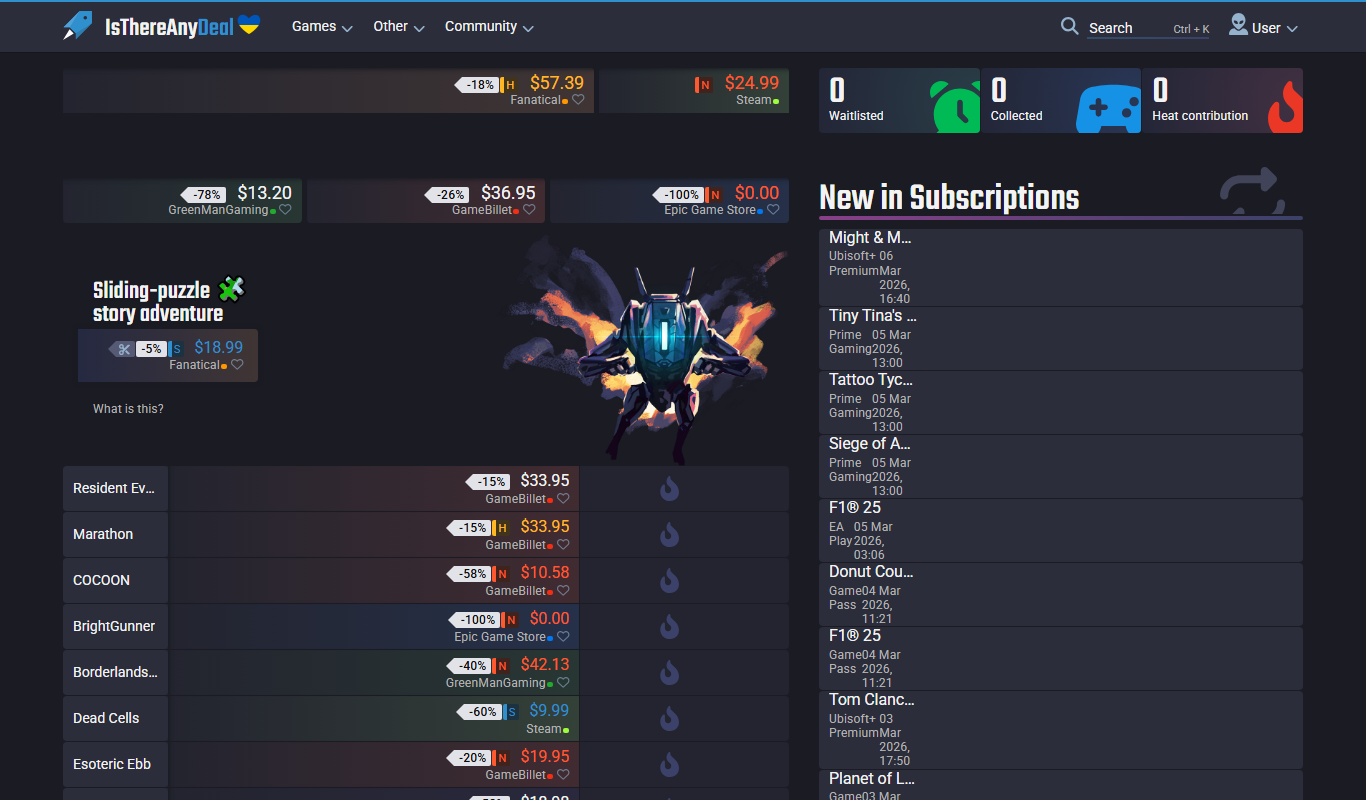
IsThereAnyDeal
IsThereAnyDeal is a free web platform that tracks video game prices across multiple digital stores, providing price comparison, historical data, and customizable discount alerts to help gamers find the best deals.
Subscription
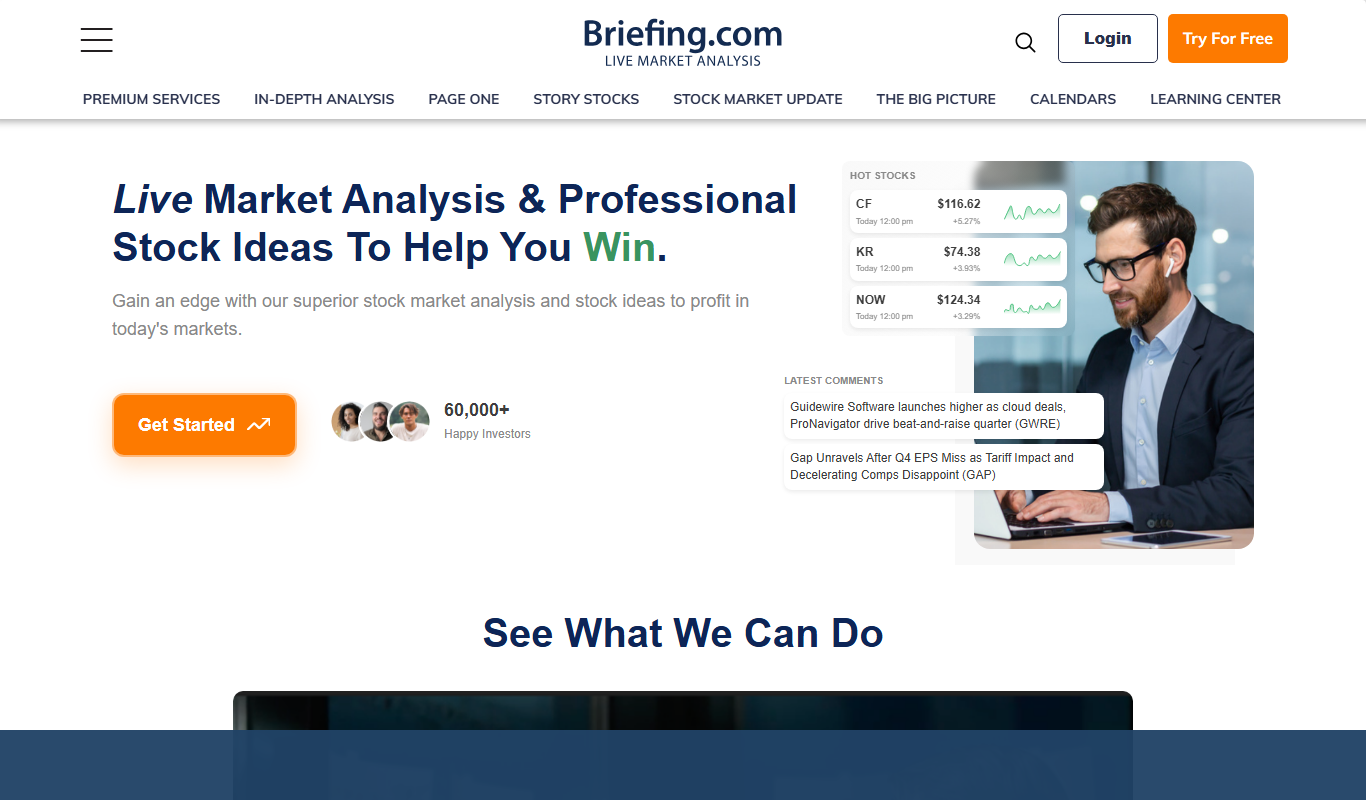
Briefing.com
Briefing.com is a subscription-based platform providing real-time financial market news, economic data, and expert analysis to help investors and traders make informed decisions.

Custom Pricing
Tastewise
Tastewise is an AI-powered platform that provides real-time food trend tracking, consumer segmentation, and market intelligence to help food brands and marketers make data-driven decisions.

Custom Pricing
Styku
Styku is a 3D body scanning software platform that provides precise body measurements and 3D models for fitness, apparel fitting, and health monitoring applications.

Freemium
Morningstar
Morningstar is a financial research platform providing detailed investment data, portfolio tracking, and market analysis to help investors make informed decisions.