
From my experience with GetOData, I found it excels at simplifying complex API integrations without requiring any coding knowledge. The platform’s drag-and-drop interface and data transformation capabilities make it accessible for users who want to automate workflows and unify data from multiple sources quickly. It’s particularly well-suited for small businesses and marketing agencies that need to streamline data connectivity without developer resources. However, the platform is primarily web-based and lacks mobile apps, which might limit on-the-go management. Overall, if you need a straightforward no-code solution for API integration and automation, GetOData delivers solid functionality.

GetOData API Integration Platform for Seamless Data Connectivity
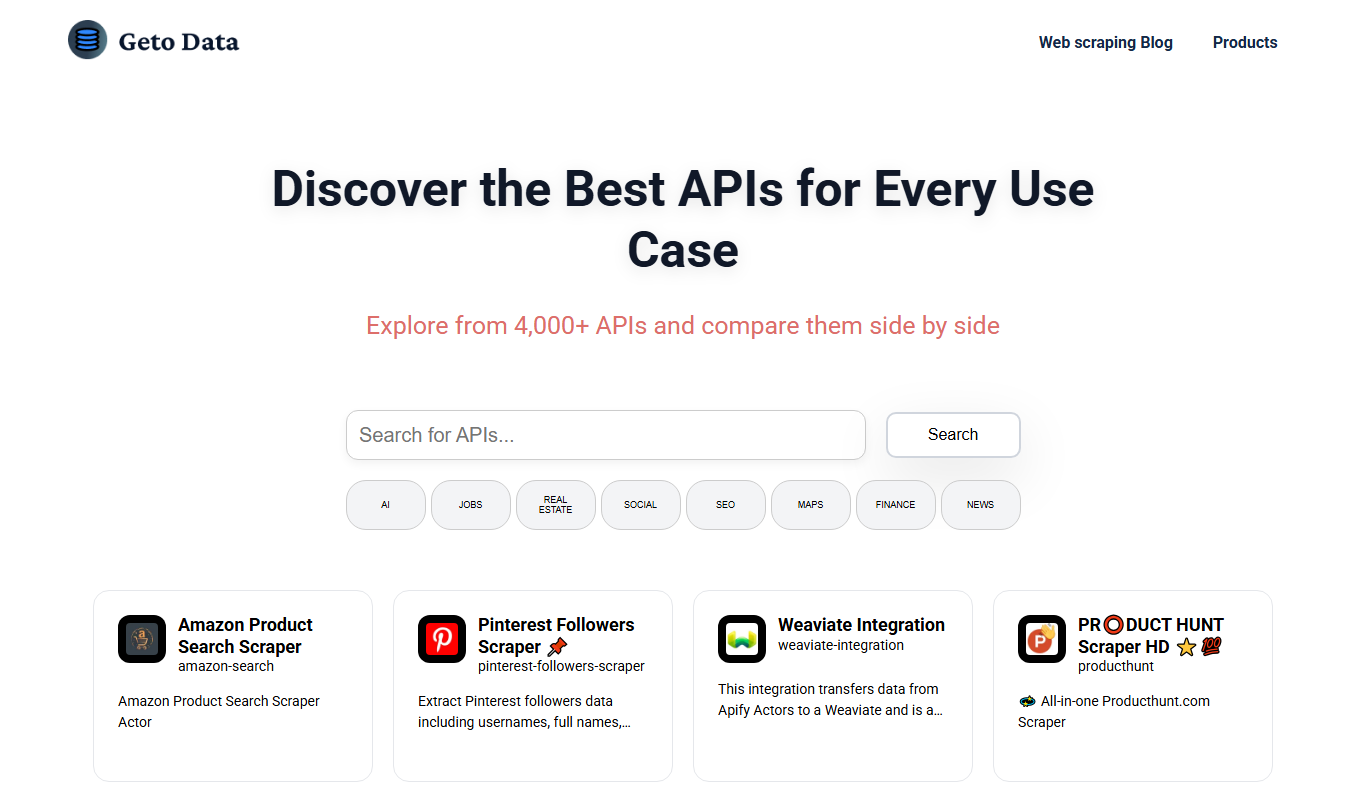
GetOData is a no-code platform that simplifies API integration by allowing users to connect, transform, and automate data workflows without coding.
What is GetOData?
GetOData is a no-code API integration platform designed to simplify connecting, aggregating, and automating data workflows across multiple APIs. It enables users to create unified API endpoints and automate data-driven processes without requiring programming skills.
Key Features of GetOData
No-Code API Integration
Connect and integrate multiple APIs without writing any code.
Data Transformation
Transform and combine data from different sources into unified formats.
Custom API Endpoint Creation
Create tailored API endpoints that aggregate and serve data as needed.
Workflow Automation
Automate tasks and processes triggered by API data changes.
User-Friendly Interface
Intuitive drag-and-drop tools for easy setup and management.
Pros and Cons of GetOData
Pros
- No coding required for API integration
- Supports data transformation and aggregation
- User-friendly drag-and-drop interface
- Flexible pricing plans including a free trial
- Enables automation of workflows
Cons
- Limited information on tech stack and integrations
- Primarily web-based, no mobile apps available
Key Use Cases for GetOData
API Integration Without Coding
Connect various APIs and data sources without writing code, enabling faster development and automation.
Data Aggregation
Aggregate data from multiple APIs into a single, unified endpoint for easier consumption and analysis.
Automation of Workflows
Automate business workflows by integrating APIs and triggering actions based on data changes.
Custom API Creation
Create custom APIs that combine and transform data from different sources to meet specific business needs.
How GetOData Works
-
1
Sign Up
Create an account on the GetOData platform to access the dashboard.
-
2
Connect APIs
Use the no-code interface to connect various APIs and data sources.
-
3
Configure Data Flows
Set up data transformations and aggregations to unify data as needed.
-
4
Create Custom Endpoints
Build custom API endpoints that serve combined or transformed data.
-
5
Automate Workflows
Set triggers and actions to automate processes based on API data.
Who's Using GetOData
Small to medium businesses
Marketing agencies
Data analysts
Product managers
No-code developers
GetOData Pricing
Free Trial
$0 for 14 days
Access to all features for 14 days to evaluate the platform.
Starter
$29/month
Basic API integration features with limited usage.
Professional
$99/month
Advanced features with higher usage limits and priority support.
Enterprise
Custom pricing
Tailored solutions with dedicated support and custom integrations.
Frequently Asked Questions About GetOData
No, GetOData is designed as a no-code platform, allowing users to integrate APIs without programming.
GetOData supports most RESTful APIs and offers connectors to popular services, with options to connect custom APIs.
Yes, GetOData offers a 14-day free trial with access to all features.
Yes, you can automate workflows by setting triggers and actions based on API data.
This tool is designed to help users accomplish its core tasks more efficiently. It is typically used by individuals or teams looking to improve productivity and workflow.
Data handling and security practices vary by provider. Review the official privacy policy to understand how your data is stored and used.
Data handling and security practices vary by provider. Review the official privacy policy to understand how your data is stored and used.
Pricing depends on the plan and included features. For the most accurate and up-to-date details, check the official pricing page.
Share your review
Reviews are limited to one per logged-in user and are published after moderation.
You need an account to review this tool.
0.0
★
★
★
★
★
0 reviews
5 star
0
4 star
0
3 star
0
2 star
0
1 star
0
No reviews yet
Be the first to share how this tool worked for you.
Questions from the community
Read questions and answers about this tool, or ask your own.
No questions yet
Start the conversation by asking the first question about this tool.
Is this tool helpful?
Alternative Tools
Explore similar AI tools that might fit your needs

Free Trial
Tray.io
Tray.io is a low-code automation platform that helps businesses connect APIs and automate workflows without extensive coding.

Freemium
AGM: AI Game Maker
AGM AI Game Maker is a web-based no-code platform that uses artificial intelligence to help users create 2D video games by generating assets, levels, and narratives without programming skills.

Free
SiteForge
SiteForge is a drag-and-drop website builder that allows users to create responsive websites without coding, offering templates, SEO tools, and hosting services.

Freemium
xBuilder.ai
xBuilder.ai is an AI-powered no-code website builder that enables users to create custom, responsive websites quickly using AI-assisted design and drag-and-drop tools without any coding skills.
Free Trial
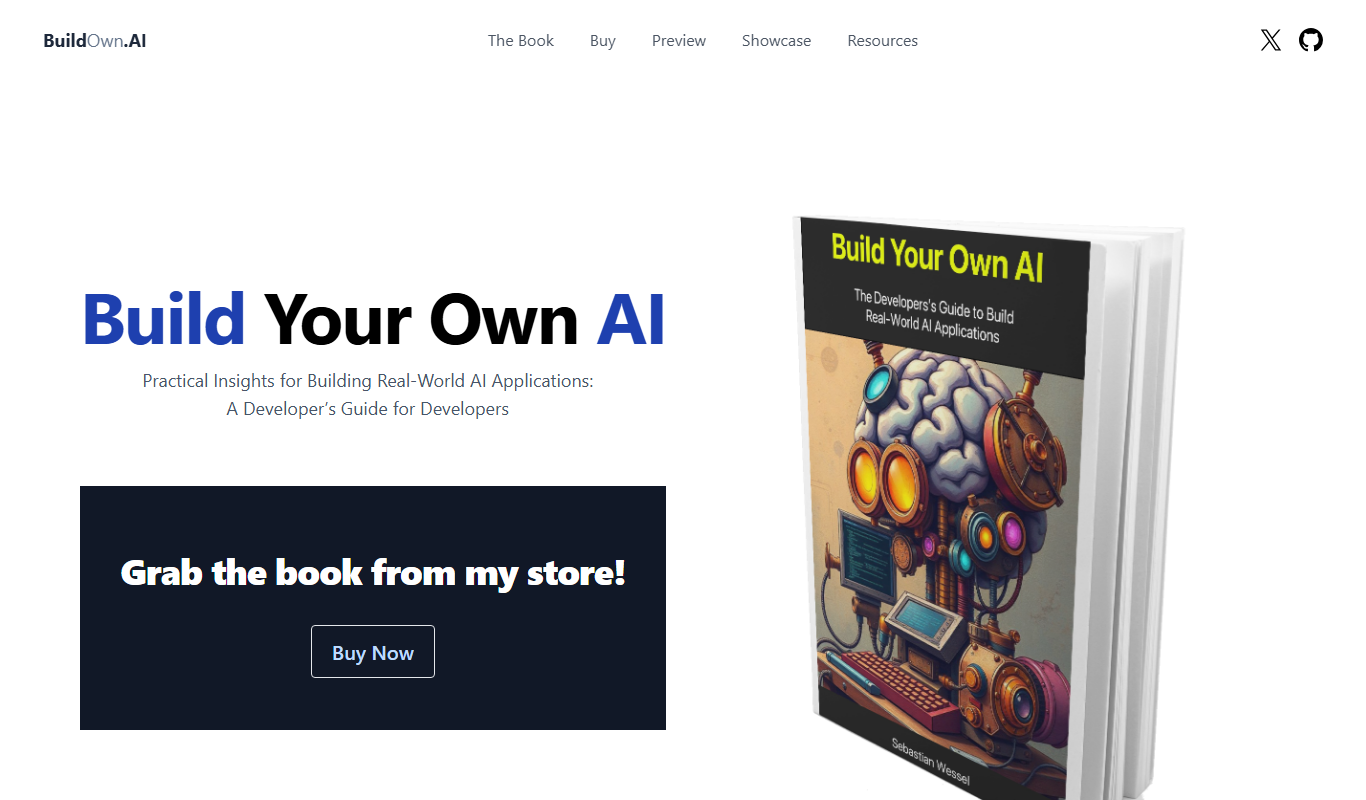
Build Your Own AI
Build Your Own AI is a no-code platform that enables users to create, train, and deploy custom AI models without programming skills, ideal for businesses and individuals seeking tailored AI solutions.
Free Trial
NocoAI
NocoAI is a no-code AI platform that enables users to build, train, and deploy custom AI applications through an intuitive drag-and-drop interface without coding skills.

Free
GPTs Hub
GPTs Hub is a no-code web platform that allows users to create, customize, and deploy their own GPT-powered chatbots and AI assistants with API integration and community sharing features.

Free Trial
Low-Code Development and AI
Amoga's Low-Code Development and AI platform enables rapid application building with drag-and-drop tools and AI automation, suitable for users with minimal coding skills.

Free Trial
Sitebrew
Sitebrew is an AI-powered no-code website builder that allows users to create, automate, and manage websites without coding, featuring a visual editor and content automation tools.