
From my experience with tute.ai, I found it excels at accelerating coding workflows by providing relevant AI-generated code snippets and real-time completion suggestions. The integration with VS Code and the interactive learning features make it a practical tool for both novice and experienced developers. However, it requires a stable internet connection and currently supports a limited set of programming languages compared to some competitors. Overall, if you want to boost your coding productivity and learn interactively, tute.ai offers a solid, user-friendly solution.
AI-Powered Coding Assistant and Developer Productivity Tool by tute.ai
tute.ai is an AI-driven coding assistant that helps developers write, complete, and debug code faster through intelligent suggestions and interactive learning tools.
Tech Stack:
JavaScript
Machine Learning
Python
What is tute.ai?
tute.ai is an AI-powered coding assistant designed to enhance developer productivity by providing intelligent code generation, completion, debugging help, and learning support. It integrates with popular IDEs and offers a web platform where developers can interact with AI to write, understand, and optimize code efficiently.
Key Features of tute.ai
AI Code Generation
Generate entire functions or code snippets based on natural language prompts or partial code.
Real-time Code Completion
Receive context-aware suggestions as you type to speed up coding.
Debugging Assistance
Identify errors and get suggestions to fix bugs quickly.
Interactive Learning
Access explanations and examples to learn programming concepts within the platform.
Code Review Feedback
Get AI-driven insights on code quality, style, and best practices.
Pros and Cons of tute.ai
Pros
- Speeds up coding with AI-generated snippets
- Helps debug and fix errors efficiently
- Supports interactive learning for developers
- Integrates with popular IDEs like VS Code
Cons
- Requires internet connection to function
- Limited language support compared to some competitors
- Free plan has restricted usage limits
Key Use Cases for tute.ai
Code Generation
Automatically generate code snippets and functions to speed up development.
Code Completion
Get AI-powered suggestions for completing code while typing.
Debugging Assistance
Receive help identifying and fixing bugs in your code.
Learning Programming
Use interactive AI explanations and examples to learn new programming concepts.
Code Review
Get AI-driven feedback on code quality and best practices.
How tute.ai Works
-
1
Sign Up
Create a free account on tute.ai’s website to access the platform.
-
2
Integrate with IDE or Use Web Platform
Install the VS Code extension or use the web interface to start coding with AI assistance.
-
3
Start Coding
Write code and receive AI-powered suggestions, code completions, and debugging help in real time.
-
4
Leverage Learning Tools
Use interactive explanations and examples to understand programming concepts and improve skills.
Who's Using tute.ai
Software developers
Programming students
Tech startups
Freelance coders
Development teams
tute.ai Pricing
Free
$0/month
Basic access with limited code generation and completions.
Pro
$15/month
Unlimited code generation, priority support, and advanced features.
Frequently Asked Questions About tute.ai
tute.ai primarily supports popular languages like Python, JavaScript, Java, and C++.
No, tute.ai requires an internet connection as it relies on cloud-based AI models.
Yes, tute.ai offers a free trial period for the Pro subscription.
It depends on your specific needs and how you plan to use the tool. The official website and documentation are the best sources for the latest details.
Yes, it can help with that use case depending on how you configure it and what features are available. You’ll get the best results with clear inputs and a defined goal.
Some tools offer a free plan or trial with limited features. Availability can vary, so confirm on the official website.
Share your review
Reviews are limited to one per logged-in user and are published after moderation.
You need an account to review this tool.
0.0
★
★
★
★
★
0 reviews
5 star
0
4 star
0
3 star
0
2 star
0
1 star
0
No reviews yet
Be the first to share how this tool worked for you.
Questions from the community
Read questions and answers about this tool, or ask your own.
No questions yet
Start the conversation by asking the first question about this tool.
Is this tool helpful?

Free
mancer
Mancer is an AI-driven platform that generates code snippets and functions from natural language descriptions, designed to assist developers in speeding up software development.

Freemium
Code Fundi
Code Fundi is an AI-driven developer assistant that generates code snippets, explains code, and helps debug programming issues through a simple web interface.
Free
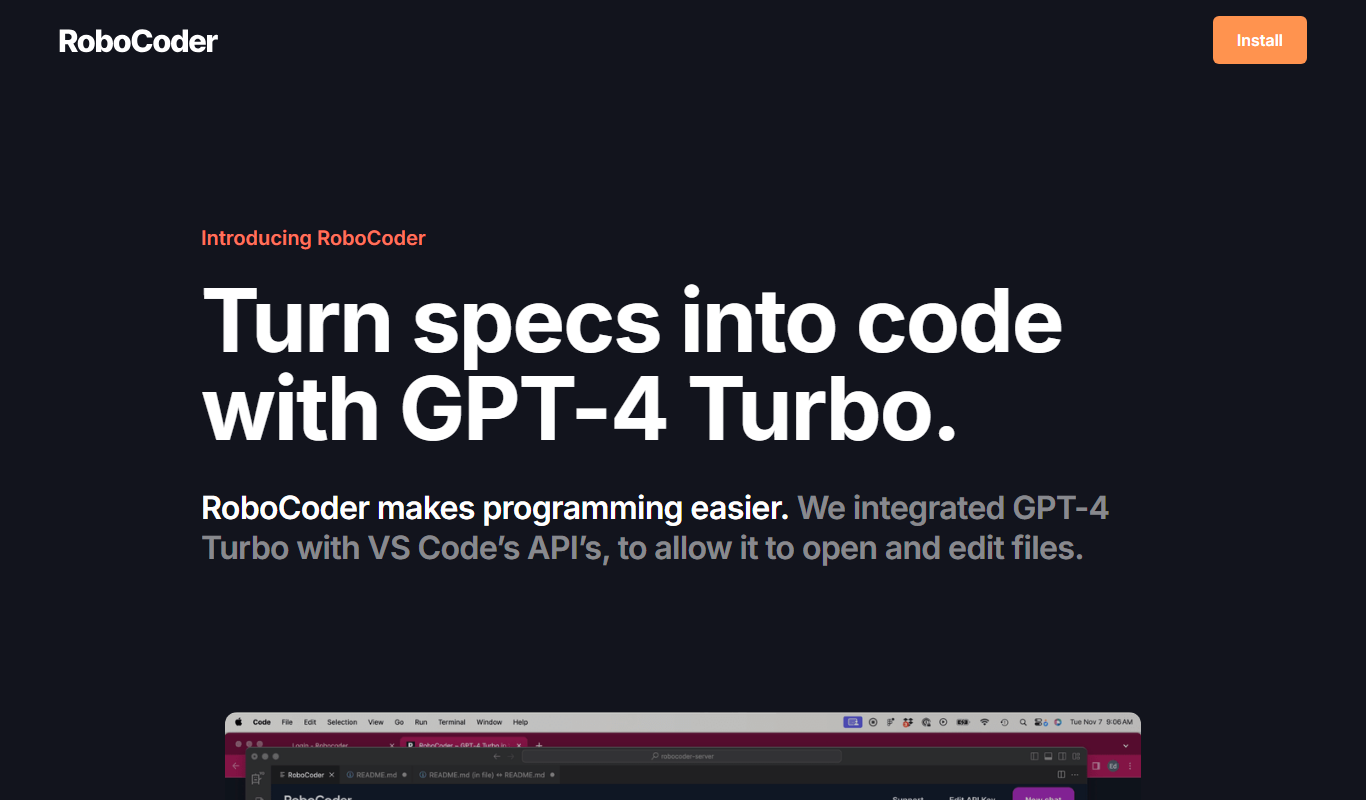
RoboCoder
RoboCoder is an AI-driven platform that generates code snippets from natural language prompts, helping developers speed up coding and reduce errors.
Freemium
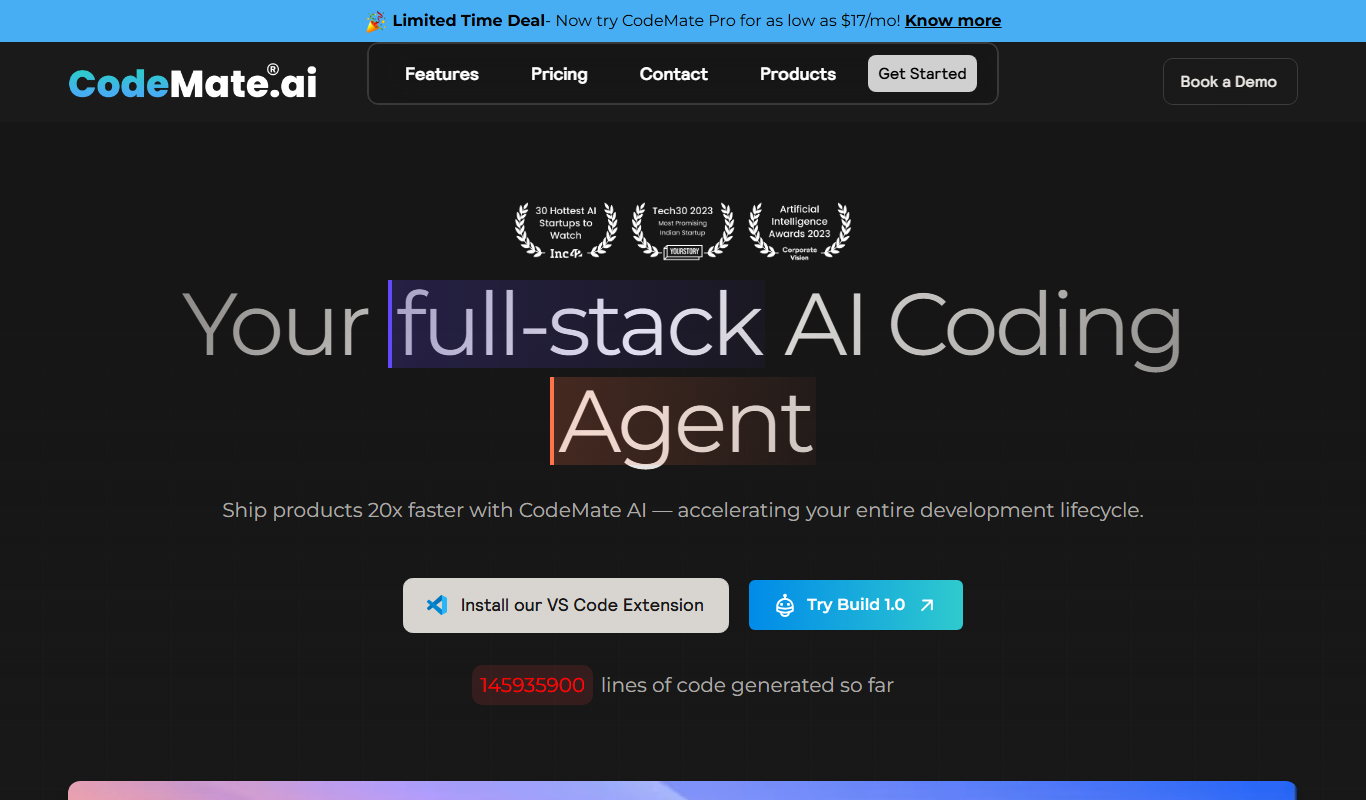
CodeMate AI
CodeMate AI is an AI-powered coding assistant that integrates with popular IDEs to provide real-time code completions, debugging help, and code review suggestions to improve developer productivity.

Free
Code2.AI
Code2.AI is an AI-driven tool that transforms natural language descriptions into functional code snippets, assisting developers with code generation, refactoring, bug fixing, and documentation.
Free
JetCode
JetCode is an AI-driven code generation and completion tool that integrates with IDEs like Visual Studio Code to help developers write code faster by providing intelligent suggestions and bug detection.

Free
Codewise
Codewise is an AI coding assistant that offers intelligent code completions, bug detection, and natural language code generation to help developers write better code faster.

Free
Reppls
Reppls is an AI-driven code generation platform that accelerates software development by providing real-time code suggestions, bug fixes, and multi-language support through a web interface.