
From my experience with F5 TTS, I found it excels at providing a straightforward and accessible way to convert text into natural-sounding speech without the need for software installation. The variety of languages and voice options makes it versatile for content creators and educators alike. However, the free plan has usage limits, and premium pricing details are not clearly stated, which could be a drawback for heavy users. Overall, if you need a quick, web-based TTS solution with customizable voices, F5 TTS delivers reliable and easy-to-use functionality.
F5 TTS Text to Speech Online Tool with Natural Voice Options
F5 TTS is a web-based text to speech platform that converts text into natural-sounding speech using AI voices across multiple languages, suitable for content creation, accessibility, and language learning.
What is F5 TTS?
F5 TTS is an online text-to-speech platform that converts text into natural and expressive speech using AI voice synthesis technology. It offers a variety of voice options across multiple languages, enabling users to generate high-quality audio outputs for diverse applications such as content creation, accessibility, and language learning.
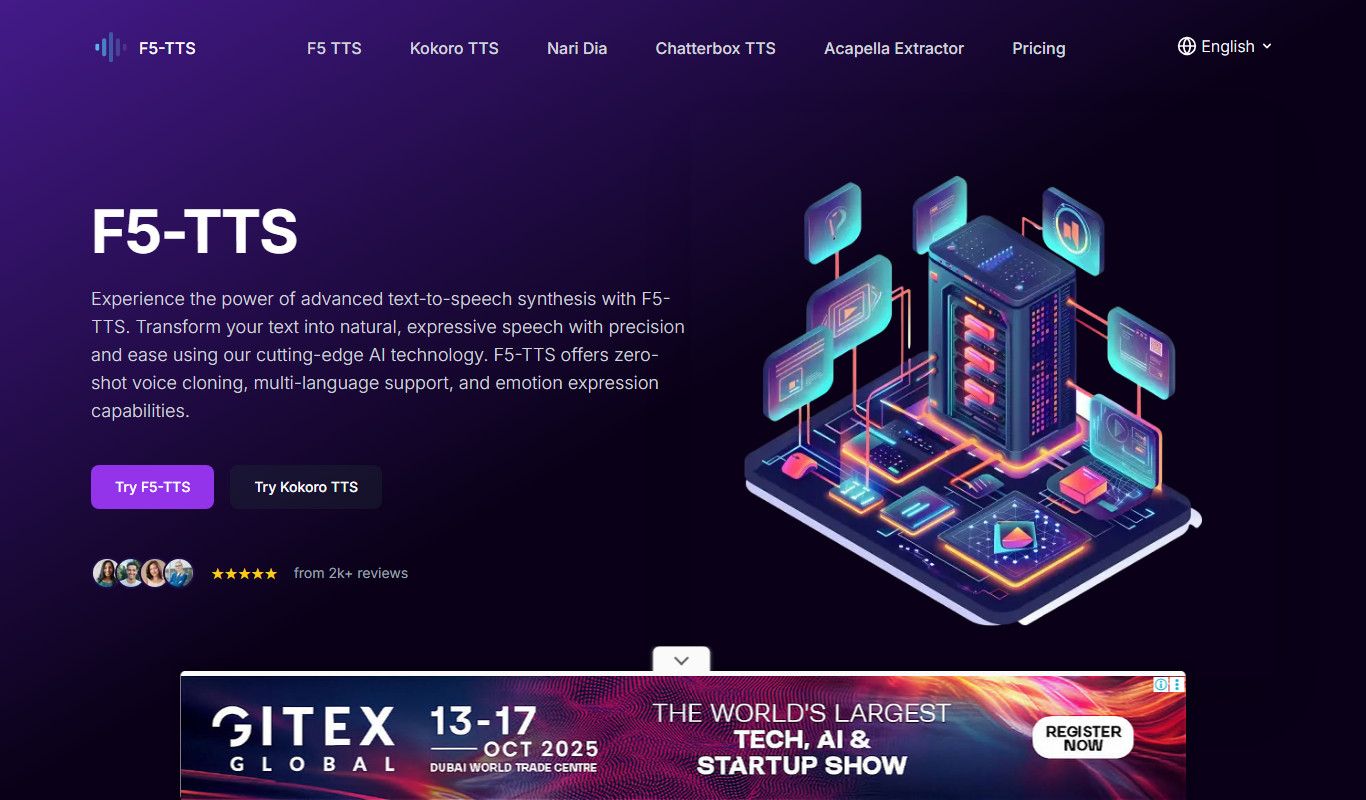
Key Features of F5 TTS
Multiple Language Support
Supports a variety of languages including English, Chinese, Japanese, Korean, French, and Spanish.
Diverse Voice Options
Offers numerous AI voices with different tones and accents.
Customizable Speech Parameters
Allows users to adjust speed, pitch, and volume for personalized audio.
Easy-to-Use Web Interface
No installation required; accessible directly through web browsers.
Audio Download Capability
Enables downloading of generated speech in popular audio formats.
Pros and Cons of F5 TTS
Pros
- Supports multiple languages with diverse voice options
- User-friendly web interface with no installation needed
- Allows customization of speech speed and pitch
- Free tier available for casual users
- Audio files can be downloaded for offline use
Cons
- Limited advanced features in the free plan
- No dedicated mobile app available
- Pricing details for premium plans are not clearly listed
Key Use Cases for F5 TTS
Content Creation
Convert written content into natural-sounding speech for videos, podcasts, or presentations.
Accessibility
Assist visually impaired users by reading text aloud with clear and expressive voices.
Language Learning
Help learners improve pronunciation and listening skills using diverse voice options.
Customer Support
Generate automated voice responses for IVR systems or chatbots.
Entertainment
Create voiceovers for games, animations, or storytelling projects.
How F5 TTS Works
-
1
Enter Text
Input or paste the text you want to convert into speech.
-
2
Select Voice and Language
Choose from a range of AI-generated voices and supported languages.
-
3
Adjust Settings
Modify speech speed, pitch, and volume to suit your preferences.
-
4
Generate and Preview
Click the generate button to create the audio and listen to a preview.
-
5
Download Audio
Save the generated speech file in MP3 or WAV format for offline use.
Who's Using F5 TTS
Content creators
Educators and language learners
Accessibility advocates
Customer support teams
Game and animation developers
F5 TTS Pricing
Free
$0/month
Basic access with limited daily usage and standard voice options.
Premium
Varies (subscription-based)
Enhanced features including higher usage limits, premium voices, and faster processing.
Frequently Asked Questions About F5 TTS
Yes, F5 TTS offers a free tier with limited daily usage and access to standard voices.
Yes, users can download audio files in MP3 or WAV format after generation.
It supports multiple languages including English, Chinese, Japanese, Korean, French, and Spanish.
No, F5 TTS is accessible via a web browser without any installation.
It depends on your specific needs and how you plan to use the tool. The official website and documentation are the best sources for the latest details.
Yes, it can help with that use case depending on how you configure it and what features are available. You’ll get the best results with clear inputs and a defined goal.
Some tools offer a free plan or trial with limited features. Availability can vary, so confirm on the official website.
Yes, it can help with that use case depending on how you configure it and what features are available. You’ll get the best results with clear inputs and a defined goal.
Share your review
Reviews are limited to one per logged-in user and are published after moderation.
You need an account to review this tool.
0.0
★
★
★
★
★
0 reviews
5 star
0
4 star
0
3 star
0
2 star
0
1 star
0
No reviews yet
Be the first to share how this tool worked for you.
Questions from the community
Read questions and answers about this tool, or ask your own.
No questions yet
Start the conversation by asking the first question about this tool.
Is this tool helpful?

Free
ChatTTS
ChatTTS is an AI-based text to speech tool that converts written text into natural, human-like audio using multiple voice options accessible via a web platform.

Free
NVDA Screen Reader
NVDA is a free, open-source screen reader for Windows that helps visually impaired users access digital content through speech and braille output.

Free
ttsMP3.com
ttsMP3.com is a free online tool that converts text into speech audio files in multiple languages, allowing users to download MP3s without registration.
Free Trial
InclusivitEasy
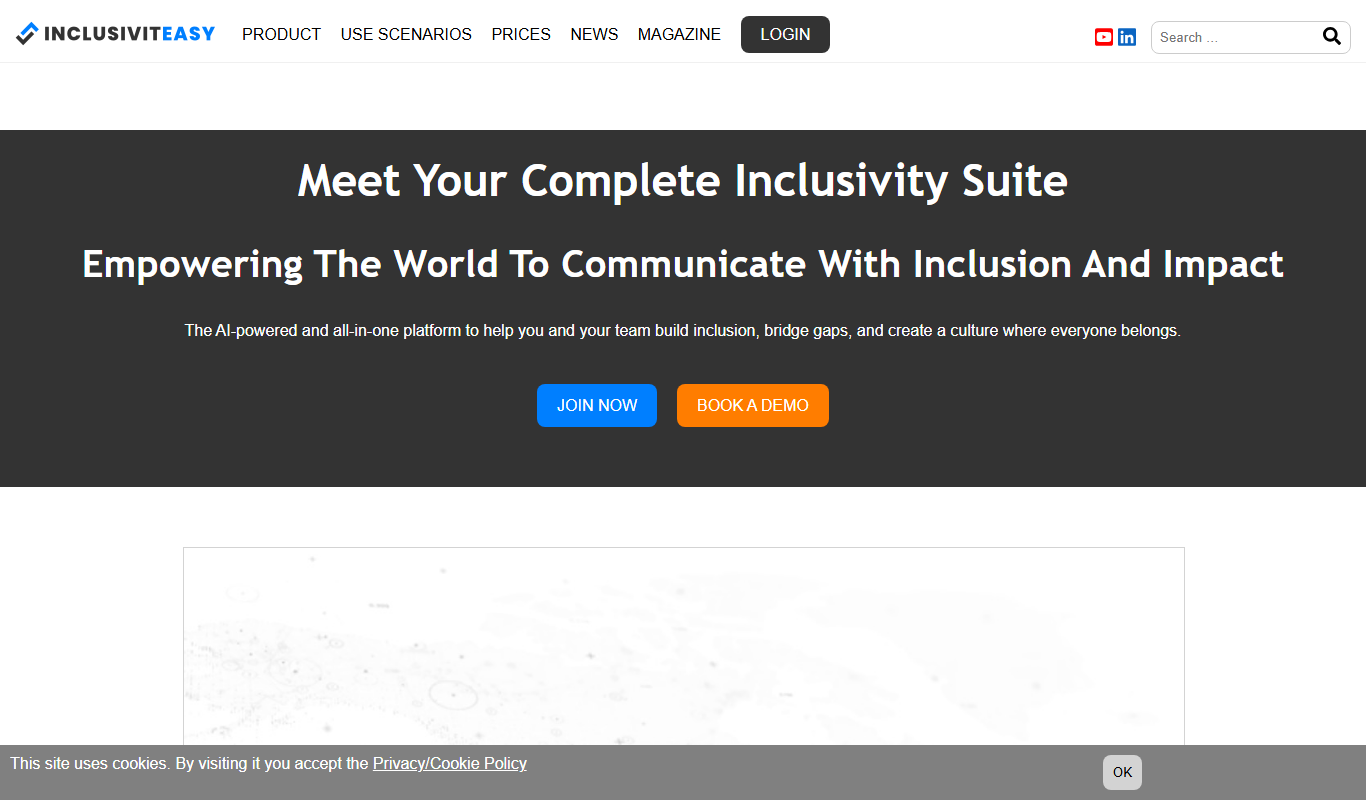
InclusivitEasy is a web accessibility platform that helps organizations comply with ADA and WCAG standards by providing automated scanning, remediation tools, and compliance reporting to improve website accessibility for all users.
Free
Readio
Readio is a web-based AI text-to-speech tool that transforms written text into natural, human-like audio using customizable voices and speech parameters.

Free
AI Describe Picture
AI Describe Picture is a free web tool that uses AI to generate descriptive captions for images, enhancing accessibility and SEO by providing automatic alt text.

Free
Image Describer
Image Describer is a free online AI tool that automatically generates descriptive captions for images to improve accessibility and content usability.

Free
PDF to MP3
PDF to MP3 is a free online tool that converts PDF documents into MP3 audio files using text-to-speech technology, enabling users to listen to written content without installing software.