
From my experience with Humanizer AI, I found it excels at producing text that feels genuinely human and conversational, which is a challenge many AI writing tools face. The ability to customize tone makes it versatile for different content needs, from casual social media posts to more formal marketing copy. However, the platform currently supports only English, which limits its use for multilingual content creators. Also, while the interface is straightforward, integration options are limited compared to some competitors. Overall, if you need natural-sounding AI-generated content with easy tone adjustments, Humanizer AI delivers solid, user-friendly results.

Humanizer AI Text Generator for Natural, Human-Like Content Creation
Humanizer AI is an AI writing assistant that generates natural, human-like text for content creation, allowing tone customization and SEO-friendly output.
What is Humanizer AI?
Humanizer AI is an AI-powered writing assistant designed to generate text that sounds natural and human-like. Unlike typical AI text generators that can produce robotic or formulaic content, Humanizer AI focuses on creating authentic, conversational, and engaging writing. It helps content creators, marketers, and businesses produce high-quality text that resonates with readers and improves communication effectiveness.
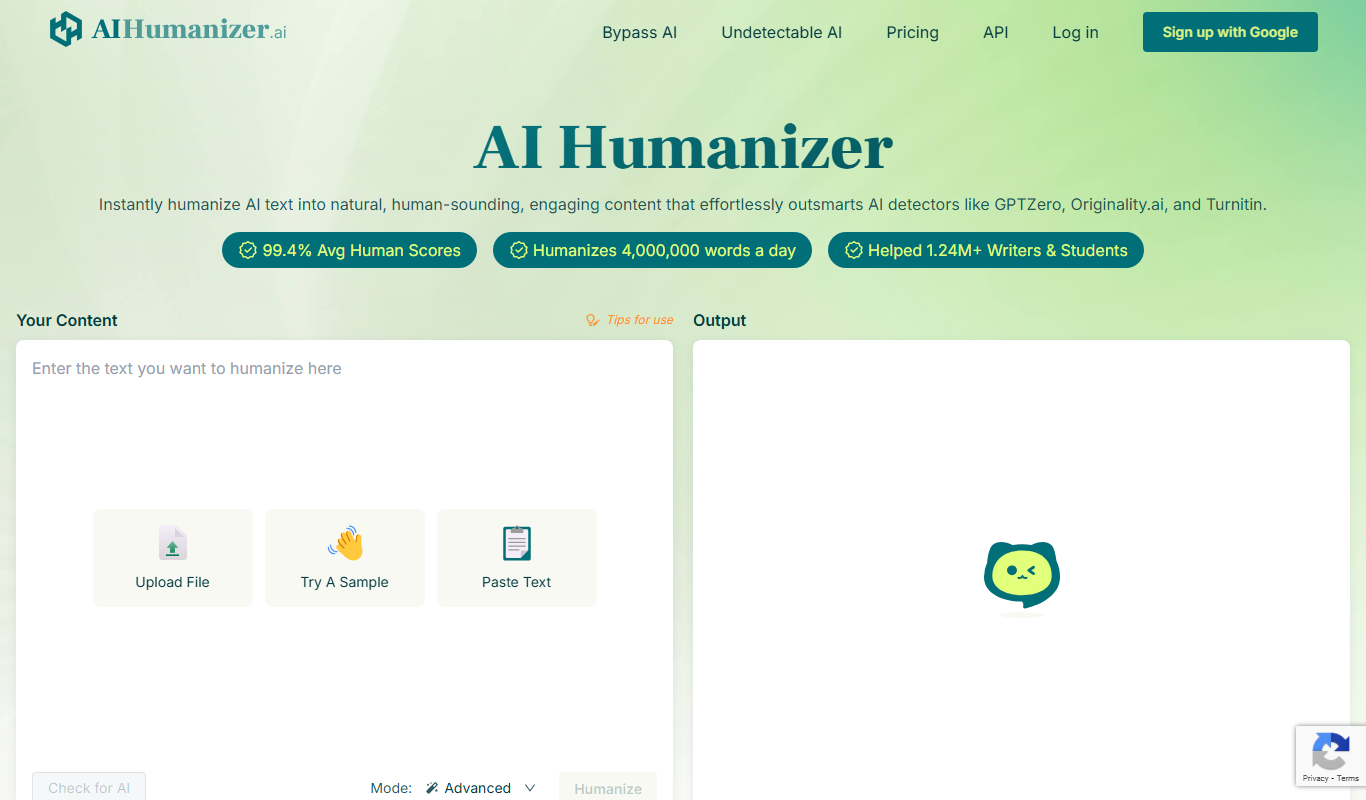
Key Features of Humanizer AI
Human-Like Text Generation
Produces natural, conversational writing that avoids robotic phrasing.
Tone Customization
Allows users to adjust the tone to fit different audiences and contexts.
Content Personalization
Enables tailoring of content to specific niches or brand voices.
User-Friendly Interface
Simple web-based platform accessible without technical expertise.
SEO-Friendly Output
Generates readable content optimized for search engines without keyword stuffing.
Pros and Cons of Humanizer AI
Pros
- Generates natural, human-like text
- Easy to use with a clean web interface
- Tone customization for varied content styles
- Supports SEO-friendly writing
- Offers a free trial to test features
Cons
- Supports only English language
- Limited integrations with other platforms
- Pricing may be high for casual users
Key Use Cases for Humanizer AI
Content Writing
Generate natural, human-like articles, blog posts, and marketing copy quickly.
Social Media Content
Create engaging and authentic social media posts that resonate with audiences.
Email Campaigns
Draft personalized and conversational email content to improve open and response rates.
SEO Optimization
Produce readable and natural-sounding SEO content that avoids robotic phrasing.
Creative Writing
Assist in writing stories, scripts, and other creative content with a natural tone.
How Humanizer AI Works
-
1
Sign Up
Create an account on the Humanizer AI website to access the platform.
-
2
Input Content Brief
Provide a topic, keywords, or a brief description of the content you want to generate.
-
3
Customize Tone and Style
Adjust settings to make the output more formal, casual, or tailored to your audience.
-
4
Generate Text
Use the AI engine to produce human-like text based on your inputs.
-
5
Edit and Export
Review, edit if necessary, and export the generated content for your use.
Who's Using Humanizer AI
Content marketers
Bloggers and writers
Social media managers
Small business owners
Email marketers
Humanizer AI Pricing
Free Trial
$0
Limited access to features and a set number of content generations.
Pro
$29/month
Full access to all features with higher generation limits and priority support.
Frequently Asked Questions About Humanizer AI
Yes, Humanizer AI offers a free trial with limited usage to test the platform.
Humanizer AI generates original text, but users should always review for plagiarism.
Currently, Humanizer AI supports English language content generation.
Yes, the platform allows tone adjustments to suit different audiences and styles.
This tool is designed to help users accomplish its core tasks more efficiently. It is typically used by individuals or teams looking to improve productivity and workflow.
Yes, it can help with that use case depending on how you configure it and what features are available. You’ll get the best results with clear inputs and a defined goal.
Yes, it can help with that use case depending on how you configure it and what features are available. You’ll get the best results with clear inputs and a defined goal.
Some tools offer a free plan or trial with limited features. Availability can vary, so confirm on the official website.
Share your review
Reviews are limited to one per logged-in user and are published after moderation.
You need an account to review this tool.
0.0
★
★
★
★
★
0 reviews
5 star
0
4 star
0
3 star
0
2 star
0
1 star
0
No reviews yet
Be the first to share how this tool worked for you.
Questions from the community
Read questions and answers about this tool, or ask your own.
No questions yet
Start the conversation by asking the first question about this tool.
Is this tool helpful?
Free Trial
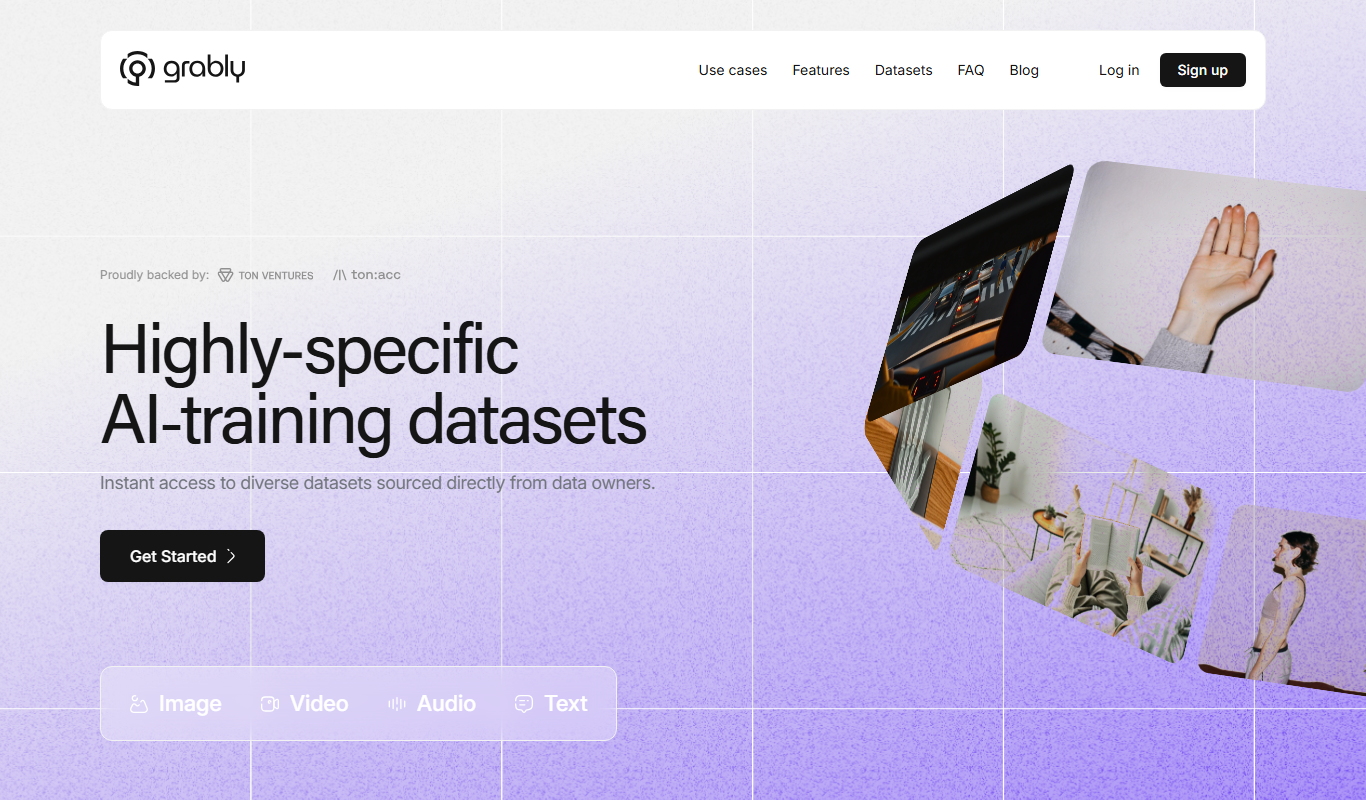
Grably
Grably is an AI-driven content generation platform that helps marketers and businesses create SEO-optimized marketing copy, blog posts, and product descriptions efficiently.
Free
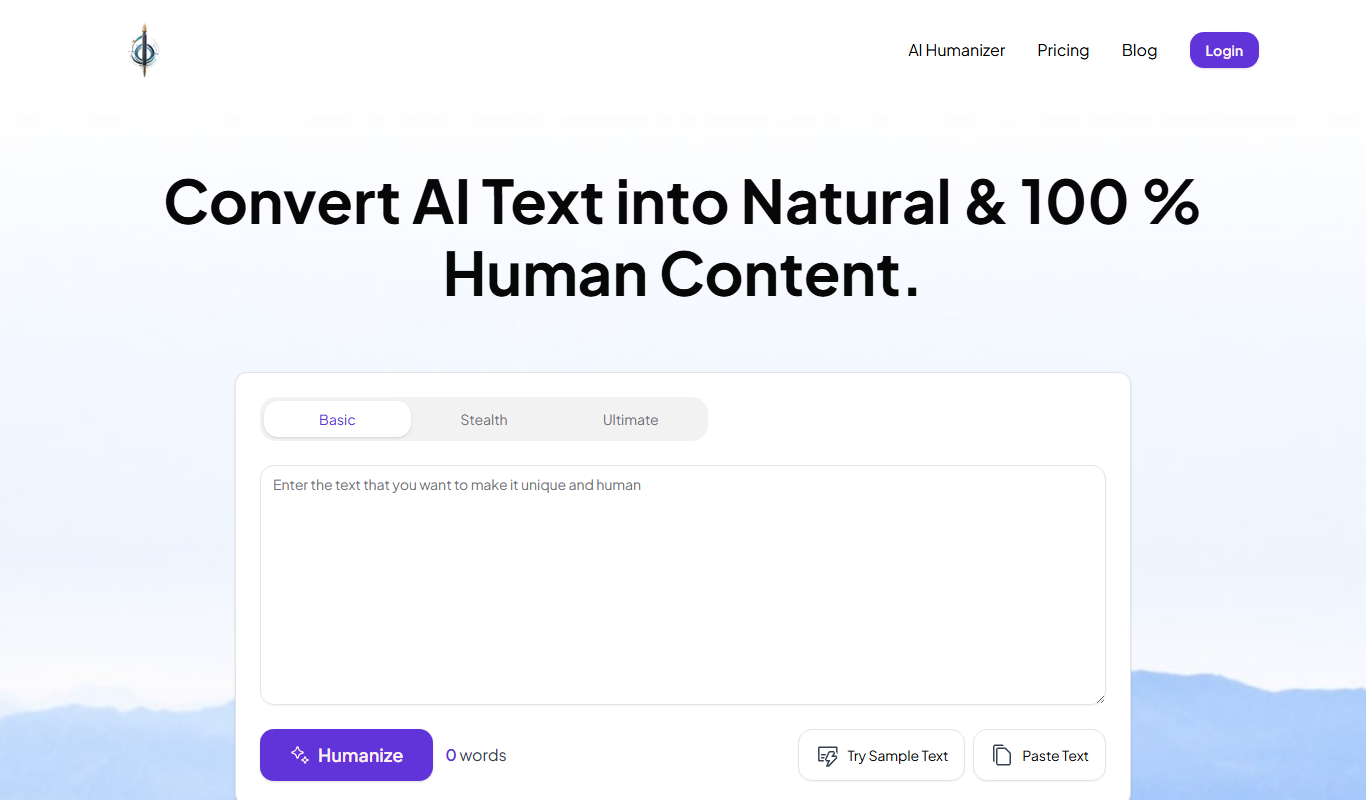
Humanize Text
Humanize Text is an AI writing assistant that transforms generic or robotic text into natural, human-like language to improve engagement and readability.
Freemium
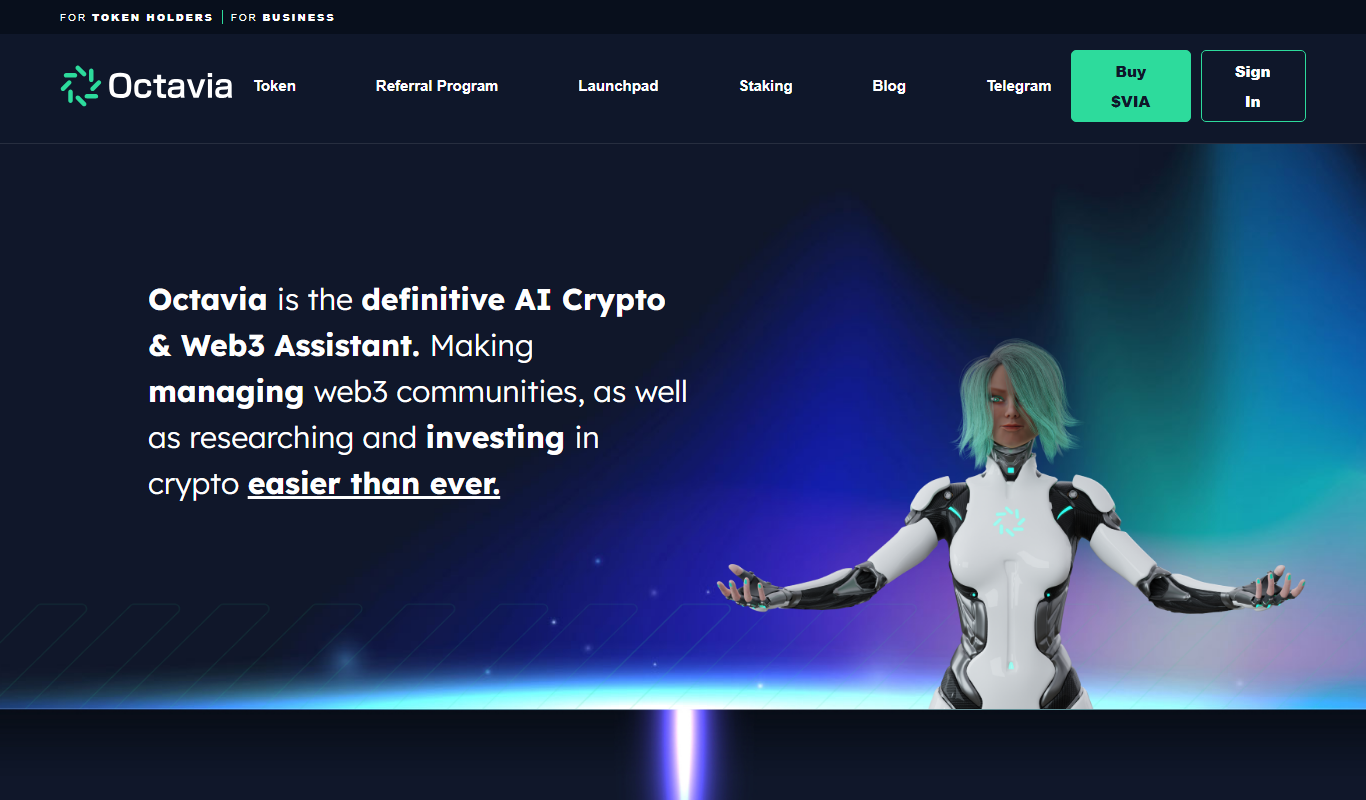
Octavia AI
Octavia AI is a web-based AI content generation platform that helps marketers and businesses create SEO-friendly articles and marketing copy efficiently using AI technology.

Free Trial
Sitescribe
Sitescribe is an AI content generator that creates SEO-friendly website copy quickly, ideal for marketers and small businesses looking to automate website content creation.

Free Trial
Fusion AI
Fusion AI is a web-based platform that uses AI, including GPT-3, to generate and automate marketing content such as blogs, social media posts, and emails, helping businesses save time and improve content quality.

Freemium
squirai.com
Squirai is an AI-driven content generation and SEO optimization tool that helps users create high-quality, SEO-friendly written content efficiently.

Free
ContextClue
ContextClue is an AI-powered writing assistant that generates contextually relevant and coherent content to help users create professional text efficiently.
Freemium
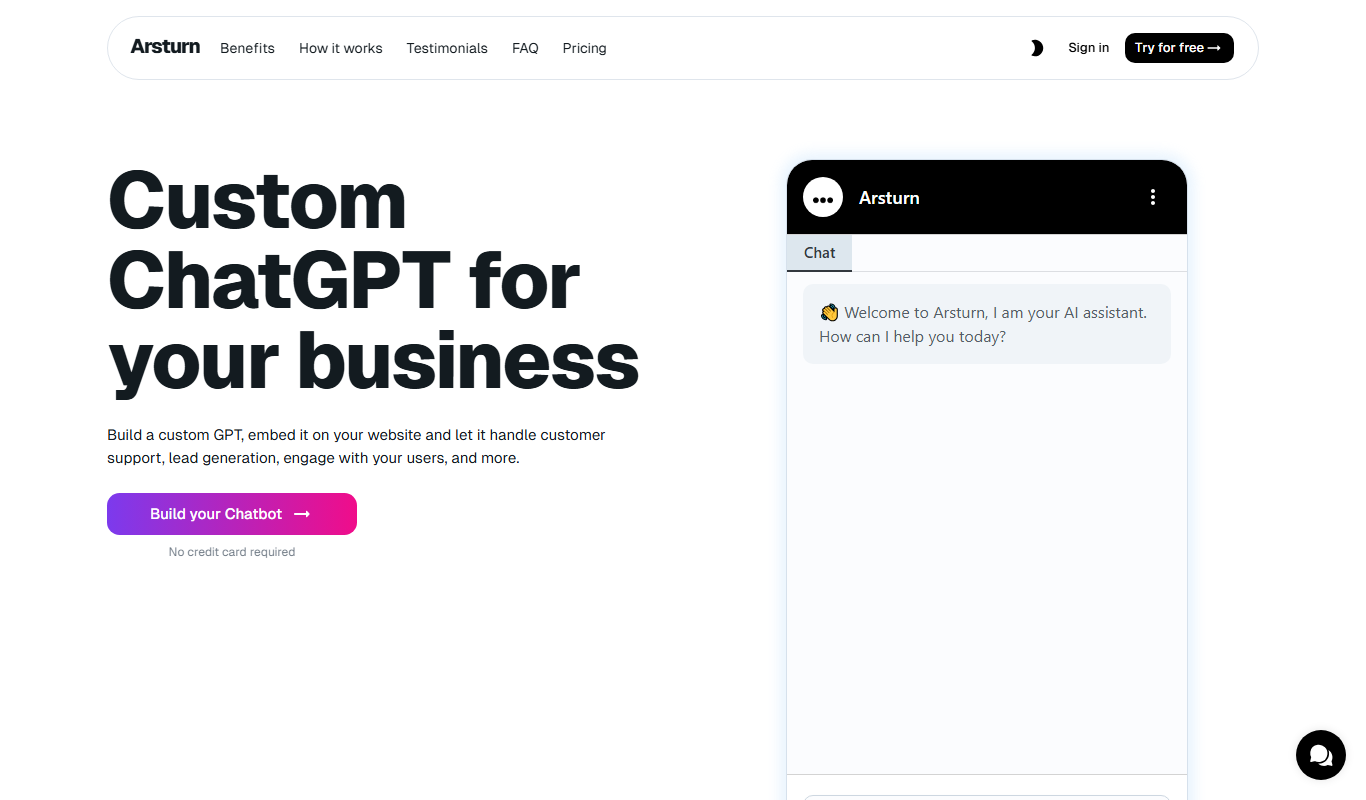
Arsturn AI
Arsturn AI is a web-based AI content generation platform that helps users create SEO-optimized articles, marketing copy, and creative writing content with customizable tone and style.