
From my experience with UpscaleImage.AI, it stands out for its straightforward web interface that makes AI-powered image upscaling accessible without technical hurdles. The quality of enlarged images is impressive, especially considering the tool runs entirely in the browser. It’s particularly well-suited for photographers and e-commerce sellers who need quick, high-quality enlargements without installing software. The main limitation is the free plan’s daily usage cap and somewhat unclear subscription pricing, which may require users to explore alternatives for heavy use. Overall, UpscaleImage.AI delivers reliable results for anyone needing to enhance image resolution efficiently.

UpscaleImage.AI - AI Image Upscaling Tool for High-Quality Enlargements
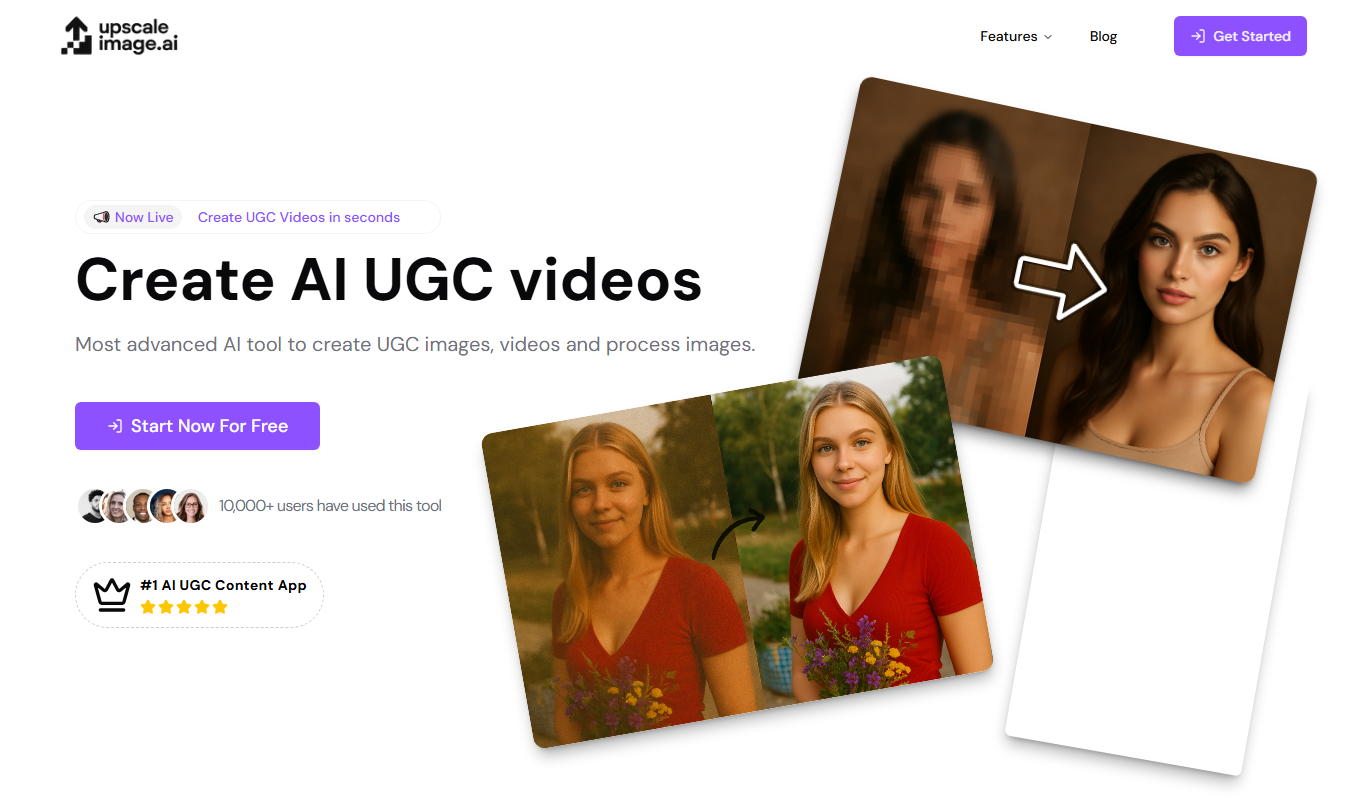
UpscaleImage.AI is an AI-driven web tool that enlarges images while preserving and enhancing quality using advanced machine learning algorithms.
What is UpscaleImage.AI?
UpscaleImage.AI is an online AI-powered image upscaling tool designed to enlarge photos while preserving and enhancing their quality. It uses advanced machine learning algorithms to add detail and reduce artifacts, allowing users to increase image resolution without the typical pixelation or blurriness associated with standard resizing methods.
Key Features of UpscaleImage.AI
AI-Powered Upscaling
Uses deep learning models to intelligently add detail and improve image resolution.
Multiple Enlargement Factors
Supports various scaling options such as 2x, 4x, and more.
Noise Reduction and Sharpening
Enhances image clarity by reducing noise and sharpening edges.
Web-Based Interface
No installation required; accessible from any modern browser.
Supports Common Image Formats
Compatible with JPEG, PNG, and other popular image types.
Pros and Cons of UpscaleImage.AI
Pros
- Easy to use with no software installation
- Produces high-quality upscaled images
- Supports noise reduction and sharpening
- Accessible from any device with internet
- Free tier available for casual users
Cons
- Limited daily usage on free plan
- Subscription pricing details not fully transparent
- No desktop or mobile app versions
Key Use Cases for UpscaleImage.AI
Photo Enlargement
Enlarge images without losing quality, ideal for printing or detailed viewing.
Image Restoration
Improve old or low-resolution photos by enhancing details and reducing blur.
E-commerce Product Images
Enhance product photos to appear sharper and more professional on online stores.
Graphic Design
Upscale images for use in design projects while maintaining clarity.
Social Media Content
Create high-resolution images optimized for social media platforms.
How UpscaleImage.AI Works
-
1
Upload Image
Users upload their low-resolution image to the web interface.
-
2
Select Upscaling Options
Choose the desired enlargement factor and optional enhancements like noise reduction.
-
3
Process Image
The AI algorithm analyzes and enhances the image to increase resolution and detail.
-
4
Download Result
Users download the upscaled high-quality image for their use.
Who's Using UpscaleImage.AI
Photographers needing image enlargement
E-commerce sellers improving product photos
Graphic designers requiring high-res images
Social media managers enhancing visuals
Casual users restoring old photos
UpscaleImage.AI Pricing
Free
$0
Limited daily image upscales with basic features.
Subscription
Varies
Access to higher resolution outputs, more daily uses, and priority processing.
Frequently Asked Questions About UpscaleImage.AI
It supports common formats including JPEG and PNG.
Yes, images processed can be used commercially, but check the terms of service for specifics.
The free plan has daily limits; subscription plans offer higher limits.
No, it is fully web-based and works in modern browsers.
It depends on your specific needs and how you plan to use the tool. The official website and documentation are the best sources for the latest details.
Some tools offer a free plan or trial with limited features. Availability can vary, so confirm on the official website.
Yes, it can help with that use case depending on how you configure it and what features are available. You’ll get the best results with clear inputs and a defined goal.
Share your review
Reviews are limited to one per logged-in user and are published after moderation.
You need an account to review this tool.
0.0
★
★
★
★
★
0 reviews
5 star
0
4 star
0
3 star
0
2 star
0
1 star
0
No reviews yet
Be the first to share how this tool worked for you.
Questions from the community
Read questions and answers about this tool, or ask your own.
No questions yet
Start the conversation by asking the first question about this tool.
Is this tool helpful?
Alternative Tools
Explore similar AI tools that might fit your needs

Free
Waifu2x
Waifu2x is a free web-based AI tool that upscales anime-style images up to 2x and reduces noise using deep learning models.

Free
Momo
Momo is an AI-powered assistant that automates workflows, manages tasks, and enhances team collaboration by integrating with popular productivity tools.
Free
SummaLetter – AI newsletter summarizer
SummaLetter is an AI tool that summarizes email newsletters into concise digests, saving time and improving email productivity.

Freemium
KapKap
KapKap is an AI-driven video editing platform that simplifies creating short social media videos by automating clipping, captioning, and formatting tasks.
Freemium
1photoai
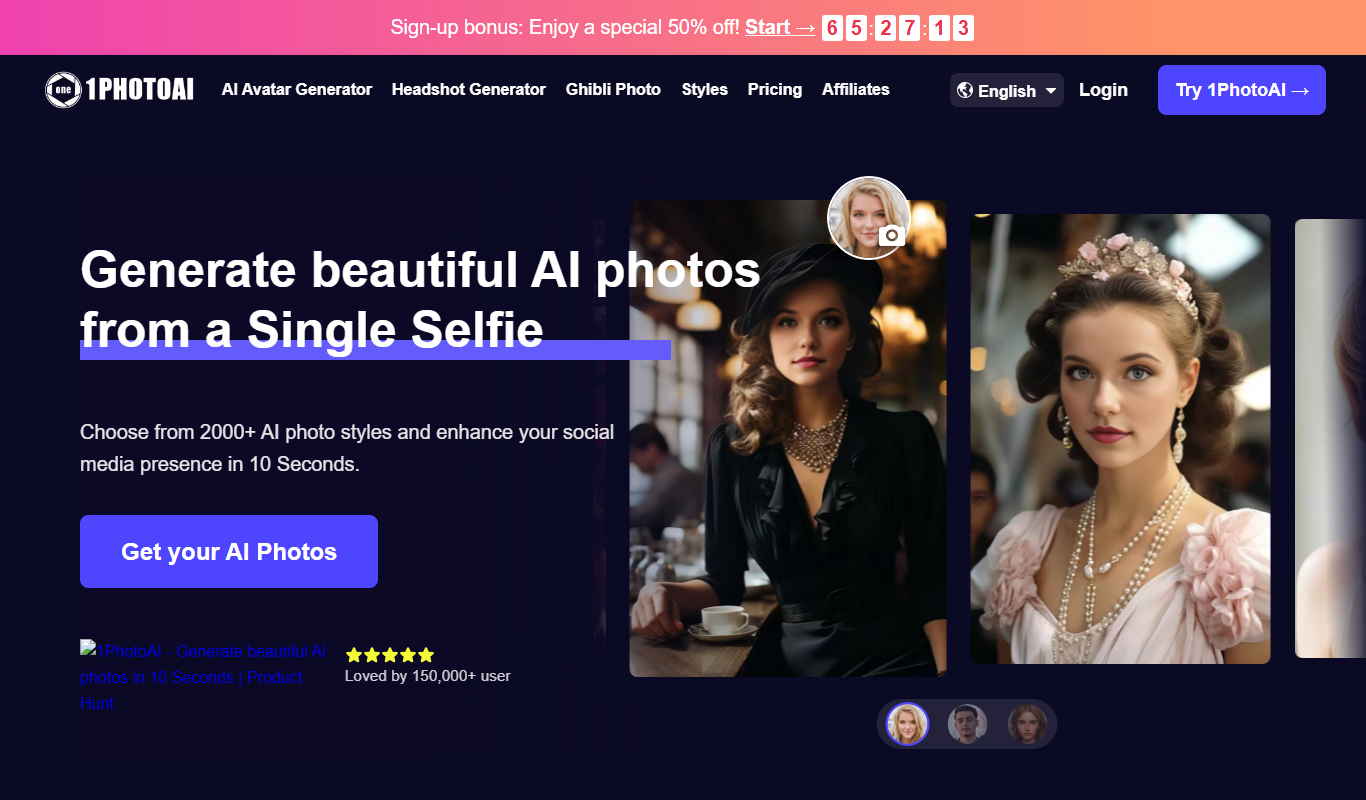
1PhotoAI is an AI-driven web platform that automates photo retouching, background removal, and image upscaling, designed for professionals and content creators seeking fast, high-quality photo enhancements.

Free Trial
Refocus
Refocus is an AI-powered meeting assistant that automatically transcribes and summarizes video and audio meetings, helping teams save time and improve collaboration.

Freemium
Ottogrid
Ottogrid is an AI-driven video creation platform that automates editing by using customizable templates and AI algorithms to produce professional videos quickly, ideal for marketers and content creators.

Free
AI Audio Kit
AI Audio Kit is a free web-based tool that uses AI to reduce noise, enhance voice quality, and restore audio recordings without requiring installation.

Free
Brev.ai: AI Music Generator Free Online
Brev.ai is a free online AI music generator that creates original, royalty-free music tracks instantly for various creative projects without requiring musical skills.