
From my experience with ChatViz, I found it excels at simplifying chatbot creation through its intuitive visual drag-and-drop interface. This makes it accessible to users without coding skills, which is a significant advantage for small businesses and marketing teams looking to deploy AI chatbots quickly. However, the platform currently supports only English and lacks mobile app options, which might limit flexibility for some users. Overall, if you want to build AI-powered chatbots for customer support or lead generation without technical complexity, ChatViz offers a practical and user-friendly solution.
ChatViz AI Chatbot Builder for Interactive Visual Conversations
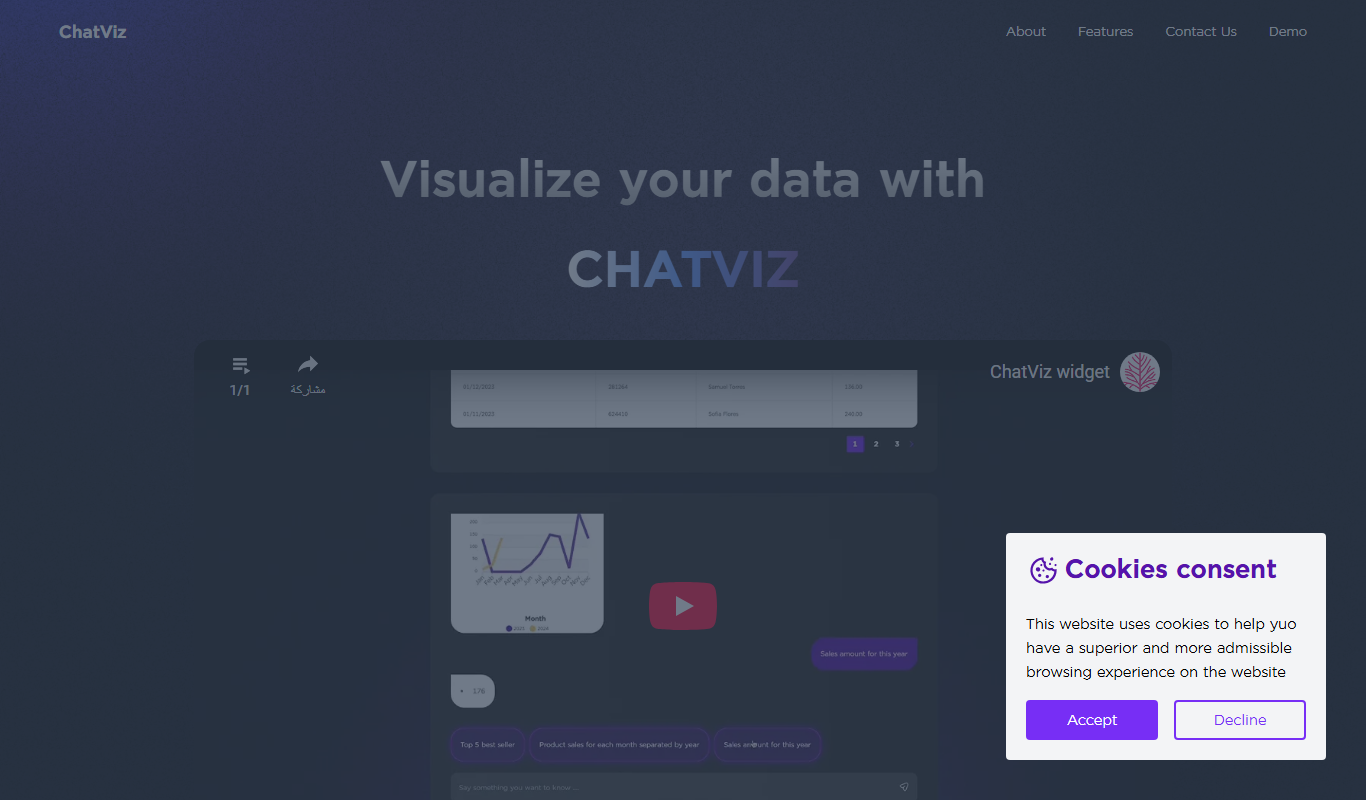
ChatViz is a no-code AI chatbot builder that lets users design and deploy interactive chatbots using a visual drag-and-drop interface, ideal for customer support and marketing.
What is ChatViz?
ChatViz is a no-code AI chatbot builder that enables users to create interactive, visual conversational experiences without programming. It focuses on simplifying chatbot design through a visual interface, allowing businesses to deploy AI-powered chatbots for customer engagement, support, and marketing.
Key Features of ChatViz
Visual Drag-and-Drop Builder
Intuitive interface to design chatbot conversations without coding.
AI-Powered Natural Language Processing
Enables chatbots to understand and respond to user inputs naturally.
Customizable Conversation Flows
Flexible flow design to tailor chatbot interactions to specific business needs.
Multi-Channel Deployment
Deploy chatbots on websites and integrate with various digital platforms.
Pros and Cons of ChatViz
Pros
- User-friendly visual chatbot builder
- No coding required
- AI-powered natural language processing
- Flexible conversation flow customization
Cons
- Limited language support (English only)
- No mobile app available
Key Use Cases for ChatViz
Customer Support Automation
Create AI-powered chatbots to handle customer inquiries and support tasks efficiently.
Lead Generation
Design conversational flows that engage visitors and capture leads automatically.
Interactive Marketing Campaigns
Build interactive chat experiences to promote products and services engagingly.
Internal Team Assistance
Develop chatbots to assist employees with FAQs and internal processes.
How ChatViz Works
-
1
Sign Up
Create an account on ChatViz’s web platform to access the chatbot builder.
-
2
Design Chatbot
Use the visual drag-and-drop interface to build conversation flows and define chatbot behavior.
-
3
Integrate AI
Incorporate AI capabilities to enable natural language understanding and dynamic responses.
-
4
Test and Deploy
Preview the chatbot, make adjustments, and deploy it on your website or other channels.
Who's Using ChatViz
Small and medium businesses
Marketing teams
Customer support departments
Digital agencies
ChatViz Pricing
Free
$0/month
Basic chatbot builder access with limited features and usage.
Pro
$29/month
Advanced features, higher usage limits, and priority support.
Frequently Asked Questions About ChatViz
No, ChatViz is designed as a no-code platform with a visual builder to create chatbots easily.
Yes, chatbots can be embedded on websites via provided code snippets.
Yes, it includes AI-powered NLP to enable conversational interactions.
It depends on your specific needs and how you plan to use the tool. The official website and documentation are the best sources for the latest details.
Some tools offer a free plan or trial with limited features. Availability can vary, so confirm on the official website.
Yes, it can help with that use case depending on how you configure it and what features are available. You’ll get the best results with clear inputs and a defined goal.
Share your review
Reviews are limited to one per logged-in user and are published after moderation.
You need an account to review this tool.
0.0
★
★
★
★
★
0 reviews
5 star
0
4 star
0
3 star
0
2 star
0
1 star
0
No reviews yet
Be the first to share how this tool worked for you.
Questions from the community
Read questions and answers about this tool, or ask your own.
No questions yet
Start the conversation by asking the first question about this tool.
Is this tool helpful?

Free
Vanchat
Vanchat is an AI chatbot platform that helps businesses automate customer support and engagement through customizable conversational AI deployed on websites.
Free
Rixi.org
Rixi.org is an AI chatbot platform that helps businesses automate customer interactions on websites through customizable conversational AI, improving support efficiency and user engagement.
Free Trial
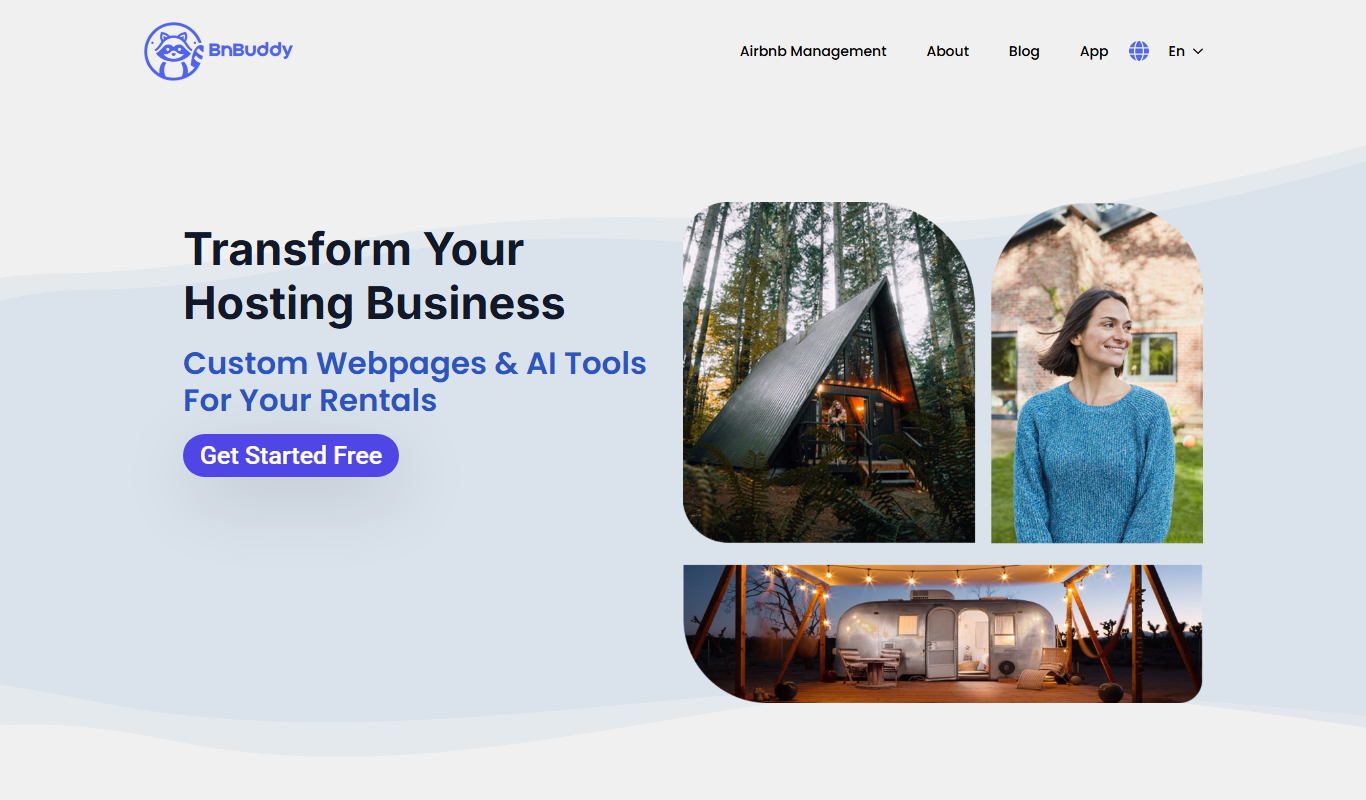
BnBuddy
BnBuddy is an AI chatbot that automates guest communication and booking inquiries for Airbnb hosts, providing 24/7 support to improve efficiency and guest satisfaction.
Free Trial
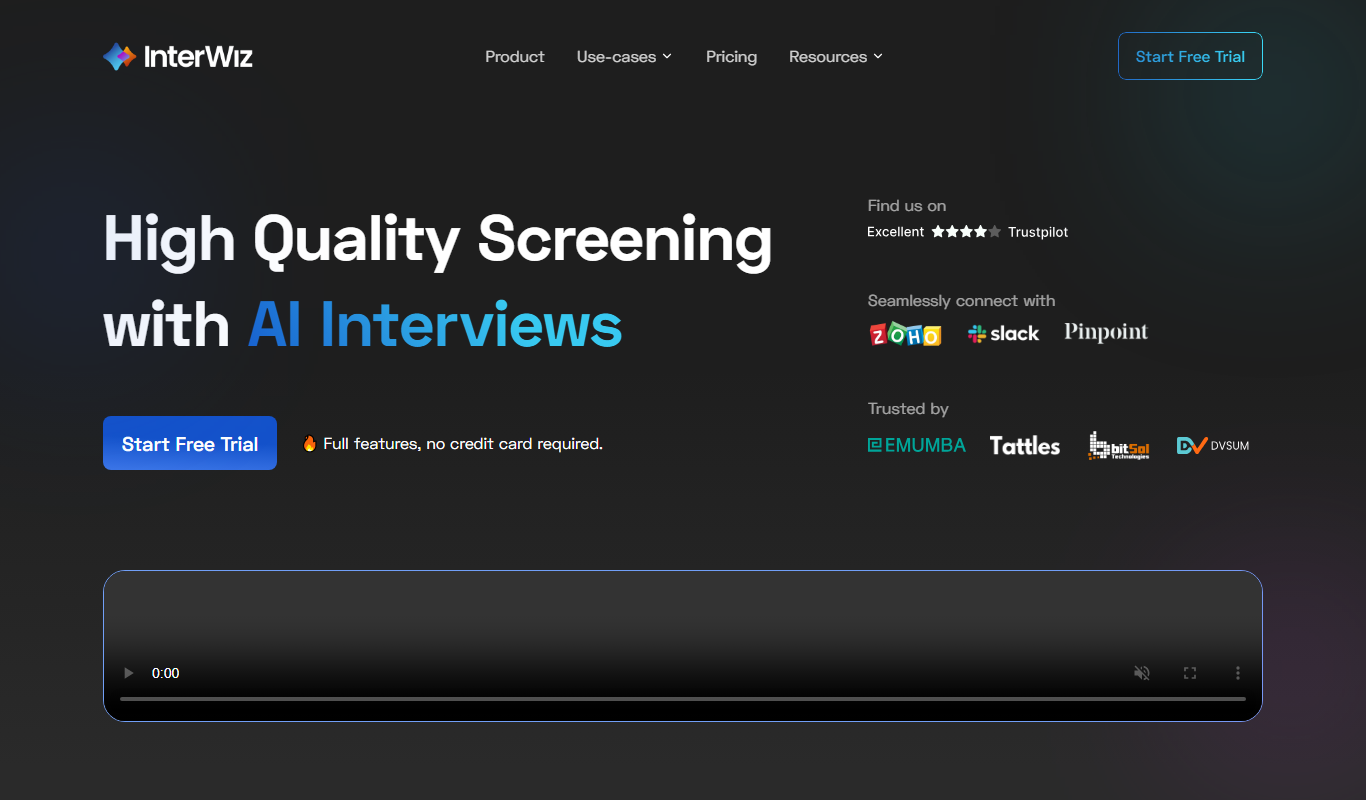
InterWiz AI
InterWiz AI is an AI-driven platform that automates customer support through chatbots and ticket management, helping businesses provide 24/7 assistance and streamline support workflows.
Free
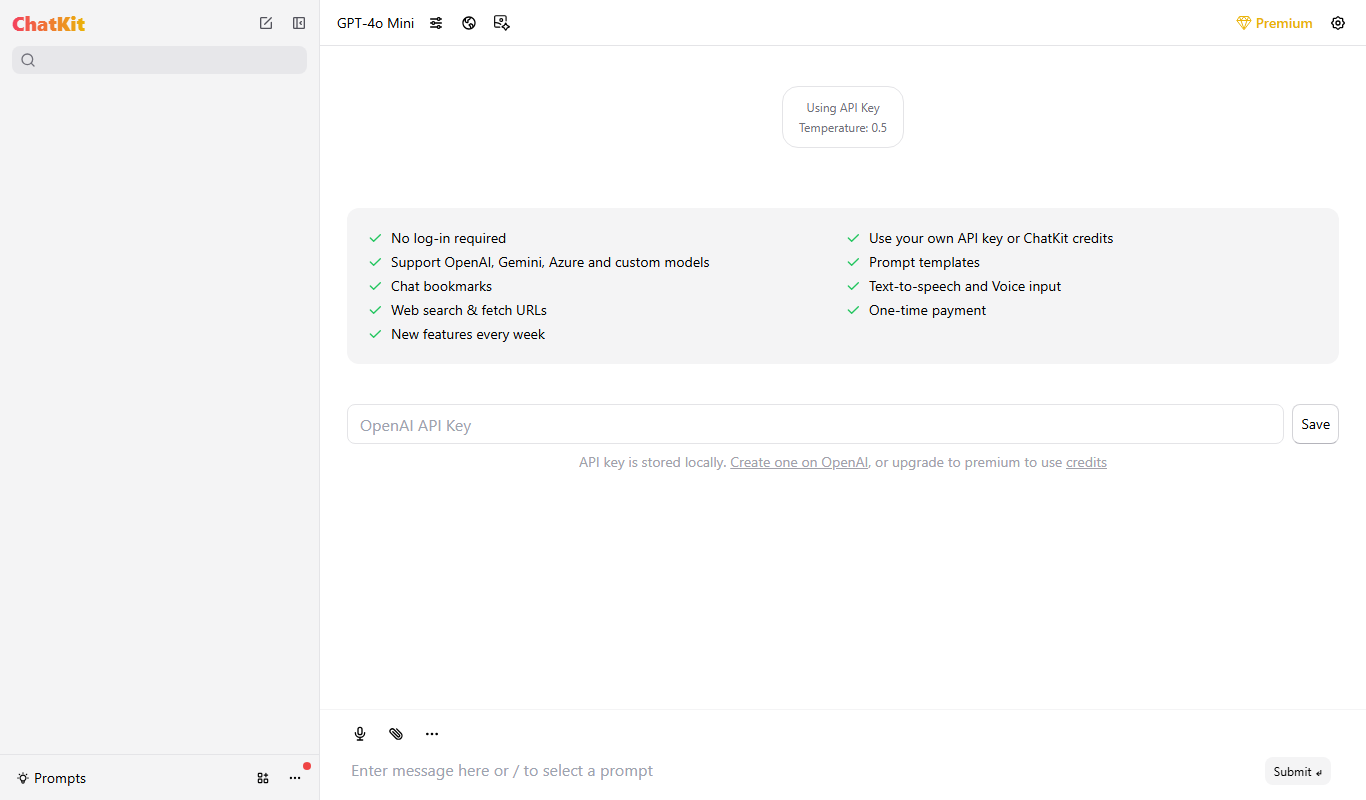
ChatKit
ChatKit is an AI chatbot builder that allows businesses to create and deploy intelligent chatbots on websites to automate customer support and engage visitors without coding.
Free
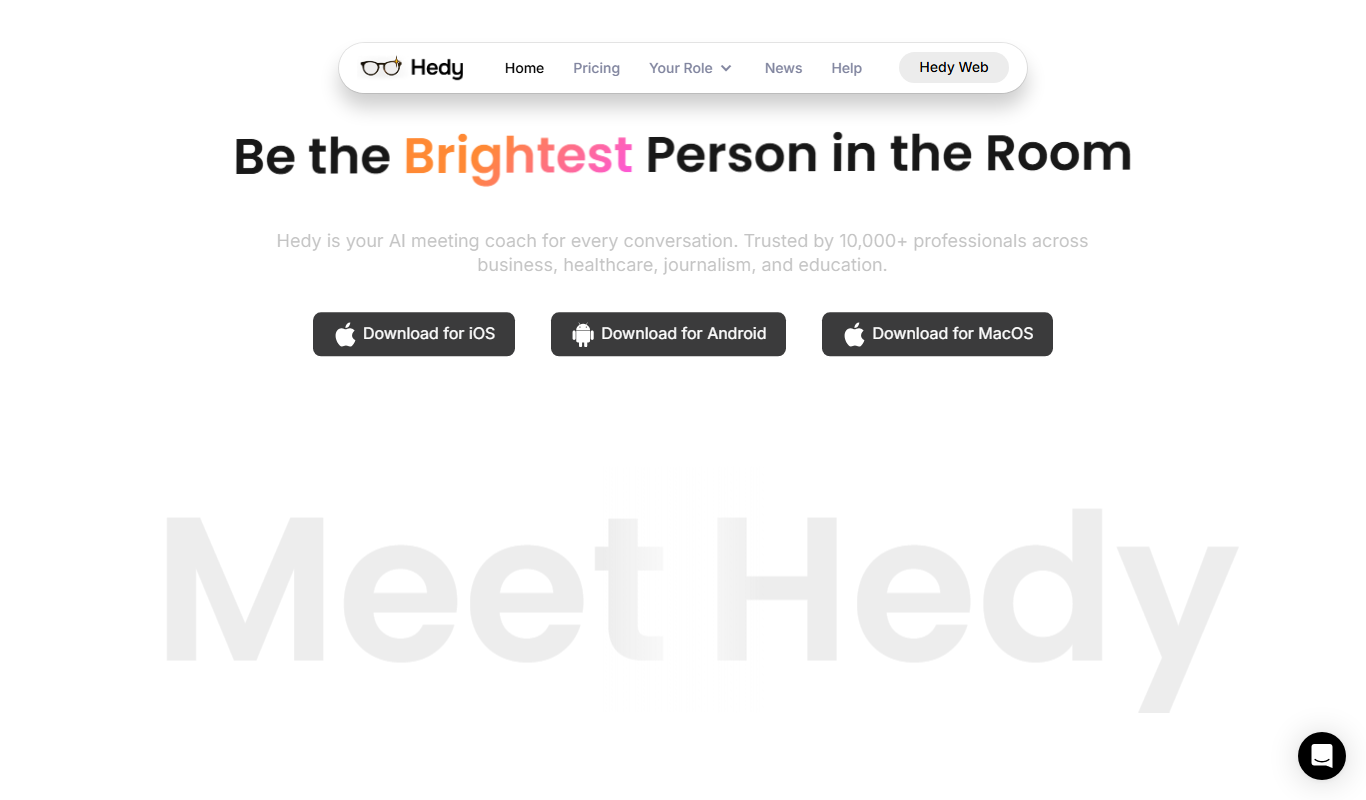
Hedy AI
Hedy AI is a no-code chatbot platform that helps businesses automate customer support and engagement through AI-driven conversational interfaces deployed on websites and messaging channels.
Free
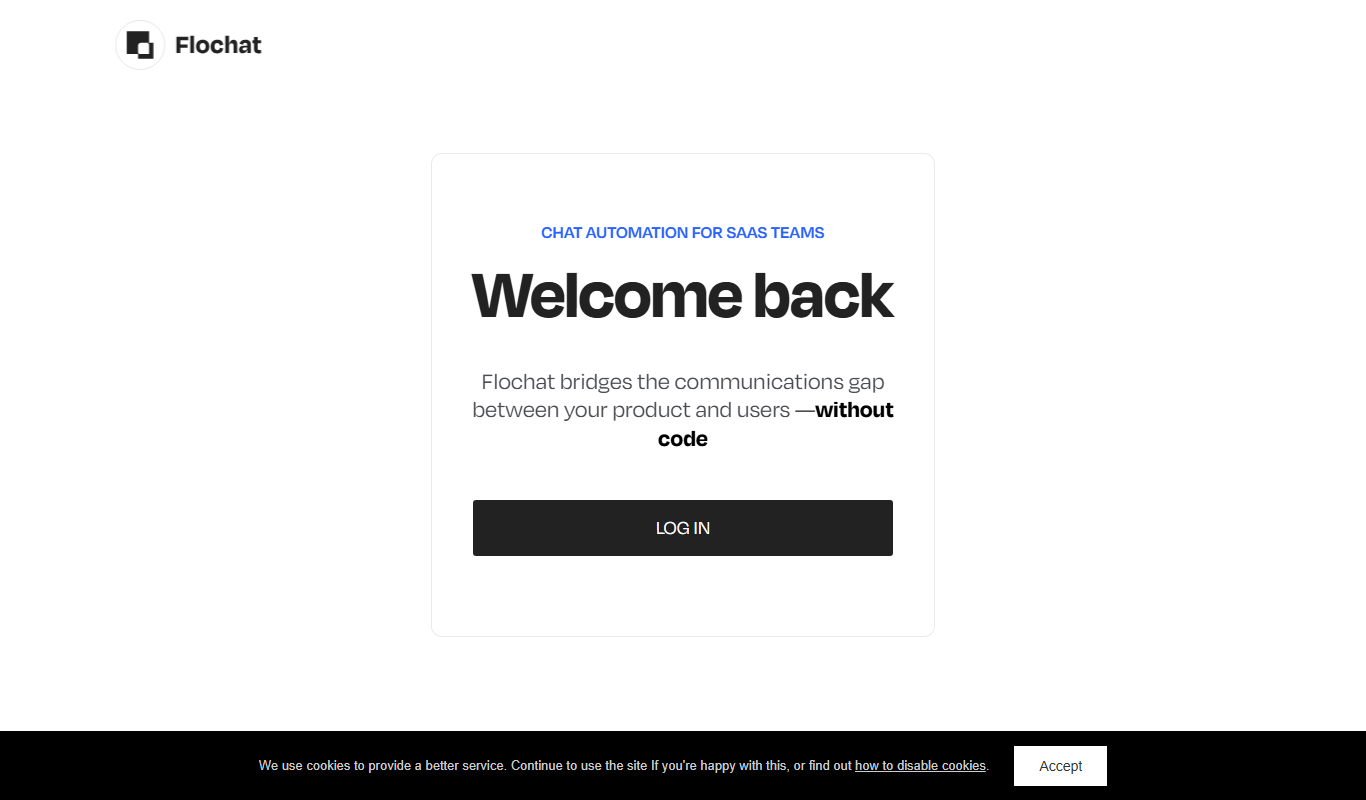
Flochat
Flochat is an AI-powered chatbot platform that helps businesses automate customer interactions, generate leads, and provide support across multiple channels using conversational AI.

Free
Its Bot
Its Bot is an AI-powered chatbot platform that enables businesses to automate customer interactions across multiple channels using a no-code builder and AI natural language processing.