
From my experience with ClipGlow, I found it excels at simplifying video content repurposing by automating highlight detection and clip generation. Spending time with the platform, it’s clear that ClipGlow is particularly well-suited for social media marketers and content creators who need to produce multiple short videos quickly without deep editing skills. However, the trade-off is that it lacks advanced manual editing features found in professional software, and the free plan includes watermarked exports. Overall, if your goal is to efficiently create engaging social media clips from longer videos, ClipGlow delivers solid, time-saving results.
ClipGlow AI Video Editing Software for Automated Content Creation
ClipGlow is an AI-driven video editing platform that automates creating short, engaging video clips from longer content, optimized for social media sharing.
Tech Stack:
JavaScript
Python
React
What is ClipGlow?
ClipGlow is an AI-powered video editing platform designed to automate the creation of short, engaging videos from longer content. It leverages artificial intelligence to identify key moments, add captions, and format videos optimized for social media and marketing use. This tool helps content creators, marketers, and businesses efficiently repurpose existing video assets into multiple shareable clips without manual editing.
Key Features of ClipGlow
AI-Powered Highlight Detection
Automatically identifies the most engaging parts of videos for clipping.
Auto Captioning
Generates accurate captions to improve accessibility and viewer engagement.
Customizable Templates
Offers a variety of templates to tailor the look and feel of video clips.
Social Media Optimization
Exports videos in aspect ratios and formats suited for platforms like Instagram, TikTok, and YouTube.
Cloud-Based Platform
No software installation required; accessible via web browser.
Pros and Cons of ClipGlow
Pros
- Automates time-consuming video editing tasks
- Generates social media-ready clips quickly
- User-friendly interface suitable for non-experts
- Supports captioning for accessibility
- Cloud-based with no software installation
Cons
- Limited advanced editing features compared to professional software
- Free plan includes watermarked exports
- Currently supports only English language interface
Key Use Cases for ClipGlow
Social Media Video Creation
Automatically generate engaging short videos optimized for platforms like Instagram, TikTok, and YouTube.
Content Repurposing
Transform long-form videos or webinars into multiple short clips to maximize content reach.
Marketing Campaigns
Create professional video ads and promotional content quickly without manual editing.
Video Summarization
Automatically extract key highlights from longer videos to produce concise summaries.
How ClipGlow Works
-
1
Upload Video
Users upload their long-form video content to the ClipGlow platform.
-
2
AI Analysis
The AI engine analyzes the video to detect highlights, key moments, and relevant segments.
-
3
Clip Generation
ClipGlow automatically generates multiple short clips with captions and effects.
-
4
Customize & Export
Users can customize clips using templates and export them in formats optimized for social media.
Who's Using ClipGlow
Social media marketers
Content creators and influencers
Small to medium businesses
Digital marketing agencies
Video bloggers and educators
ClipGlow Pricing
Free
$0/month
Limited video uploads and basic features with watermark on exports.
Pro
$29/month
Unlimited video uploads, full access to templates, HD exports without watermark.
Business
$99/month
Team collaboration features, priority support, and advanced customization options.
Frequently Asked Questions About ClipGlow
Yes, ClipGlow is designed to be user-friendly and automates most editing tasks, making it accessible for beginners.
ClipGlow supports common video formats including MP4, MOV, and AVI.
The free plan has limits on video length and number of uploads; paid plans allow longer videos.
Yes, users can customize clips with templates, captions, and branding options.
It depends on your specific needs and how you plan to use the tool. The official website and documentation are the best sources for the latest details.
Yes, it can help with that use case depending on how you configure it and what features are available. You’ll get the best results with clear inputs and a defined goal.
It depends on your specific needs and how you plan to use the tool. The official website and documentation are the best sources for the latest details.
Share your review
Reviews are limited to one per logged-in user and are published after moderation.
You need an account to review this tool.
0.0
★
★
★
★
★
0 reviews
5 star
0
4 star
0
3 star
0
2 star
0
1 star
0
No reviews yet
Be the first to share how this tool worked for you.
Questions from the community
Read questions and answers about this tool, or ask your own.
No questions yet
Start the conversation by asking the first question about this tool.
Is this tool helpful?
Alternative Tools
Explore similar AI tools that might fit your needs

Free
Wave.video
Wave.video is an online video creation platform that enables users to make professional videos using templates, stock footage, and an easy drag-and-drop editor, optimized for social media marketing and content creation.

Free
Animood
Animood is an AI-powered video creation tool that transforms text into animated videos using customizable templates, ideal for marketers and educators.
Free Trial
BlogToVideoAI
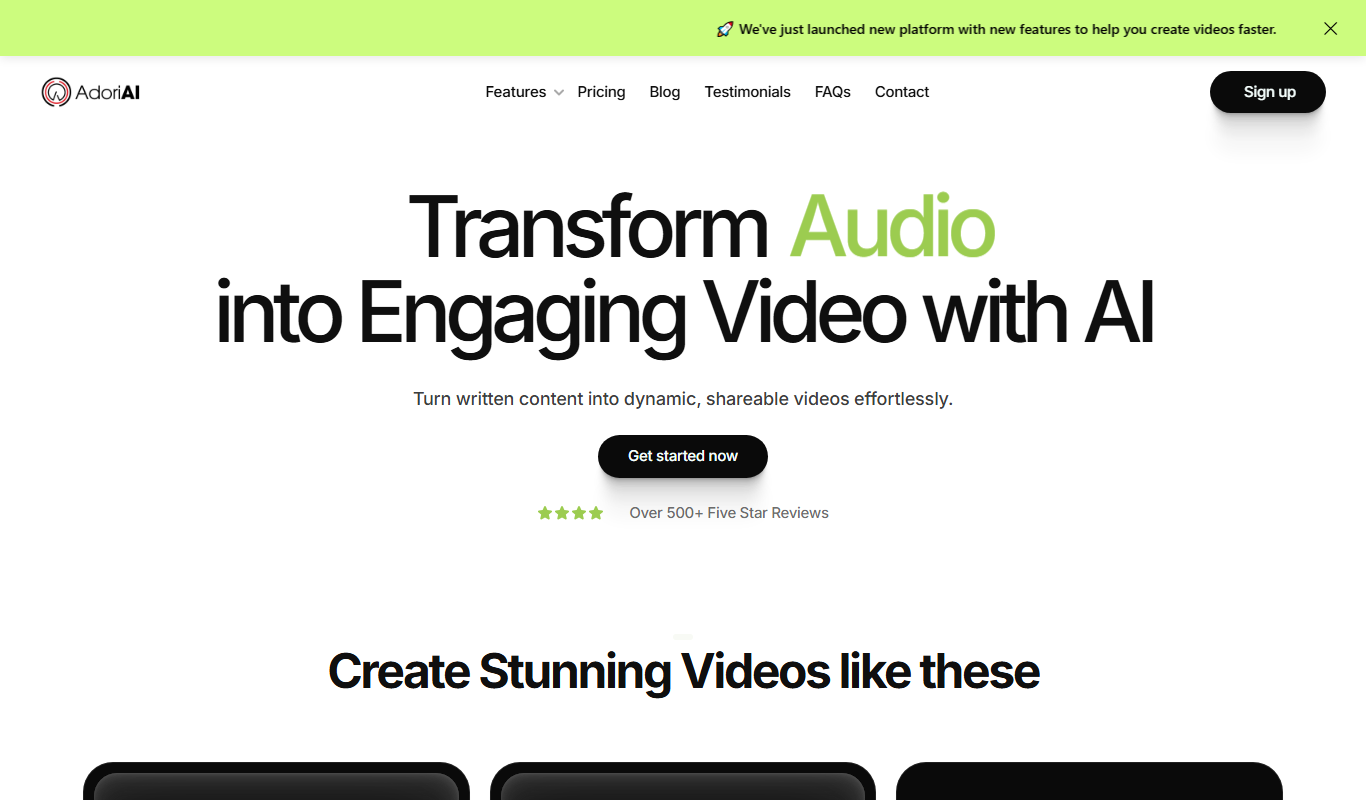
BlogToVideoAI is an AI-driven tool that automatically converts blog posts into videos by analyzing text content, generating scripts, and producing videos with voiceovers and customizable templates.

Freemium
investiment.io
investiment.io is an AI-powered investment platform that helps users manage portfolios, assess risks, and plan finances with actionable insights.

Free
GitFolio
GitFolio is an AI-powered tool that automatically builds professional developer portfolios by integrating with your GitHub account to showcase your projects and skills.

Free
Powerpresent AI
Powerpresent AI is a web-based tool that uses artificial intelligence to automatically generate professional presentation slides from user input, offering customizable templates and easy editing.

Free Trial
Brandblast
Brandblast is an AI-driven marketing automation platform that helps businesses automate social media content scheduling, campaign management, and performance analytics to grow their brand presence efficiently.

Free
Chub
Chub AI is an AI-powered chatbot platform designed to automate customer support and engagement by providing customizable conversational workflows and integration options.
Free
face swapper online
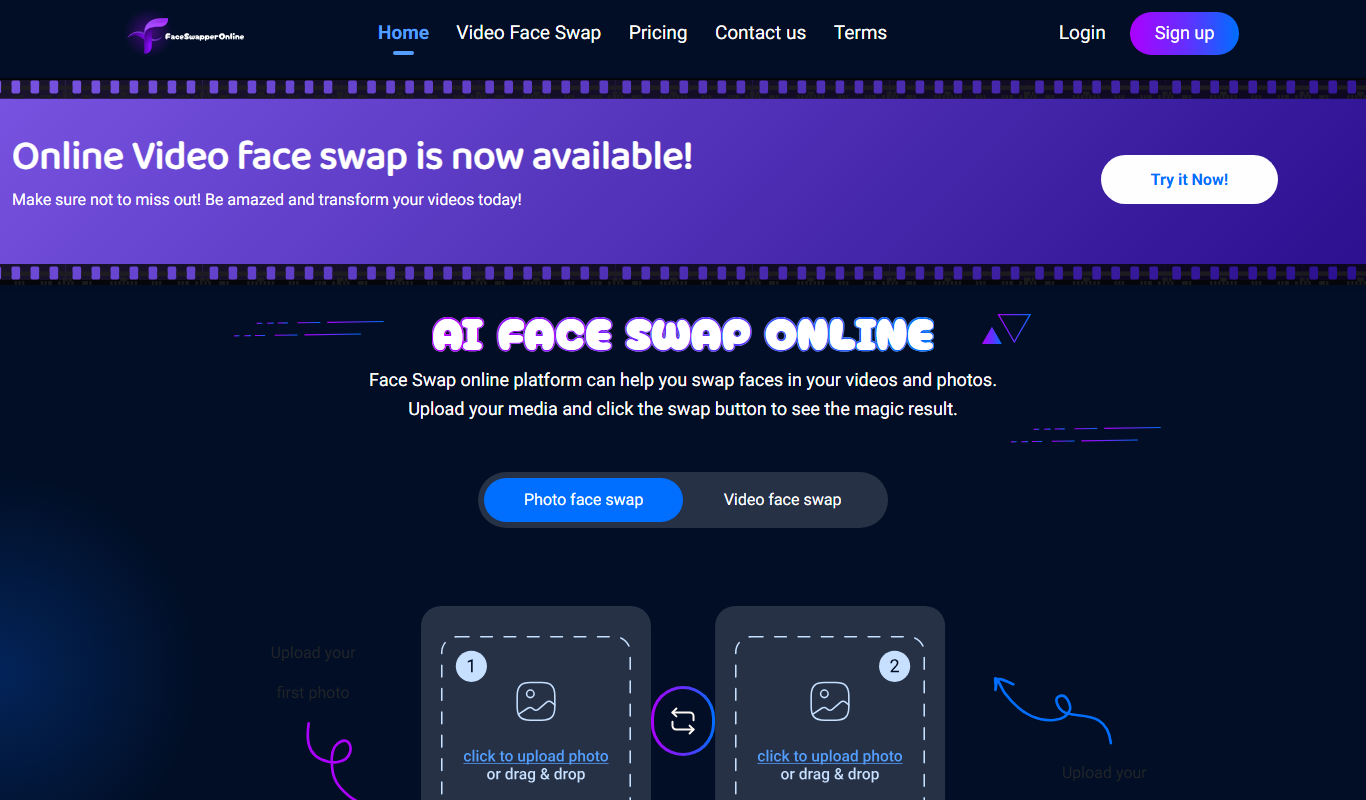
Face Swapper Online is a free web-based AI tool that lets you swap faces in photos and videos quickly without installing software.