
From my experience with SidekickSpace, I found it excels at simplifying task automation through AI, making daily workflows more manageable without overwhelming users. After spending time with the platform, I can say it’s particularly well-suited for freelancers and small teams looking to boost productivity without switching between multiple apps. However, the tool currently supports only English and could benefit from clearer pricing transparency. Overall, if you need an AI assistant to automate repetitive tasks and improve collaboration, SidekickSpace delivers practical and user-friendly solutions.
SidekickSpace AI Assistant for Enhanced Productivity and Task Management
SidekickSpace is an AI-powered productivity assistant that automates tasks, manages workflows, and integrates with popular tools to boost efficiency for individuals and teams.
What is SidekickSpace?
SidekickSpace is an AI-powered productivity assistant designed to help individuals and teams manage tasks, automate workflows, and enhance overall efficiency. It integrates seamlessly with your daily tools to provide contextual assistance, automate repetitive actions, and keep your projects on track.

Key Features of SidekickSpace
AI-Powered Task Automation
Automate repetitive tasks and workflows using intelligent AI triggers.
Smart Reminders and Notifications
Receive context-aware reminders to stay on top of deadlines and priorities.
Seamless Integration
Connect with popular productivity tools and calendars for unified management.
Collaboration Tools
Share tasks and updates with team members to improve coordination.
Pros and Cons of SidekickSpace
Pros
- Easy to use AI assistant that integrates with existing tools
- Helps automate repetitive tasks to save time
- Supports collaboration and workflow management
Cons
- Limited language support (English only)
- Pricing details and feature limits are not fully transparent on the website
Key Use Cases for SidekickSpace
Task Automation
Automate repetitive tasks and workflows to save time and reduce manual effort.
Productivity Enhancement
Use AI-powered suggestions and assistance to improve daily productivity and focus.
Collaboration Support
Facilitate team collaboration by organizing tasks and sharing insights within projects.
Workflow Management
Streamline complex workflows with AI-driven task prioritization and reminders.
How SidekickSpace Works
-
1
Sign Up
Create an account on SidekickSpace’s website or via the Chrome extension.
-
2
Connect Your Tools
Integrate SidekickSpace with your existing productivity apps and calendars.
-
3
Set Up Tasks and Workflows
Define tasks, projects, and workflows you want to automate or manage.
-
4
Receive AI Assistance
Get AI-powered suggestions, reminders, and automation to streamline your work.
Who's Using SidekickSpace
Freelancers and solopreneurs
Small to medium-sized teams
Project managers
Productivity enthusiasts
SidekickSpace Pricing
Free
$0/month
Basic access with limited task automation and integrations.
Pro
$15/month
Advanced AI features, unlimited workflows, and premium integrations.
Frequently Asked Questions About SidekickSpace
SidekickSpace is available as a web app and a Chrome extension.
Yes, it supports integration with popular tools like Google Calendar and task managers.
Yes, SidekickSpace offers a free plan with basic features.
It depends on your specific needs and how you plan to use the tool. The official website and documentation are the best sources for the latest details.
Integration support depends on the tool and its available connectors or API. Check the official documentation or integrations page to confirm what is supported.
Some tools offer a free plan or trial with limited features. Availability can vary, so confirm on the official website.
Share your review
Reviews are limited to one per logged-in user and are published after moderation.
You need an account to review this tool.
0.0
★
★
★
★
★
0 reviews
5 star
0
4 star
0
3 star
0
2 star
0
1 star
0
No reviews yet
Be the first to share how this tool worked for you.
Questions from the community
Read questions and answers about this tool, or ask your own.
No questions yet
Start the conversation by asking the first question about this tool.
Is this tool helpful?
Alternative Tools
Explore similar AI tools that might fit your needs

Free
Trello
Trello is a visual project management tool that helps teams organize tasks and workflows using boards, lists, and cards, with automation and integrations to enhance productivity.
Free
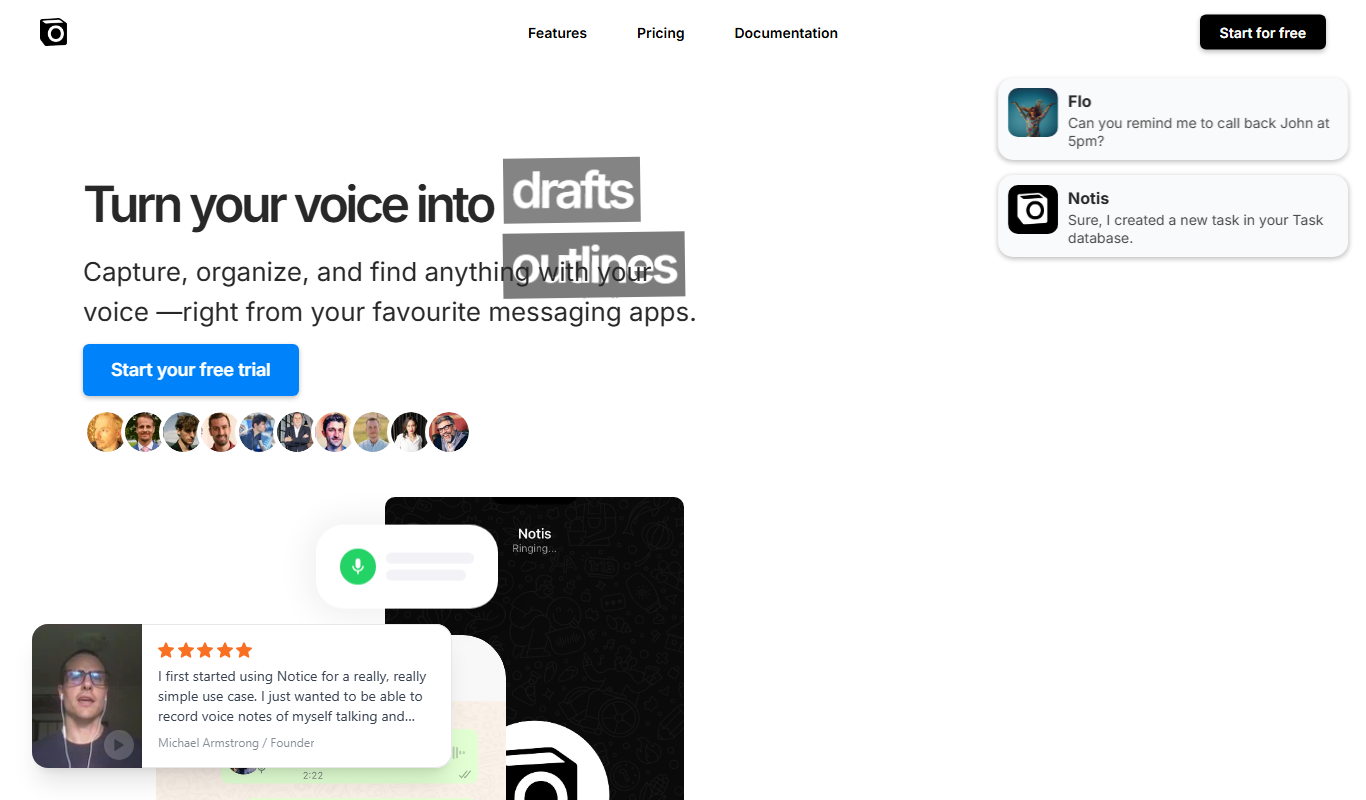
notis.ai
notis.ai is an AI email assistant that helps users prioritize important emails, reduce notification noise, summarize email threads, and automate repetitive tasks to improve email productivity.

Free
Cal AI
Cal AI is an AI calendar assistant that automates meeting scheduling, generates AI-driven meeting summaries, and helps users manage their calendars efficiently.

Free
Friday AI
Friday AI is an AI meeting assistant that automates note-taking, action item tracking, and integrates with collaboration platforms like Slack and Microsoft Teams to improve team productivity.
Free
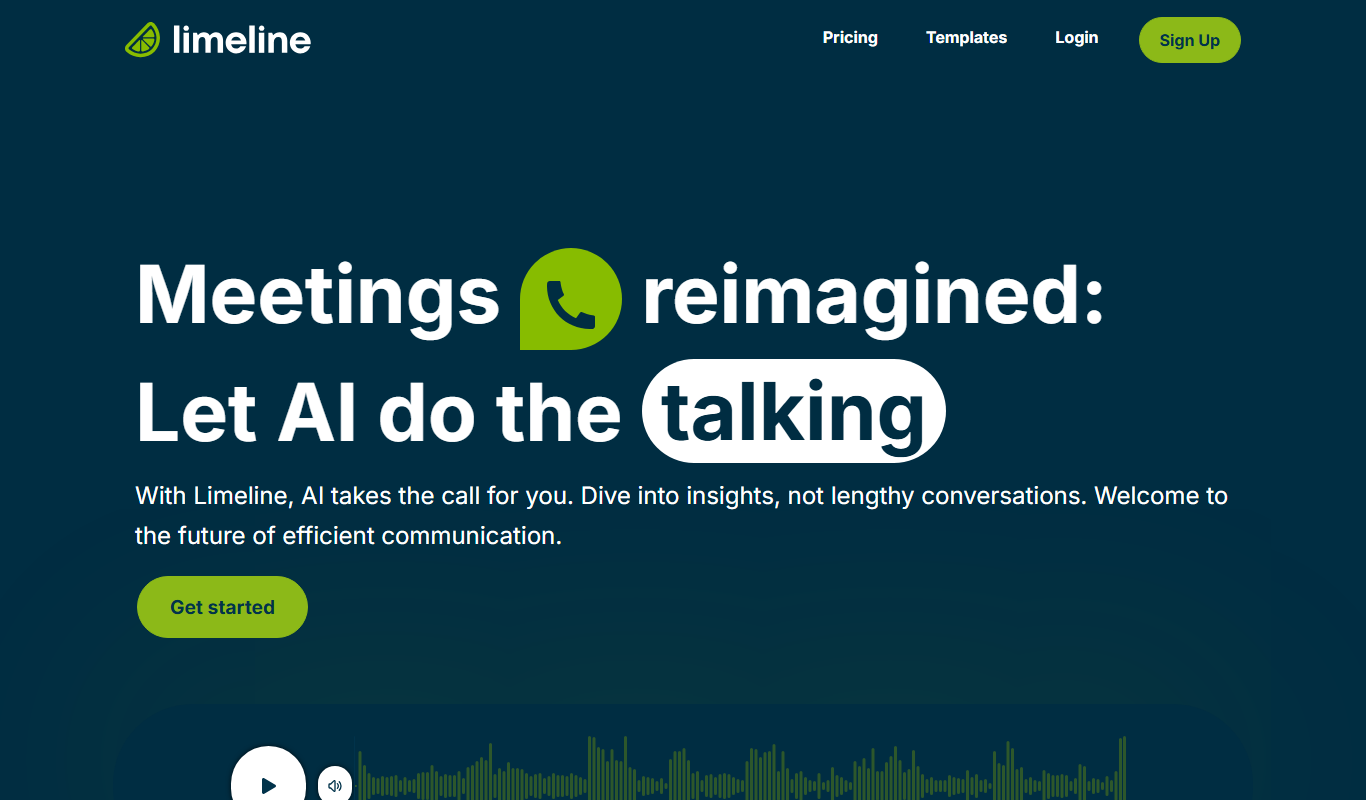
Limeline
Limeline is an AI meeting assistant that automatically transcribes meetings, generates summaries, and extracts action items to improve team collaboration and productivity.
Freemium
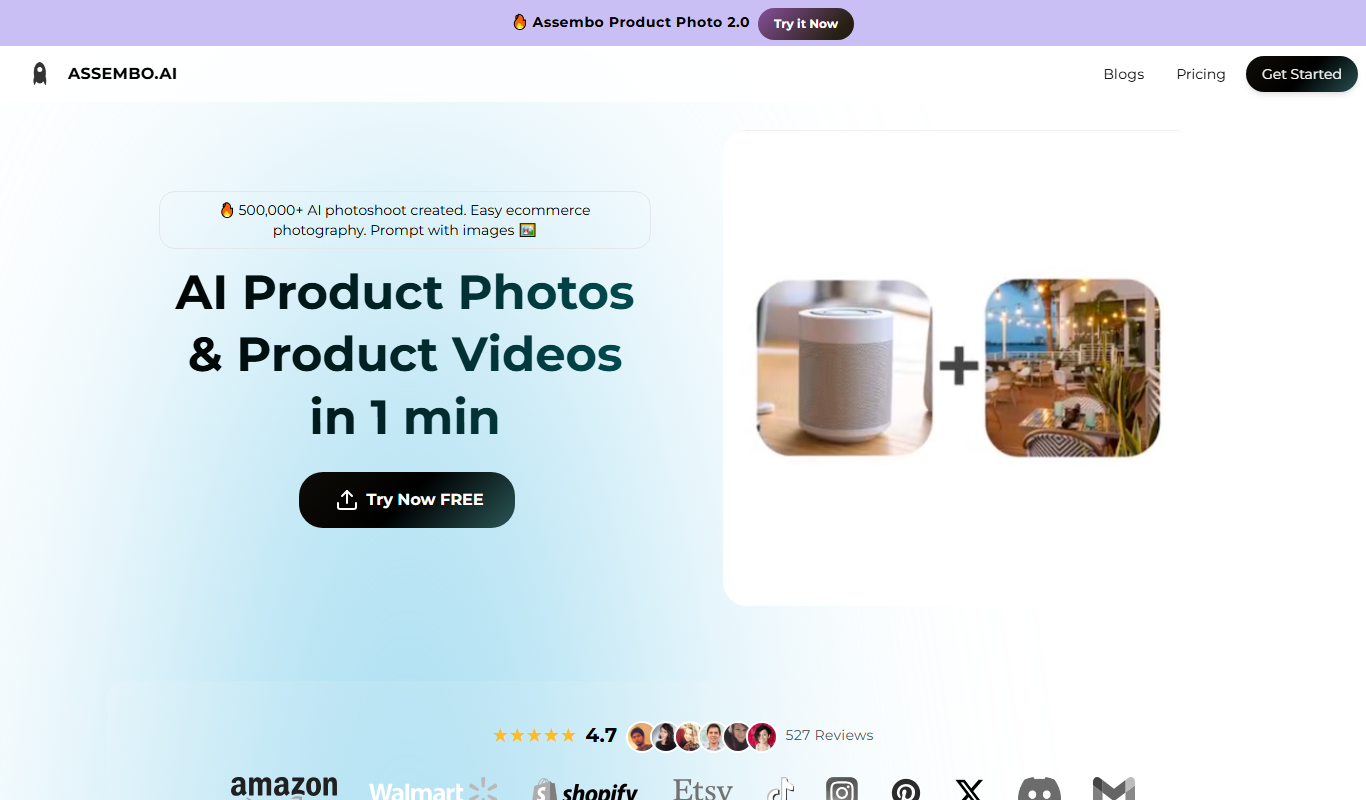
Assembo.ai
Assembo.ai is an AI meeting assistant that transcribes meetings in real time, generates summaries, extracts action items, and integrates with popular conferencing platforms to improve productivity.

Freemium
Keepo – AI health tracker & assistant
Keepo is an AI health tracker and assistant that monitors personal health metrics, analyzes symptoms, and offers personalized wellness advice to support healthier lifestyle choices.

Free Trial
amy
Amy is an AI assistant that automates meeting scheduling by coordinating calendars and communicating via email to find optimal meeting times.

Freemium
Introducing Coworker AI
Coworker AI by Infer is an AI-driven sales and marketing assistant that automates lead qualification, personalized outreach, and CRM data enrichment to help teams close deals faster.