
From my experience with Take Blip, I found it excels at enabling businesses to quickly build and deploy chatbots across popular messaging platforms without needing coding skills. The platform’s no-code visual builder and multichannel support make it especially useful for customer service and sales teams aiming to automate conversations efficiently. However, the pricing for advanced features is not clearly listed publicly, which could require direct contact for detailed quotes. Overall, if you need a robust conversational AI solution focused on Latin American markets with strong integration capabilities, Take Blip delivers reliable and scalable chatbot automation.
Take Blip AI Chat Platform for Customer Service and Conversational Automation
Take Blip is a conversational AI platform that enables businesses to build and manage chatbots across multiple messaging channels without coding, improving customer service and sales automation.
Tech Stack:
JavaScript
Node.js
React
What is Take Blip?
Take Blip is a conversational AI platform designed to help businesses automate customer interactions through chatbots and messaging channels. It enables companies to build, deploy, and manage AI-powered chatbots without coding, supporting multiple platforms like WhatsApp, Facebook Messenger, and web chat. The platform focuses on improving customer service efficiency, lead generation, and operational automation.
Key Features of Take Blip
No-Code Visual Flow Builder
Design complex conversational flows easily without programming skills.
Multichannel Messaging Support
Manage conversations across WhatsApp, Facebook Messenger, Instagram, SMS, and web chat.
AI Natural Language Processing
Understand and respond to user intents with AI-powered language understanding.
Business System Integrations
Connect chatbots with CRM, ERP, and other tools to automate workflows.
Analytics and Reporting
Track chatbot performance and customer engagement metrics in real time.
Pros and Cons of Take Blip
Pros
- User-friendly no-code chatbot builder
- Supports multiple popular messaging channels
- Strong integration options with business tools
- Real-time analytics for chatbot performance
- Multilingual support including Portuguese and Spanish
Cons
- Pricing details for advanced plans are not publicly listed
- Primarily focused on Latin American markets
- May require technical support for complex integrations
Key Use Cases for Take Blip
Customer Support Automation
Automate responses to customer inquiries across multiple messaging channels to improve response time and reduce support costs.
Sales and Lead Generation
Engage website visitors and social media users with conversational flows to qualify leads and drive sales.
Multichannel Messaging Management
Manage conversations seamlessly across WhatsApp, Facebook Messenger, Instagram, SMS, and web chat from a single platform.
No-Code Chatbot Building
Create and customize chatbots without programming knowledge using a visual flow builder.
Integration with Business Systems
Connect chatbots to CRM, ERP, and other business tools to automate workflows and data synchronization.
How Take Blip Works
-
1
Sign Up and Access Platform
Create an account on Take Blip’s website to access the chatbot builder and management tools.
-
2
Design Chatbot Flows
Use the visual flow builder to create conversational paths tailored to your business needs.
-
3
Connect Messaging Channels
Integrate your chatbot with channels like WhatsApp, Facebook Messenger, Instagram, and web chat.
-
4
Deploy and Monitor
Launch your chatbot and monitor interactions through analytics to optimize performance.
Who's Using Take Blip
Customer service teams
Marketing departments
Small and medium businesses
E-commerce companies
Sales teams
Take Blip Pricing
Free
$0/month
Basic chatbot features with limited interactions and channels.
Pro
Custom pricing
Advanced features, unlimited interactions, multichannel support, and integrations.
Frequently Asked Questions About Take Blip
Yes, Take Blip supports WhatsApp Business API integration to deploy chatbots on WhatsApp.
Yes, Take Blip provides a no-code visual flow builder for creating chatbots.
The platform supports English, Portuguese, and Spanish.
Yes, Take Blip offers a free plan with basic features and limited usage.
This tool is designed to help users accomplish its core tasks more efficiently. It is typically used by individuals or teams looking to improve productivity and workflow.
Yes, it can help with that use case depending on how you configure it and what features are available. You’ll get the best results with clear inputs and a defined goal.
Share your review
Reviews are limited to one per logged-in user and are published after moderation.
You need an account to review this tool.
0.0
★
★
★
★
★
0 reviews
5 star
0
4 star
0
3 star
0
2 star
0
1 star
0
No reviews yet
Be the first to share how this tool worked for you.
Questions from the community
Read questions and answers about this tool, or ask your own.
No questions yet
Start the conversation by asking the first question about this tool.
Is this tool helpful?

Free
PandaChat.ai
PandaChat.ai is an AI chatbot platform that helps businesses automate customer interactions, improve engagement, and generate leads through customizable conversational AI deployed on websites and via API.

Free
Giti.AI
Giti.AI is an AI coding assistant that integrates with popular IDEs to provide real-time code completions, bug detection, and code explanations, helping developers write better code faster.

Free
SummarizeBot
SummarizeBot is an AI tool that automatically condenses lengthy text into concise summaries, supporting multiple languages and chatbot integrations for easy access.

Freemium
truelark.com
Truelark is an AI writing assistant designed to help marketers and content creators generate SEO-friendly content efficiently using AI-powered tools and templates.

Free Trial
Botanalytics
Botanalytics is a conversational analytics platform that helps businesses monitor and optimize chatbot and voice assistant interactions through detailed user engagement metrics and conversation flow analysis.

Free
Embed
Embed is a web-based tool that allows users to integrate GPT-powered AI content and chatbots into websites and applications via embed codes and APIs.

Free
Merlin AI
Merlin AI is a GPT-4 powered AI chat assistant that integrates as a browser extension, enabling users to access AI-generated content and assistance directly on any website to improve productivity and content creation.
Free Trial
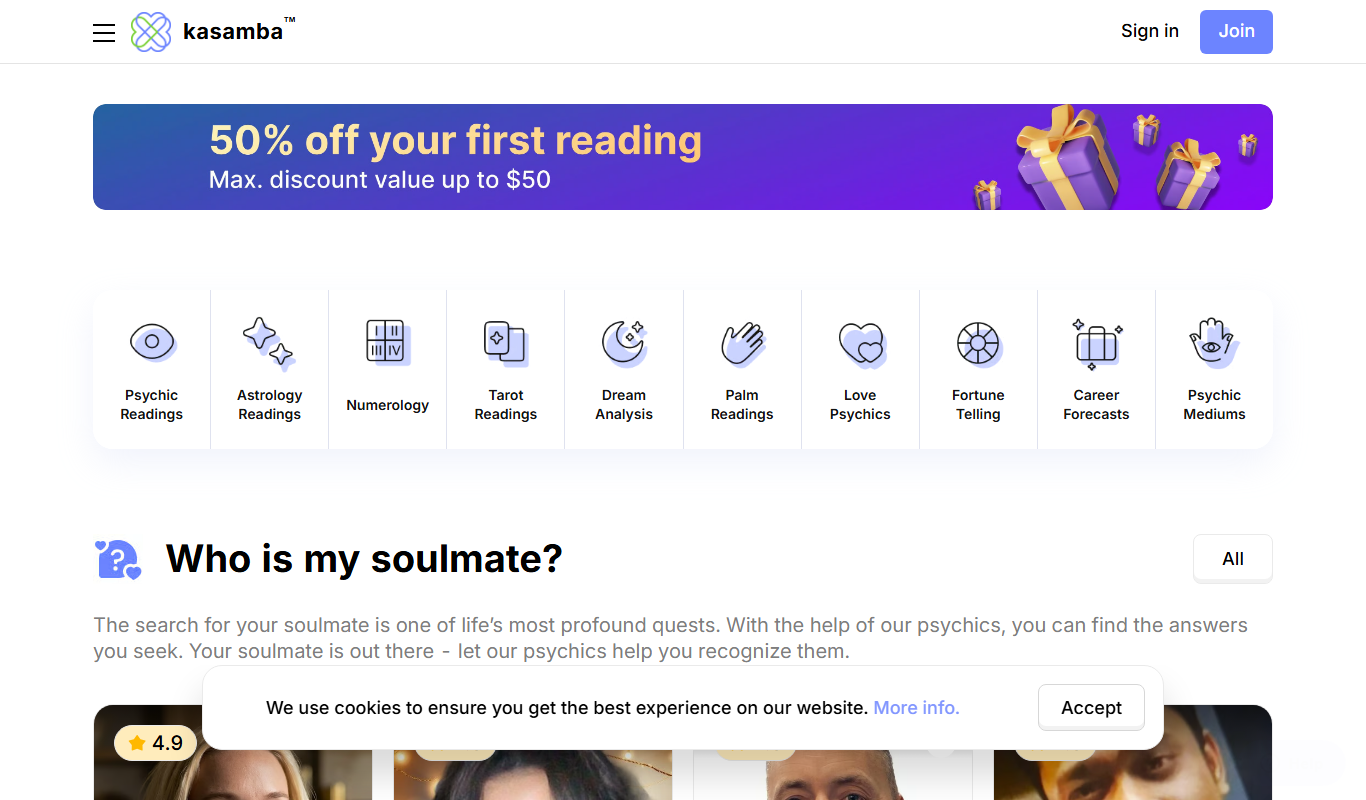
Kasamba Online Psychic
Kasamba Online Psychic offers live psychic readings via chat, phone, and video with vetted advisors specializing in tarot, astrology, and spiritual guidance.