
From my experience with FaceToAll, I found it excels at quickly transforming face photos into a variety of artistic styles with minimal effort. The straightforward web interface makes it accessible for users without photo editing skills, which is a big plus. However, the platform’s free tier limits style options and usage, and there is little publicly available information about the company behind it. Overall, if you want an easy way to create artistic portraits from your photos for social media or personal projects, FaceToAll delivers solid and fast results.
FaceToAll - Convert Face Photos to Artistic Styles Online Easily
FaceToAll is an online AI tool that converts face photos into various artistic styles quickly and easily through a web interface.
What is FaceToAll – Face Photos to Art?
FaceToAll is an online AI-powered tool that converts face photos into artistic images using different art styles. It allows users to upload a photo of a face and apply various artistic filters to transform the image into a creative artwork. The tool is designed for easy use without requiring advanced photo editing skills.
Key Features of FaceToAll – Face Photos to Art
AI-Powered Style Transfer
Uses artificial intelligence to apply artistic styles to face photos with realistic results.
Multiple Art Styles
Offers a range of art filters including classic painting styles and modern artistic effects.
User-Friendly Interface
Simple and intuitive web interface requiring no technical expertise.
Fast Processing
Quickly generates artistic images without long wait times.
Pros and Cons of FaceToAll – Face Photos to Art
Pros
- Easy to use with no technical skills required
- Variety of artistic styles available
- Fast AI processing for quick results
Cons
- Limited free usage and styles
- No mobile app available
- Lack of detailed company information
Key Use Cases for FaceToAll – Face Photos to Art
Personal Artistic Portraits
Users can transform their face photos into various artistic styles for personal use or social media sharing.
Creative Content Creation
Content creators can generate unique art-style images from face photos to enhance visual storytelling.
Gift and Merchandise Design
Users can create artistic portraits suitable for printing on gifts, merchandise, or keepsakes.
How FaceToAll – Face Photos to Art Works
-
1
Upload Photo
Users upload a clear face photo through the web interface.
-
2
Select Art Style
Choose from a variety of artistic filters and styles available on the platform.
-
3
Generate Artwork
The AI processes the photo and applies the selected art style to create the final image.
-
4
Download or Share
Users can download the artistic image or share it directly on social media.
Who's Using FaceToAll – Face Photos to Art
Social media users
Content creators
Artists and designers
Gift and merchandise designers
Casual users seeking creative photo edits
FaceToAll – Face Photos to Art Pricing
Free
$0
Basic access with limited styles and standard resolution downloads.
Premium
$9.99/month
Access to all art styles, high-resolution downloads, and faster processing.
Frequently Asked Questions About FaceToAll – Face Photos to Art
Commercial use depends on the licensing terms provided by FaceToAll; users should review the terms on the website.
Common image formats like JPG and PNG are supported for uploading face photos.
Free users may have daily limits, while premium subscribers enjoy higher or unlimited usage.
It depends on your specific needs and how you plan to use the tool. The official website and documentation are the best sources for the latest details.
Some tools offer a free plan or trial with limited features. Availability can vary, so confirm on the official website.
Yes, it can help with that use case depending on how you configure it and what features are available. You’ll get the best results with clear inputs and a defined goal.
Share your review
Reviews are limited to one per logged-in user and are published after moderation.
You need an account to review this tool.
0.0
★
★
★
★
★
0 reviews
5 star
0
4 star
0
3 star
0
2 star
0
1 star
0
No reviews yet
Be the first to share how this tool worked for you.
Questions from the community
Read questions and answers about this tool, or ask your own.
No questions yet
Start the conversation by asking the first question about this tool.
Is this tool helpful?
Alternative Tools
Explore similar AI tools that might fit your needs

Freemium
Prisma
Prisma is an AI-powered image generator that applies artistic styles to photos using neural networks, available on web and mobile platforms.
Free
Painnt
Painnt is an AI-powered art generator that converts photos into artistic images using a wide variety of filters inspired by famous art styles, available on mobile and web platforms.
Free
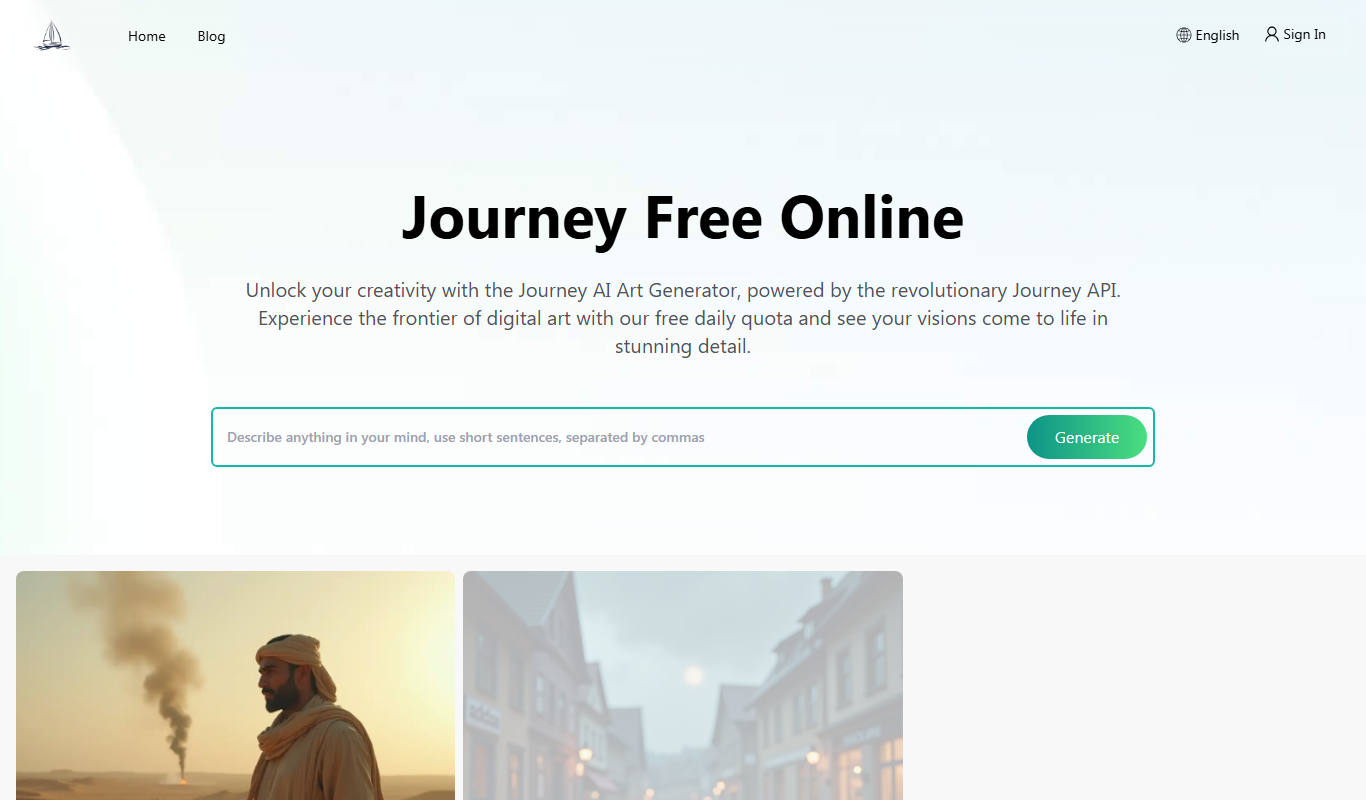
Free Midjourney AI Art Generator
Free Midjourney AI Art Generator is a web-based tool that allows users to create AI-generated images from text prompts at no cost, inspired by the Midjourney AI model.

Free Trial
AdpexAI
AdpexAI is an AI-powered marketing platform that automates digital ad campaign creation, audience targeting, budget optimization, and performance analytics to help marketers improve ROI.
Free
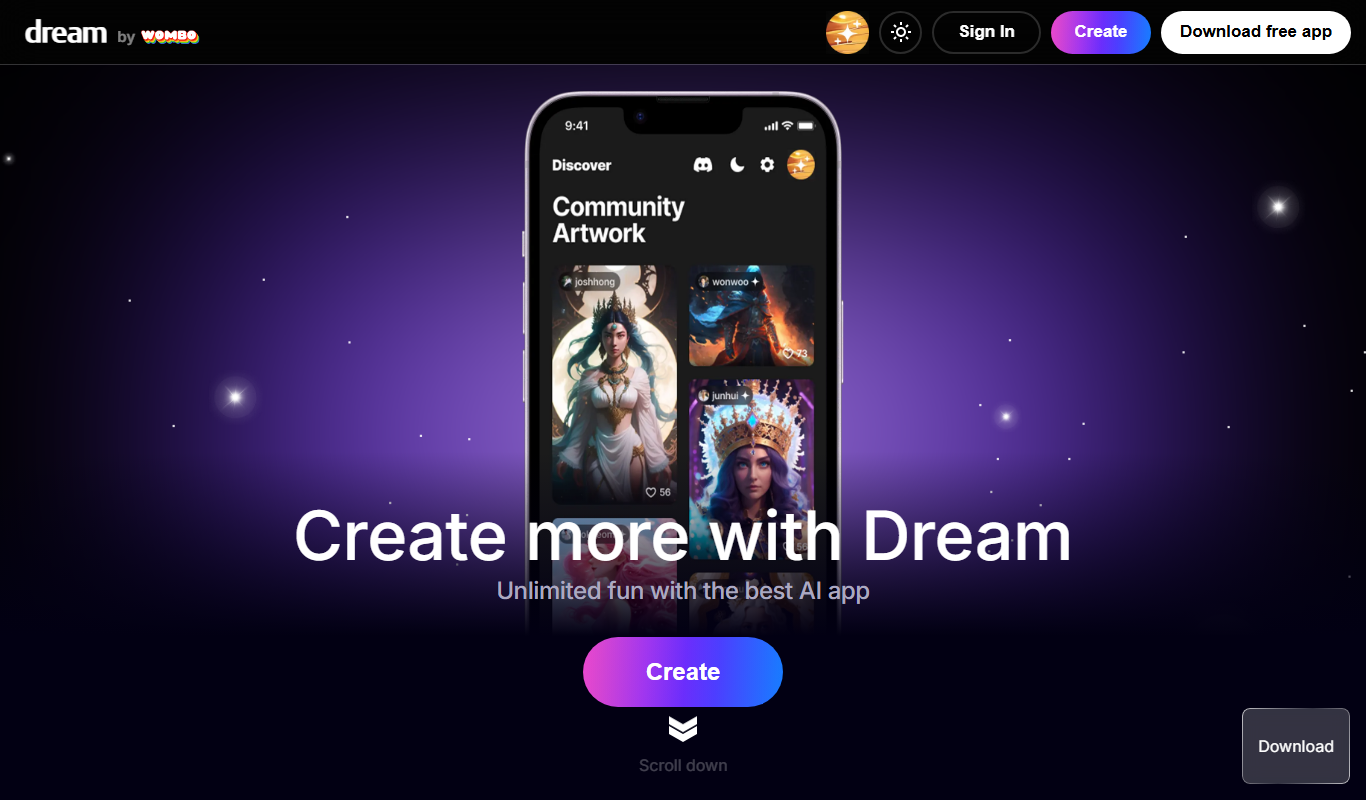
Wombo
Wombo is an AI-powered platform that generates unique digital artwork from text prompts, offering multiple art styles and easy-to-use tools accessible via web and mobile apps.

Freemium
Open Dream
Open Dream is a web-based AI art generator that creates unique images from user text prompts using advanced machine learning models.

Free
Genima
Genima is a web-based AI art generator that creates unique digital images from text prompts, suitable for artists and content creators seeking quick and creative artwork.

Freemium
Dreamery
Dreamery is an AI-powered platform that transforms text prompts into creative digital artworks, ideal for artists and marketers seeking unique visuals without design skills.
Freemium
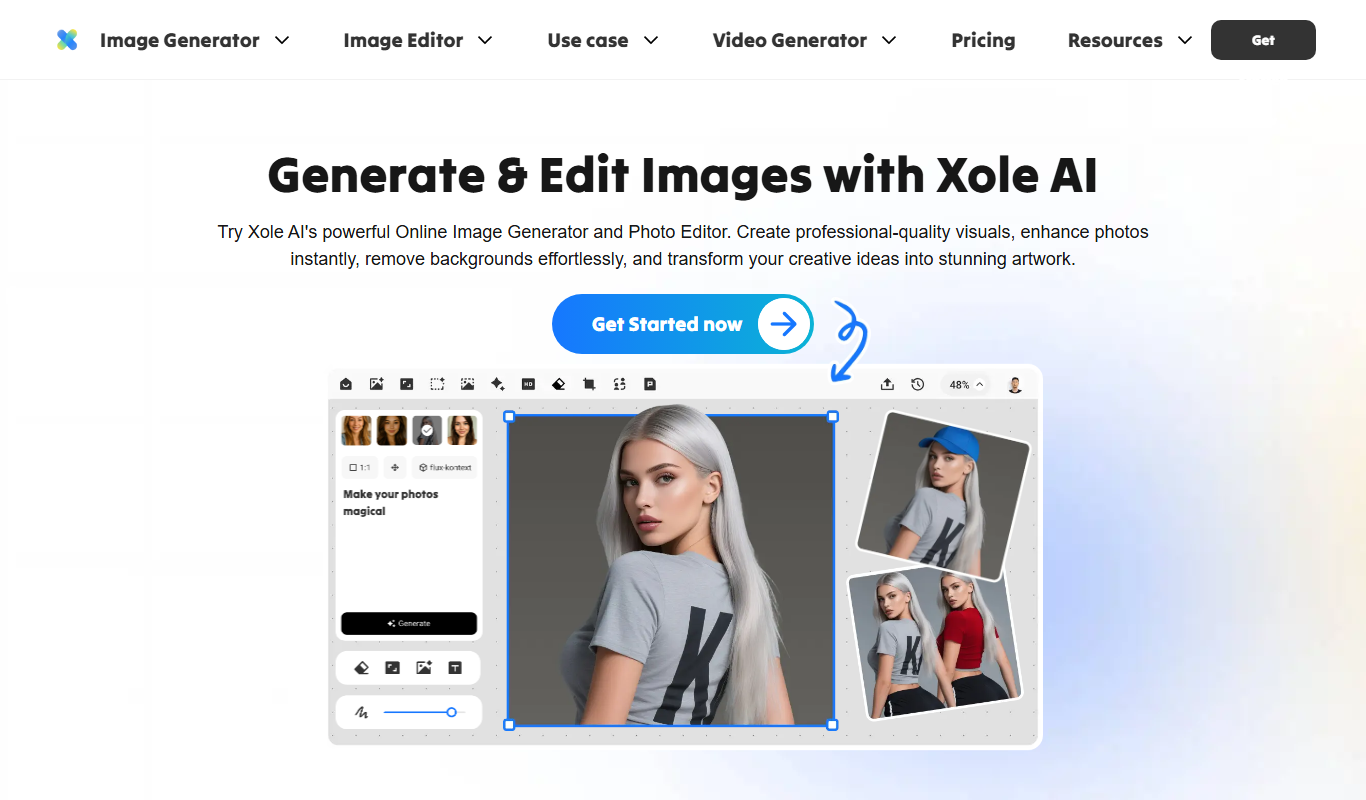
Xole AI
Xole AI is an AI-driven content creation platform that helps users generate SEO-friendly blog posts, marketing copy, and content ideas efficiently through an easy-to-use web interface.

Free
Polygen Studio
Polygen Studio is a web-based AI art generator focused on creating custom 3D assets and textures for creative projects like game development and digital art.