
From my experience with Swifterm, I found it excels at speeding up email composition by providing relevant AI-generated drafts and reply suggestions. The Chrome extension integrates smoothly with Gmail, making it convenient for daily email workflows. It’s particularly well-suited for busy professionals and sales teams who handle large volumes of email and want to save time while maintaining a personalized touch. However, the current limitation to Gmail and Chrome means users on other platforms might find it less useful. Overall, if you want to boost your email productivity with AI assistance, Swifterm delivers practical and easy-to-use features.

Swifterm AI Email Assistant for Faster, Smarter Email Writing
Swifterm is an AI email assistant that integrates with Gmail via a Chrome extension to help users draft, reply, and personalize emails faster using AI-generated suggestions.
Categories:
AI Productivity Tools
AI Short Video Generator
AI Writing & Content Tools
Email Management
Tech Stack:
JavaScript
Node.js
React
What is swifterm.com?
Swifterm is an AI-powered email assistant designed to help users write, reply, and manage emails faster and more effectively. It integrates with popular email platforms via a Chrome extension and web app, providing AI-generated suggestions to draft, reply, and personalize emails with ease.
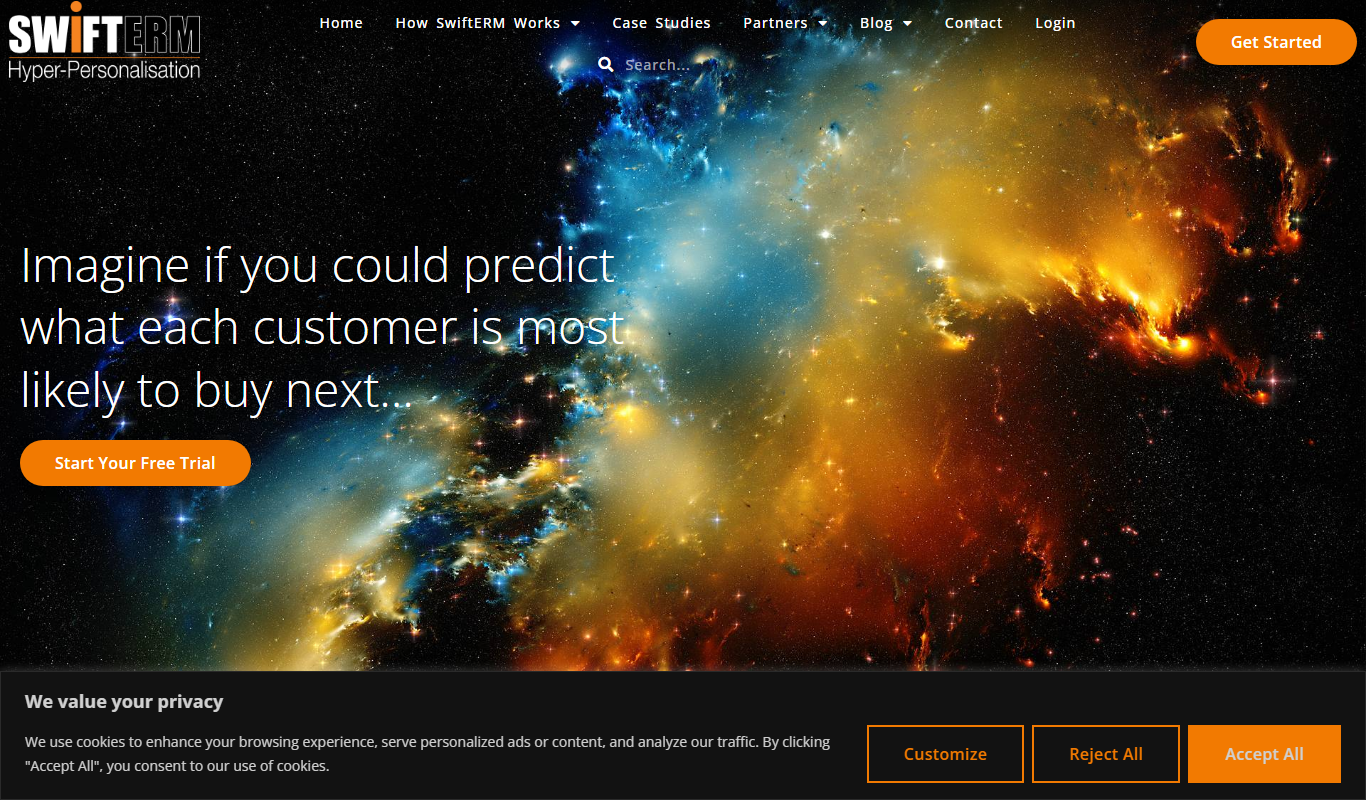
Key Features of swifterm.com
AI-Powered Email Drafting
Create professional email drafts quickly with AI-generated content tailored to your context.
Reply Automation
Automate responses to frequently received emails to save time.
Personalization Suggestions
Receive AI-driven tips to personalize emails for better engagement.
Seamless Email Client Integration
Works smoothly with popular email platforms through a Chrome extension and web app.
User-Friendly Interface
Intuitive design that simplifies email management and AI assistance.
Pros and Cons of swifterm.com
Pros
- Speeds up email composition with AI assistance
- Easy integration via Chrome extension
- Helps personalize emails for better engagement
- Offers a free plan to try basic features
Cons
- Limited to Gmail and Chrome browser currently
- AI suggestions may require manual editing for tone
Key Use Cases for swifterm.com
Email Drafting
Generate professional and contextually relevant email drafts quickly using AI assistance.
Email Reply Automation
Automate responses to common email inquiries to save time and improve efficiency.
Email Personalization
Customize emails with AI-powered suggestions to better engage recipients.
Productivity Enhancement
Reduce time spent on email composition and management, allowing focus on higher priority tasks.
How swifterm.com Works
-
1
Install Extension or Access Web App
Users install the Swifterm Chrome extension or use the web application to connect their email account.
-
2
Compose or Select Email
Start composing a new email or select an email to reply to within the interface.
-
3
Generate AI Suggestions
Swifterm analyzes the context and generates draft or reply suggestions for the user.
-
4
Edit and Send
Users can edit the AI-generated content as needed before sending the email.
Who's Using swifterm.com
Busy professionals
Sales and marketing teams
Customer support agents
Small business owners
Freelancers managing client communications
swifterm.com Pricing
Free
$0/month
Basic access with limited AI email suggestions and usage caps.
Pro
$15/month
Unlimited AI suggestions, advanced features, and priority support.
Frequently Asked Questions About swifterm.com
Currently, Swifterm primarily supports Gmail via its Chrome extension, with plans to expand support in the future.
Swifterm uses industry-standard encryption and privacy practices to protect your email data.
Yes, you can edit and personalize all AI-generated content before sending.
It depends on your specific needs and how you plan to use the tool. The official website and documentation are the best sources for the latest details.
Some tools offer a free plan or trial with limited features. Availability can vary, so confirm on the official website.
Yes, it can help with that use case depending on how you configure it and what features are available. You’ll get the best results with clear inputs and a defined goal.
Share your review
Reviews are limited to one per logged-in user and are published after moderation.
You need an account to review this tool.
0.0
★
★
★
★
★
0 reviews
5 star
0
4 star
0
3 star
0
2 star
0
1 star
0
No reviews yet
Be the first to share how this tool worked for you.
Questions from the community
Read questions and answers about this tool, or ask your own.
No questions yet
Start the conversation by asking the first question about this tool.
Is this tool helpful?

Freemium
Mechanix
Mechanix is an AI-powered writing assistant that helps users generate and improve written content efficiently through AI-driven suggestions and editing tools.

Freemium
ChatTab
ChatTab is an AI chatbot tool that integrates ChatGPT into browsers and mobile apps, providing instant AI assistance for content creation, coding help, and research.

Free
NoFOMO.AI
NoFOMO.AI is an AI-driven meeting assistant that transcribes meetings and generates concise summaries and action items to improve productivity.

Free
Focus Buddy (YC S24)
Focus Buddy is an AI-driven productivity tool that pairs users with accountability partners to facilitate focused work sessions and improve time management.

Freemium
Zaia
Zaia is an AI writing assistant that provides real-time grammar and style corrections, content suggestions, and tone customization to help users create and edit written content efficiently.
Free Trial
Pump
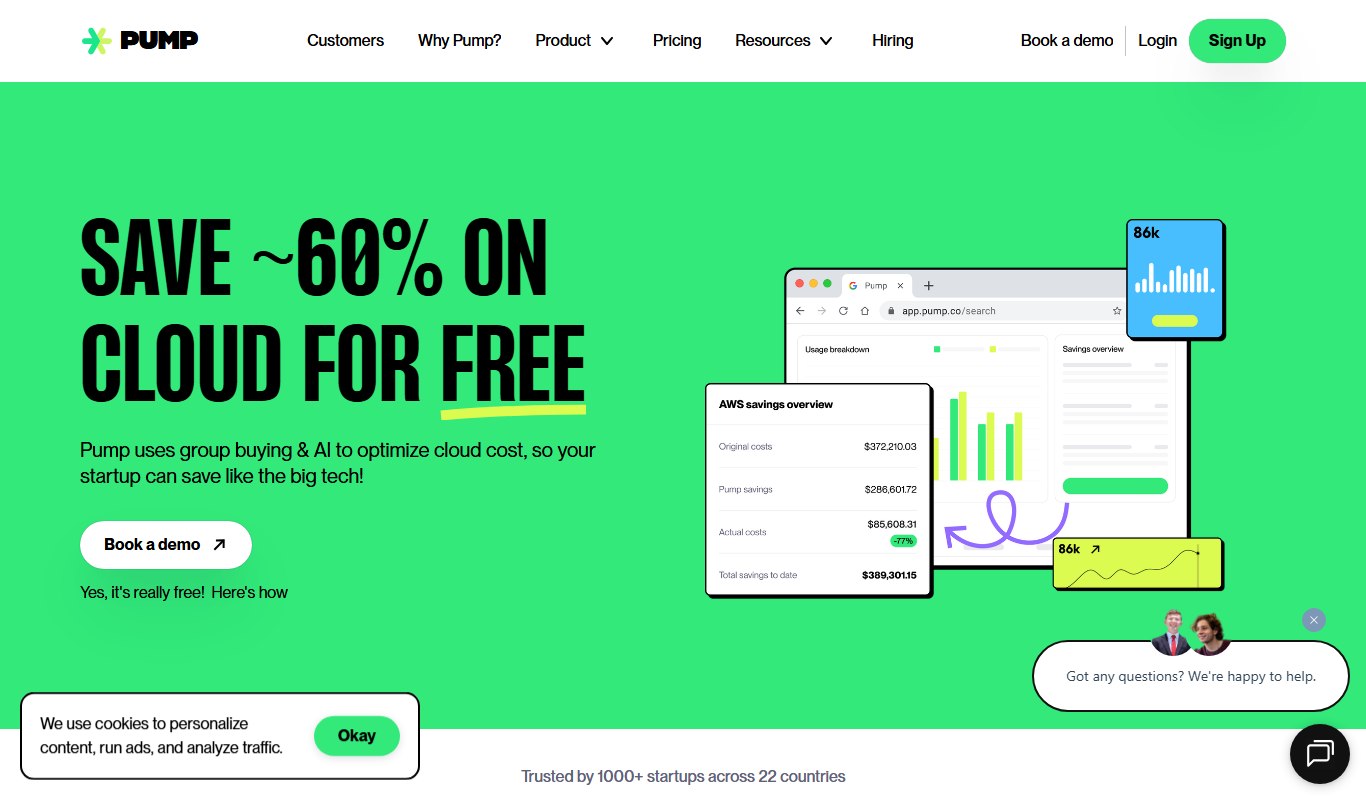
Pump is an AI-powered writing assistant that helps marketing teams generate, edit, and collaborate on content such as marketing copy, social media posts, and emails.

Free
FormlyAI
FormlyAI is an AI-powered web-based form builder that helps users create dynamic, customizable forms with conditional logic and real-time analytics to improve data collection efficiency.

Free Trial
Crew AI
Crew AI is an AI-driven platform that enhances team collaboration and task management by automating task assignments, reminders, and workflow processes to improve productivity.