
From my experience with DrawAnyone, I found it excels at quickly transforming simple text prompts into unique, high-quality digital portraits without requiring any artistic skills. The platform’s straightforward interface makes it accessible for beginners and professionals alike, especially for those seeking personalized avatars or creative gifts. However, the quality and style of the output heavily depend on how detailed and clear your prompts are, which can require some experimentation. Overall, if you want an easy way to generate custom AI portraits on demand, DrawAnyone delivers solid and visually appealing results.
DrawAnyone AI Portrait Generator for Custom Digital Art Creations
DrawAnyone is a web-based AI tool that generates custom digital portraits from user text prompts, offering high-resolution downloads and pay-per-use pricing.
What is drawanyone?
DrawAnyone is an AI-powered web application that generates custom digital portraits from text prompts. Users describe the desired portrait, and the AI creates unique artwork reflecting the description. It leverages advanced machine learning models to produce artistic and personalized images quickly without requiring drawing skills.

Key Features of drawanyone
AI-Driven Portrait Generation
Creates unique portraits from user text prompts using advanced AI algorithms.
Customizable Prompts
Allows detailed descriptions to influence the style, expression, and appearance of portraits.
High-Resolution Output
Provides high-quality images suitable for printing or digital use.
User-Friendly Web Interface
Accessible via web browser with no installation required.
Pros and Cons of drawanyone
Pros
- Easy to use with no artistic skills required
- Generates unique and personalized portraits
- High-resolution downloads suitable for various uses
Cons
- Limited free credits before purchase required
- Customization depends on prompt quality and detail
Key Use Cases for drawanyone
Custom Portrait Creation
Generate unique AI-created portraits based on user prompts for personal or professional use.
Digital Art for Social Media
Create eye-catching digital portraits to enhance social media profiles and posts.
Creative Gift Making
Design personalized digital portraits as gifts for friends, family, or clients.
Concept Art and Inspiration
Use AI-generated portraits as inspiration or concept art for creative projects.
How drawanyone Works
-
1
Enter a Text Prompt
Describe the portrait you want to generate, including details like style, features, and mood.
-
2
AI Processes the Request
The AI model interprets your prompt and creates a unique digital portrait based on the description.
-
3
Review and Download
View the generated portrait and download it in high resolution if satisfied.
Who's Using drawanyone
Digital artists seeking inspiration
Social media users wanting custom avatars
Gift givers looking for personalized art
Creative professionals needing concept art
drawanyone Pricing
Free
$0
Limited free credits to try generating portraits.
Pay Per Use
Varies
Purchase credits to generate additional portraits beyond free limits.
Frequently Asked Questions About drawanyone
No, the AI generates portraits based on your text descriptions without requiring any drawing ability.
Yes, you can include style preferences in your prompt to influence the portrait’s appearance.
Portraits are typically available in high-resolution JPEG or PNG formats.
DrawAnyone operates on a free credit system with pay-per-use credits; no subscription plans are currently offered.
It depends on your specific needs and how you plan to use the tool. The official website and documentation are the best sources for the latest details.
Yes, it can help with that use case depending on how you configure it and what features are available. You’ll get the best results with clear inputs and a defined goal.
Some tools offer a free plan or trial with limited features. Availability can vary, so confirm on the official website.
Share your review
Reviews are limited to one per logged-in user and are published after moderation.
You need an account to review this tool.
0.0
★
★
★
★
★
0 reviews
5 star
0
4 star
0
3 star
0
2 star
0
1 star
0
No reviews yet
Be the first to share how this tool worked for you.
Questions from the community
Read questions and answers about this tool, or ask your own.
No questions yet
Start the conversation by asking the first question about this tool.
Is this tool helpful?

Free
Draph Art
Draph Art is an AI-based web platform that generates digital art from text prompts, offering customizable styles and high-resolution downloads for creative projects.
Free
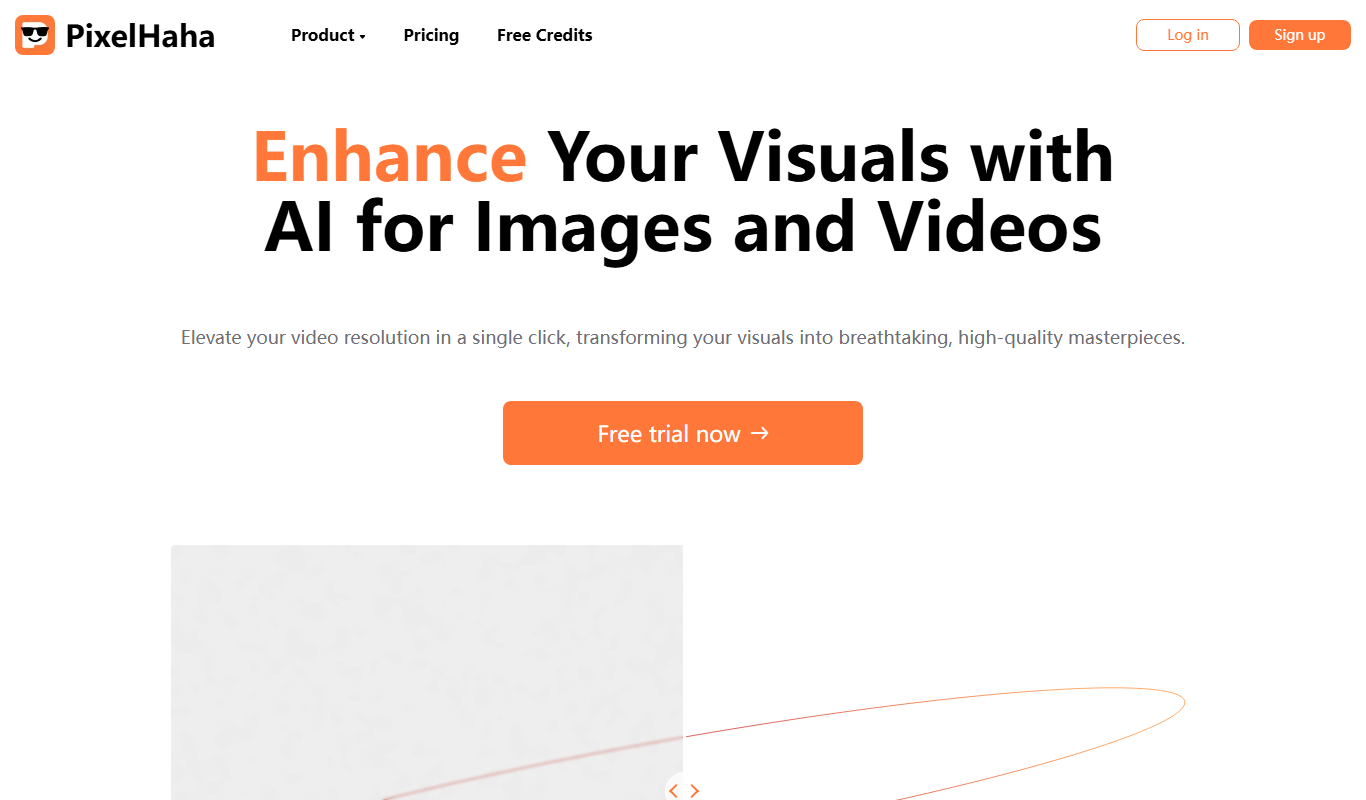
PixelHaha
PixelHaha is an AI art generator that creates unique digital illustrations from text prompts, ideal for artists and content creators seeking creative visuals.
Free
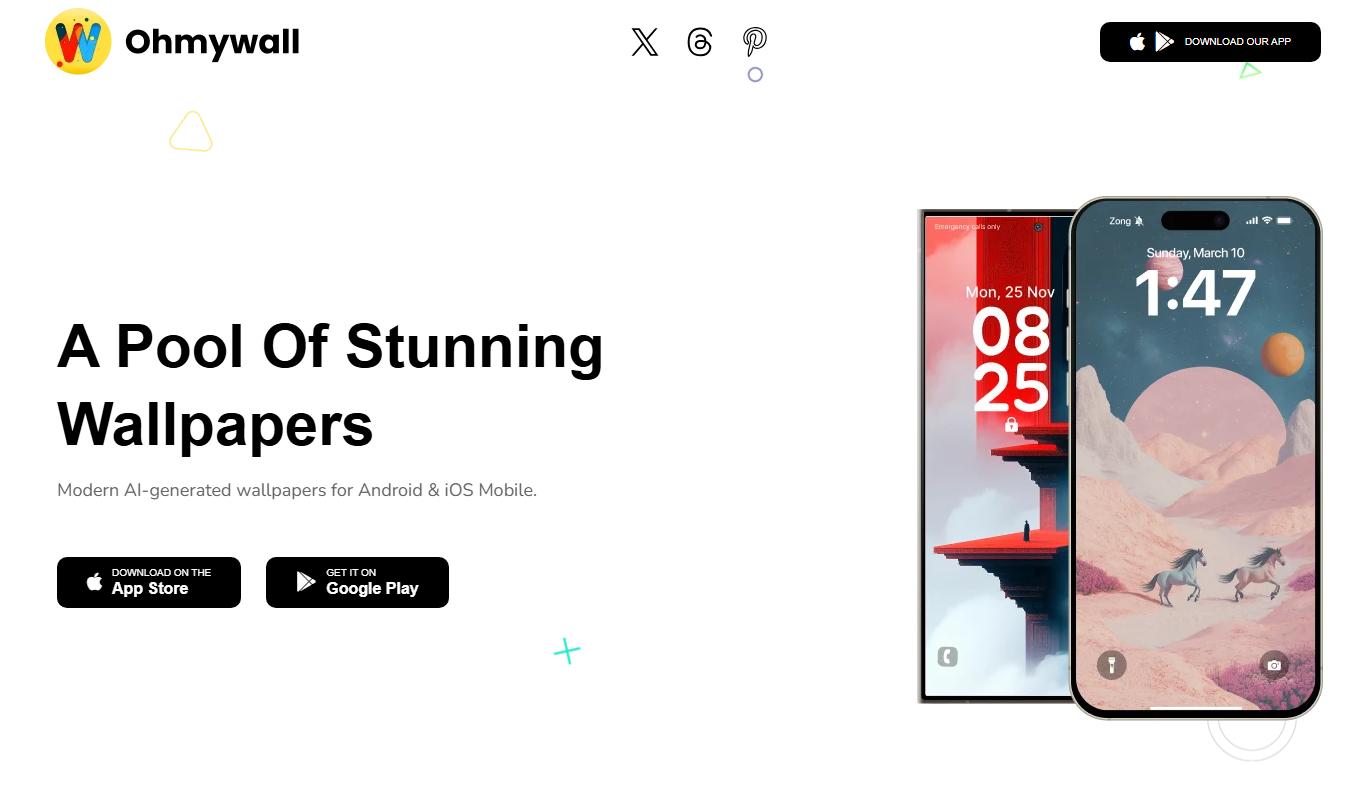
ohmywall Wallpaper
OhMyWallpaper is a free web platform offering a large collection of high-definition wallpapers for desktops and mobile devices, allowing users to download and customize their backgrounds without registration.

Freemium
MimicBrush AI
MimicBrush AI is a web-based digital painting tool that uses artificial intelligence to simulate realistic brush strokes, helping artists create digital artwork with traditional media effects.

Free
moonlightai.art
Moonlight AI is a web-based AI art generator that transforms text prompts into unique digital artwork with customizable styles and high-resolution downloads.

Free
Etereel
Etereel is a free web-based AI art generator that creates unique digital artwork from text prompts without requiring sign-up or payment.

Free
GiFTEM Studio
GiFTEM Studio is a web-based AI art generator that creates unique digital artworks from user prompts using advanced machine learning models.

Free to use
mirrArt
mirrArt is an Ethereum-based NFT marketplace where artists can mint and sell digital art NFTs, and collectors can buy and manage unique digital collectibles.