
From my experience with Swift Reply, I found it excels at speeding up email communication by providing relevant, AI-generated reply suggestions that reduce the time spent drafting responses. The Chrome extension integrates smoothly with Gmail, making it a practical tool for professionals who handle a high volume of emails daily. However, it is limited to Chrome users and supports only English, which might restrict some users. Overall, if you want to boost your email productivity and handle inbox overload more efficiently, Swift Reply offers a straightforward and effective solution.
Swift Reply AI Email Assistant for Faster, Smarter Email Responses
Swift Reply is an AI email assistant that integrates with your email client via a Chrome extension to generate smart, context-aware replies, helping you respond faster and manage emails more efficiently.
What is Swift Reply?
Swift Reply is an AI-powered email assistant designed to help users respond to emails faster and more effectively. It integrates with your email client to generate smart, contextually relevant replies, reducing the time spent composing messages and improving communication efficiency.
Key Features of Swift Reply
AI-Powered Reply Suggestions
Automatically generate context-aware email replies to speed up communication.
Chrome Extension Integration
Works seamlessly within your email client through an easy-to-install browser extension.
Multi-Account Support
Manage and generate replies for multiple email accounts within one interface.
Customizable Responses
Edit AI-generated replies to match your tone and style before sending.
Pros and Cons of Swift Reply
Pros
- Saves significant time on email responses
- Easy to install and use via Chrome extension
- Supports multiple email accounts
- Customizable reply suggestions
Cons
- Limited to Chrome browser users
- Supports only English language
- Free plan has daily usage limits
Key Use Cases for Swift Reply
Automated Email Replies
Generate quick, context-aware email responses to save time on daily communication.
Email Productivity Enhancement
Improve email management efficiency by reducing manual typing and repetitive tasks.
Customer Support Assistance
Help customer support teams respond faster with AI-generated reply suggestions.
Sales Outreach
Assist sales professionals in crafting personalized follow-up emails quickly.
How Swift Reply Works
-
1
Install Extension
Add the Swift Reply Chrome extension to your browser and connect your email account.
-
2
Receive Email
Open your inbox and select an email you want to reply to.
-
3
Generate Reply
Swift Reply analyzes the email content and suggests relevant reply options.
-
4
Customize and Send
Edit the suggested reply if needed, then send it directly from your email client.
Who's Using Swift Reply
Busy professionals
Customer support teams
Sales representatives
Small business owners
Freelancers managing multiple clients
Swift Reply Pricing
Free
$0/month
Basic access with limited daily AI-generated replies.
Pro
$9.99/month
Unlimited AI replies, priority support, and advanced customization options.
Frequently Asked Questions About Swift Reply
Swift Reply works primarily with Gmail and other web-based email clients accessible via Chrome.
Yes, Swift Reply uses encryption and follows strict privacy policies to protect your data.
Absolutely, you can edit any suggested reply before sending to ensure it fits your style.
It depends on your specific needs and how you plan to use the tool. The official website and documentation are the best sources for the latest details.
Some tools offer a free plan or trial with limited features. Availability can vary, so confirm on the official website.
Yes, it can help with that use case depending on how you configure it and what features are available. You’ll get the best results with clear inputs and a defined goal.
Share your review
Reviews are limited to one per logged-in user and are published after moderation.
You need an account to review this tool.
0.0
★
★
★
★
★
0 reviews
5 star
0
4 star
0
3 star
0
2 star
0
1 star
0
No reviews yet
Be the first to share how this tool worked for you.
Questions from the community
Read questions and answers about this tool, or ask your own.
No questions yet
Start the conversation by asking the first question about this tool.
Is this tool helpful?
Alternative Tools
Explore similar AI tools that might fit your needs

Free
Boomerang
Boomerang for Gmail is an email productivity tool that allows users to schedule emails, set reminders, track opens, and use AI to improve email writing, all integrated within Gmail.

Free
Gmelius
Gmelius is a Gmail-integrated platform that enables teams to collaborate on emails, automate workflows, track email engagement, and manage customer relationships directly within their inbox.

Contact for pricing
Toqan
Toqan AI is a document automation platform that uses AI and OCR to extract data from invoices, receipts, and forms, enabling businesses to automate data entry and integrate with existing systems.

Free
Replai
Replai is a Chrome extension that integrates ChatGPT to provide AI-generated reply suggestions within chat and messaging platforms, helping users respond faster and more effectively.

Free
Paxo
Paxo is an AI-powered meeting assistant that provides real-time transcription, automated meeting summaries, and action item tracking to streamline meeting workflows and improve team productivity.

Free Trial
MacCopilot
MacCopilot is an AI-powered assistant for macOS that helps automate tasks and improve productivity using natural language commands.

Freemium
RivetAI
RivetAI is an AI-driven meeting assistant that transcribes and summarizes meetings in real time, helping teams save time and improve collaboration.

Freemium
Kanai
Kanai is an AI-powered meeting assistant that transcribes meetings in real-time and generates automated summaries and action items to improve team productivity.
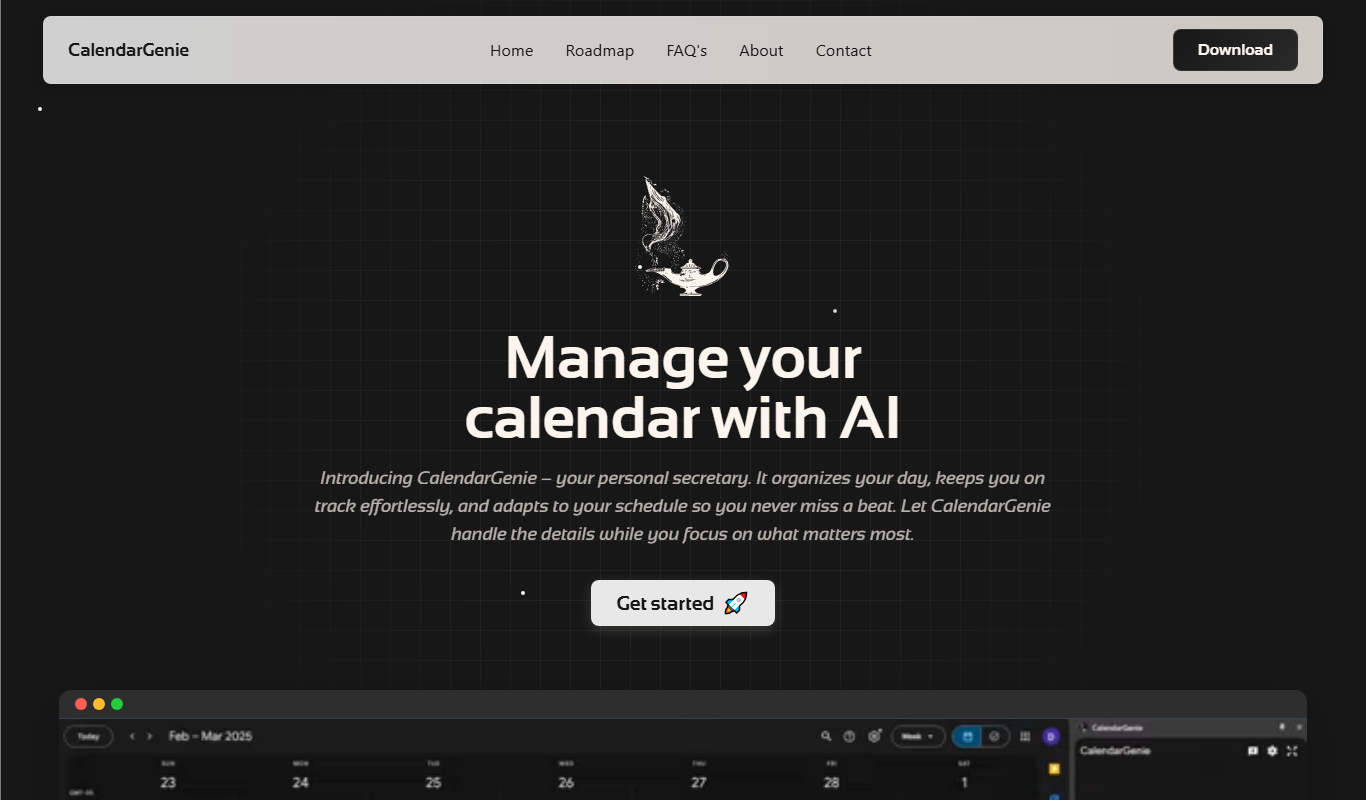
Free
CalendarGenie
CalendarGenie is an AI-driven scheduling assistant that automates meeting bookings, manages multiple calendars, and adjusts for time zones to streamline your calendar management.
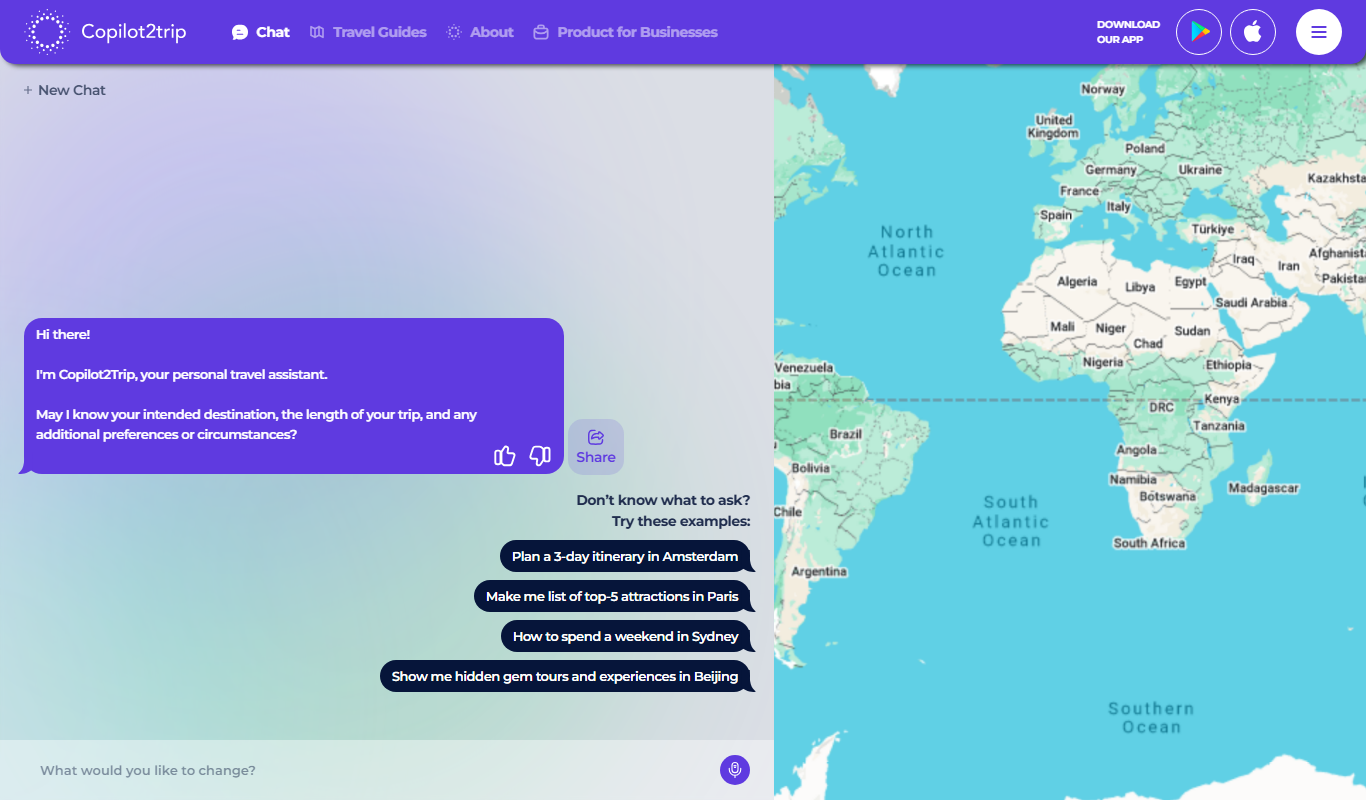
Freemium
Copilot2trip
Copilot2trip is an AI travel planner that generates personalized trip itineraries optimized for time, cost, and user preferences.