
From my experience with Photo Restore, I found it excels at quickly and automatically repairing common damages in old photographs without requiring any technical skills. The AI-driven colorization feature adds a fresh dimension to black and white photos, making them more engaging. This tool is particularly well-suited for individuals wanting to preserve family memories and small businesses offering photo restoration services. However, the free plan limits the number of restorations, and some complex damages may still need manual touch-ups. Overall, Photo Restore offers a practical and accessible solution for enhancing and digitizing old photos.
Photo Restore AI Tool for Enhancing and Repairing Old Photos Online
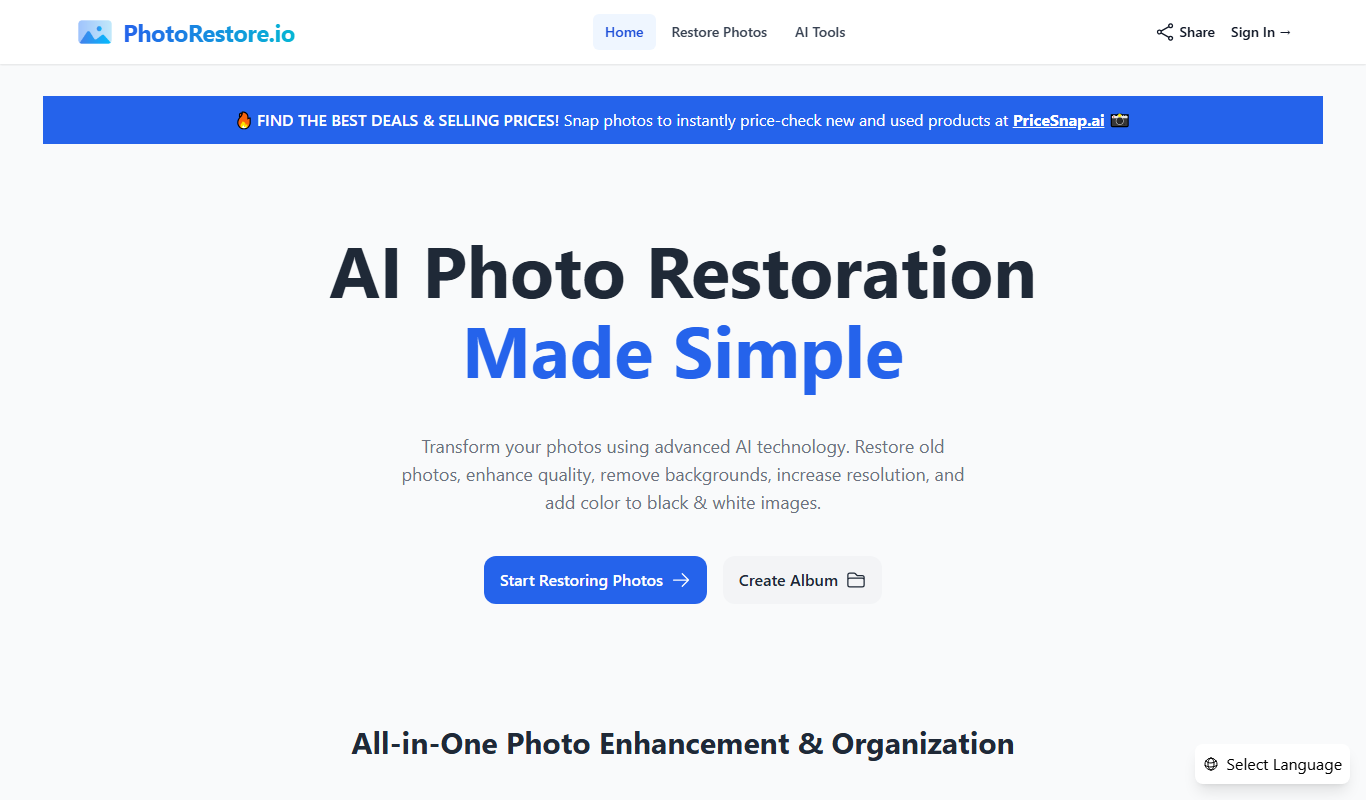
Photo Restore is an AI-based online tool that automatically repairs, enhances, and colorizes old or damaged photos through a simple web interface.
What is Photo Restore?
Photo Restore is an AI-powered online platform designed to automatically repair, enhance, and colorize old or damaged photographs. It leverages advanced machine learning algorithms to remove scratches, tears, and noise while improving resolution and adding color to black and white images. The tool is accessible via a web interface, making it easy for users to upload photos and receive restored versions without requiring manual editing skills.
Key Features of Photo Restore
Automatic Photo Repair
Removes scratches, tears, and other damage from old photographs without manual editing.
AI Upscaling
Increases photo resolution to improve clarity and detail.
Colorization
Adds natural-looking colors to black and white photos using AI.
Noise Reduction
Cleans grainy or blurry photos to enhance image quality.
Batch Processing
Allows multiple photos to be restored simultaneously for efficiency.
Pros and Cons of Photo Restore
Pros
- Easy-to-use web interface with no software installation
- Automatic and fast photo restoration with AI
- Supports colorization and upscaling
- Offers free plan to test features
- Batch processing for multiple photos
Cons
- Limited free restorations before subscription required
- No desktop or mobile app versions
- Some complex damages may require manual editing
Key Use Cases for Photo Restore
Restoring Old Photographs
Automatically repair scratches, tears, and damage on scanned old photos to bring them back to life.
Enhancing Photo Quality
Improve photo resolution and clarity by upscaling images using AI algorithms.
Colorizing Black and White Photos
Add realistic colors to monochrome photos to modernize and revitalize historical images.
Removing Noise and Blurriness
Clean up grainy or blurry photos to make details sharper and more visible.
Digital Archiving
Prepare restored photos for digital storage or printing with enhanced quality.
How Photo Restore Works
-
1
Upload Your Photo
Select and upload the old or damaged photo you want to restore through the web interface.
-
2
AI Processing
The AI algorithms analyze the image to detect damage, enhance details, and optionally add color.
-
3
Preview and Adjust
Review the restored photo preview and make any desired adjustments or select additional enhancement options.
-
4
Download Restored Image
Download the enhanced, repaired, and colorized photo in high resolution for personal use or printing.
Who's Using Photo Restore
Individuals with old family photos
Photographers and archivists
Genealogy researchers
Small businesses offering photo restoration services
Historical societies and museums
Photo Restore Pricing
Free
$0
Limited number of free photo restorations with basic features.
Premium
$9.99/month
Unlimited restorations, higher resolution downloads, and priority processing.
Frequently Asked Questions About Photo Restore
Photo Restore can automatically repair scratches, tears, stains, fading, and noise in old photos.
Yes, the tool offers AI-powered colorization to add realistic colors to monochrome images.
The free plan includes a limited number of restorations; upgrading to Premium removes this limit.
No, Photo Restore is fully web-based and works directly in your browser.
It depends on your specific needs and how you plan to use the tool. The official website and documentation are the best sources for the latest details.
Yes, it can help with that use case depending on how you configure it and what features are available. You’ll get the best results with clear inputs and a defined goal.
Some tools offer a free plan or trial with limited features. Availability can vary, so confirm on the official website.
Yes, it can help with that use case depending on how you configure it and what features are available. You’ll get the best results with clear inputs and a defined goal.
Share your review
Reviews are limited to one per logged-in user and are published after moderation.
You need an account to review this tool.
0.0
★
★
★
★
★
0 reviews
5 star
0
4 star
0
3 star
0
2 star
0
1 star
0
No reviews yet
Be the first to share how this tool worked for you.
Questions from the community
Read questions and answers about this tool, or ask your own.
No questions yet
Start the conversation by asking the first question about this tool.
Is this tool helpful?
Freemium
Nullface AI
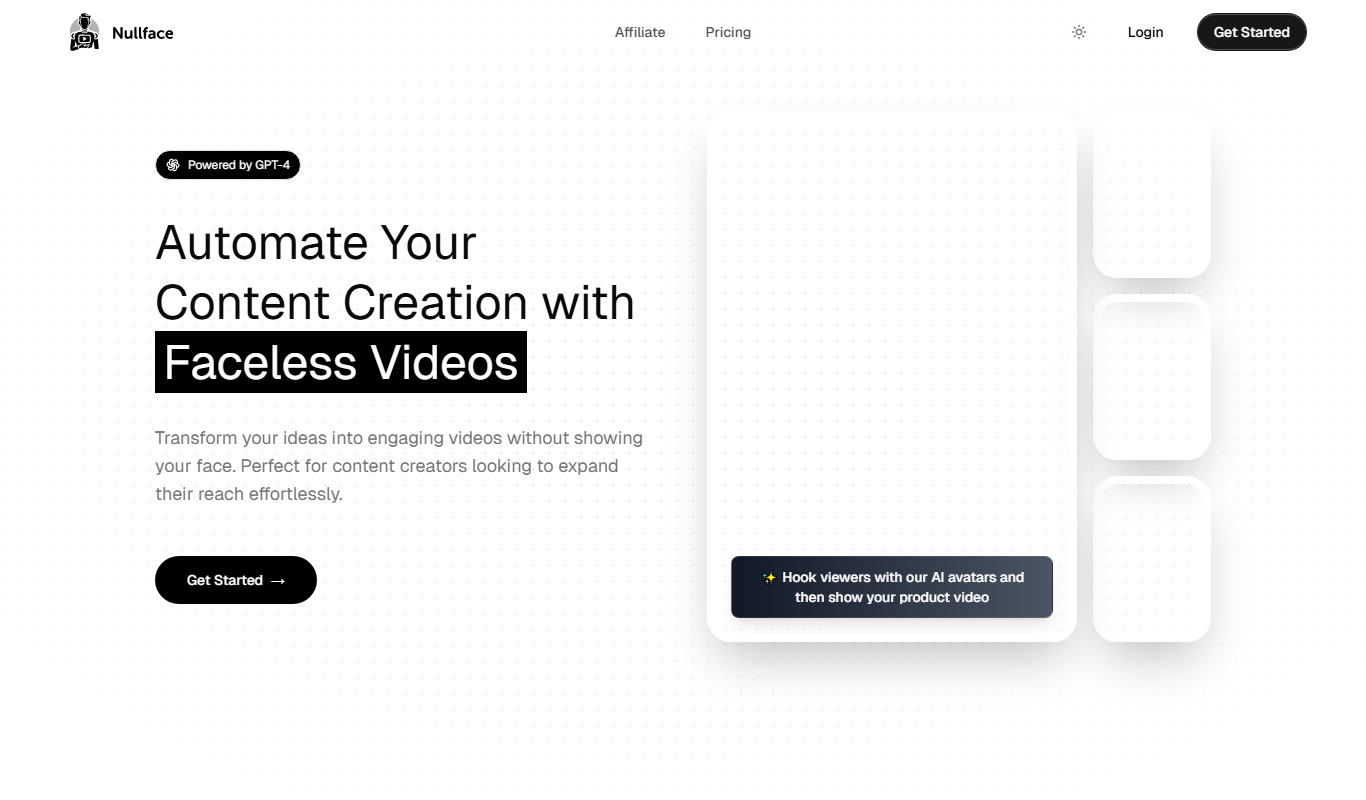
Nullface AI is a web-based platform that uses artificial intelligence to generate and customize realistic human faces for creative and commercial use.
Free
Snapclear
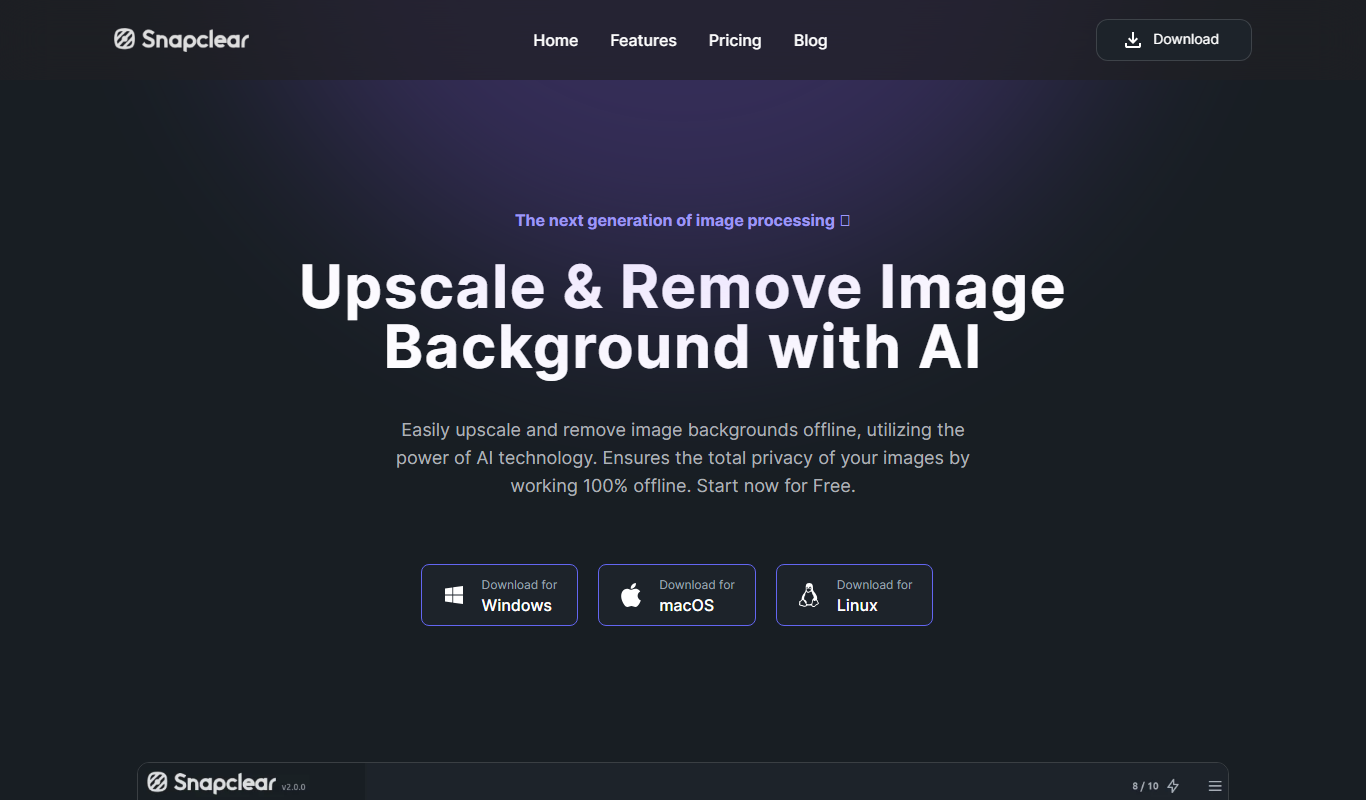
Snapclear is an AI-based online tool that automatically removes backgrounds from photos, providing clean, transparent images for various uses such as e-commerce and graphic design.
Free
Fotos de Perfil
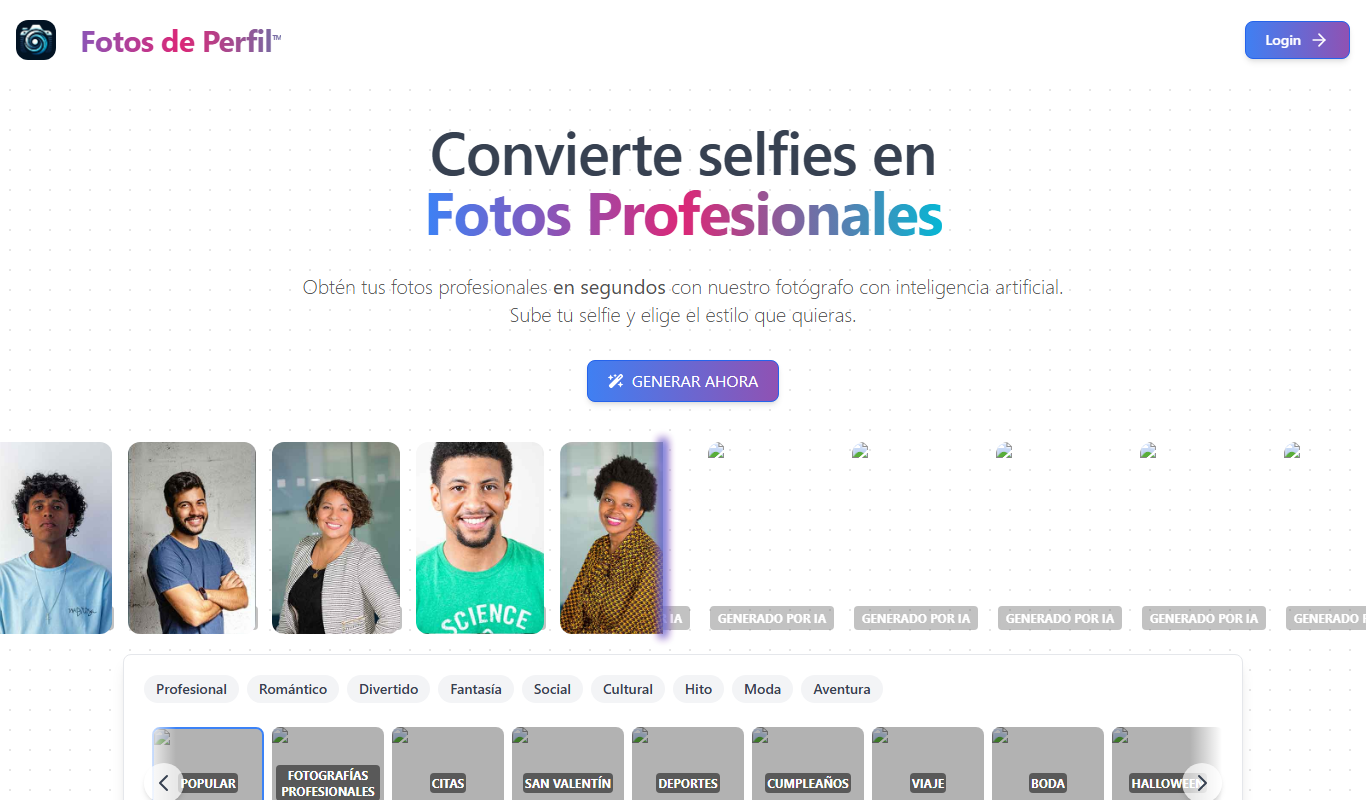
Fotos de Perfil is a free web-based tool that lets users create and customize profile pictures and avatars easily without registration.

Free
AI Photo Tags
AI Photo Tags is a web-based tool that uses AI to automatically generate descriptive tags for photos, helping users organize and find images faster.

Free Trial
Stockfill
Stockfill is an AI-driven content generation tool designed to help marketing and SEO professionals create optimized articles, marketing copy, and product descriptions efficiently.

Free
Scribble Diffusion
Scribble Diffusion is a free web-based AI tool that converts user sketches into detailed artwork using diffusion models, ideal for artists and designers seeking quick creative visualization.

Free
DiffusionBee
DiffusionBee is a free desktop application that uses stable diffusion AI models to generate images from text prompts locally on Mac and Windows computers without requiring internet access.
Free
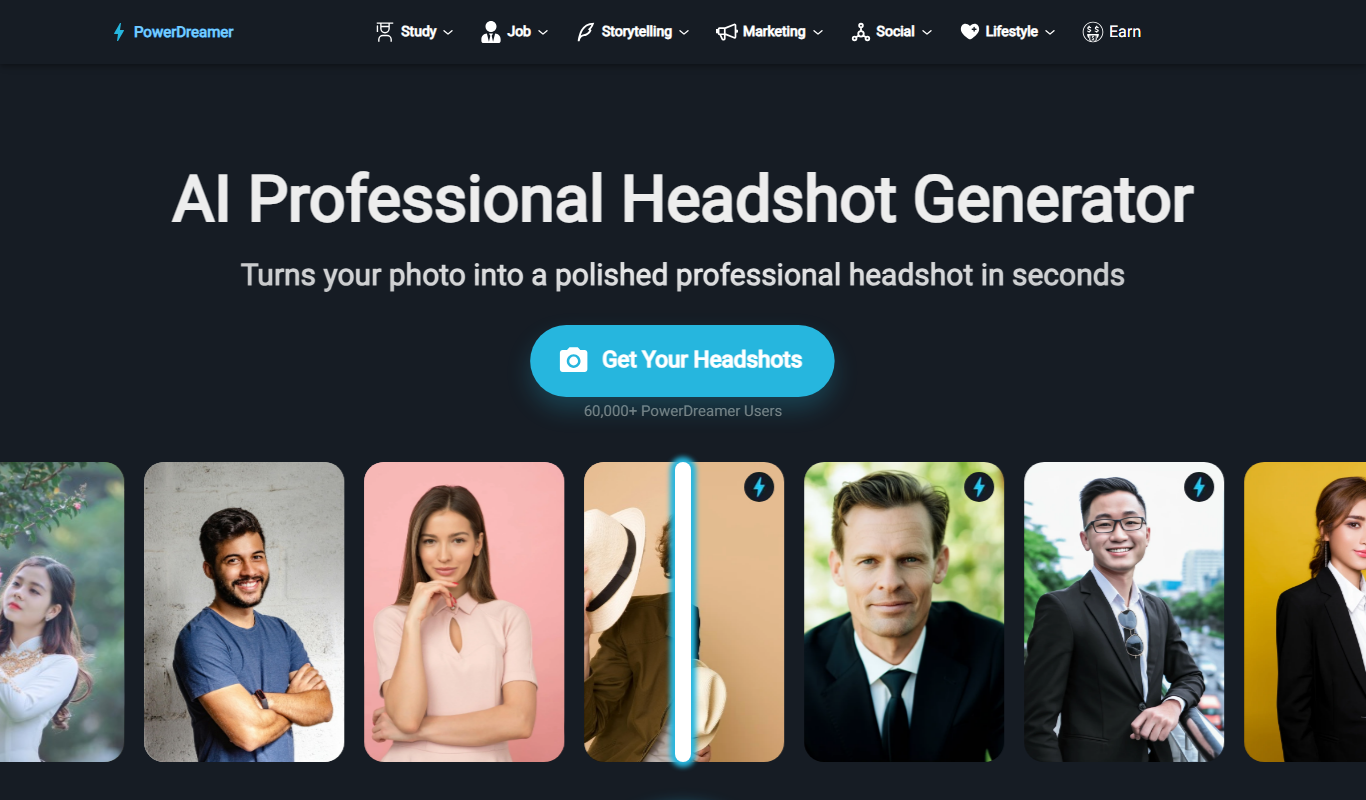
PowerDreamer AI Headshot Generator
PowerDreamer AI Headshot Generator is a web-based tool that creates realistic professional headshots using artificial intelligence, ideal for users needing quick and customizable profile photos without a photoshoot.