
From my experience with Patterned AI, it stands out for its straightforward approach to generating seamless patterns from simple text prompts. The platform is especially useful for designers and creatives who want to quickly prototype pattern ideas without deep technical skills. While it lacks advanced customization within the tool itself, its high-quality outputs and ease of use make it a valuable asset for rapid creative workflows. The free tier allows ample exploration before committing to a subscription, making it accessible for hobbyists and professionals alike.
Patterned AI: AI-Powered Pattern Design Generator for Creatives
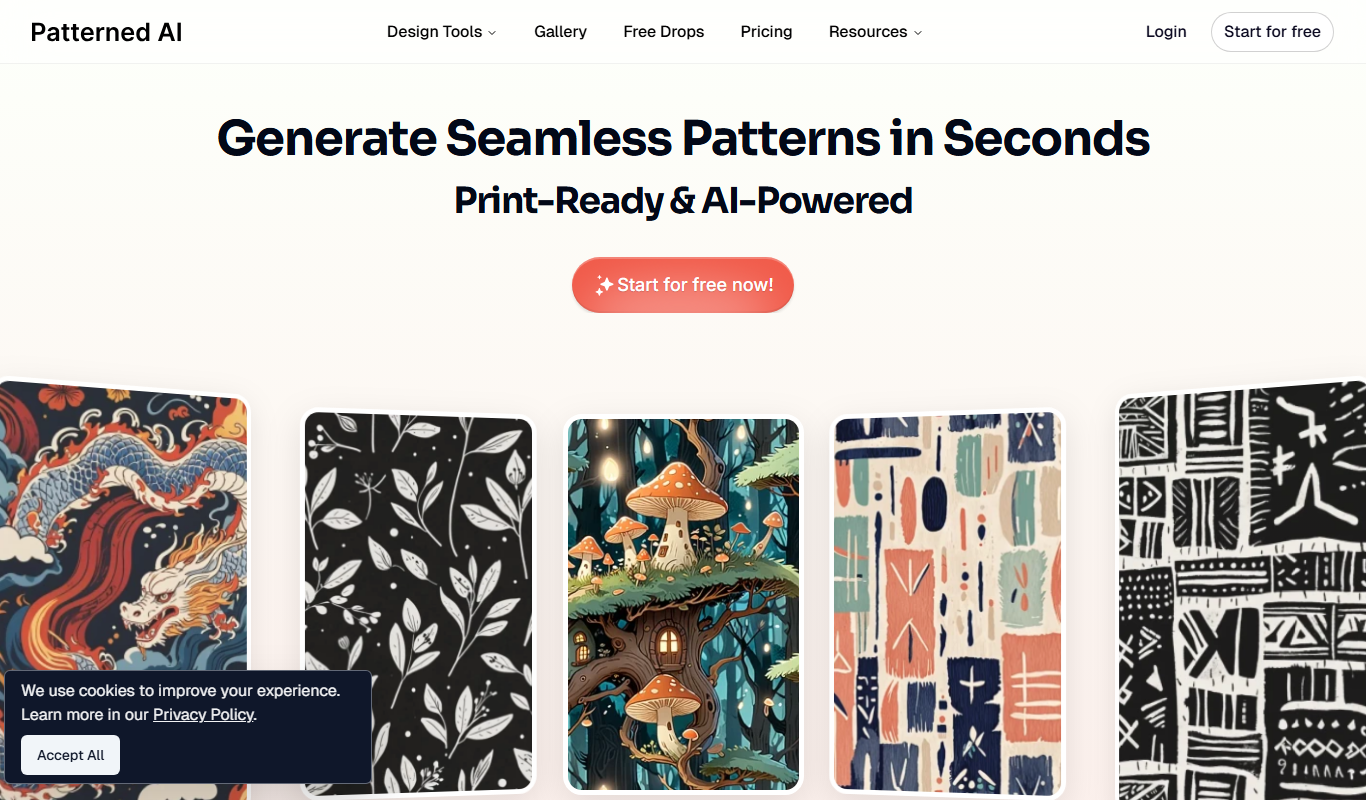
Patterned AI is a web-based tool that uses AI to generate seamless, high-resolution patterns from simple text prompts, helping designers quickly create unique pattern designs.
Tech Stack:
Python
React
TensorFlow
What is Patterned AI?
Patterned AI is an AI-powered web application that generates seamless, high-quality patterns from simple text prompts. It leverages advanced machine learning models to create unique, customizable designs that can be used across fashion, graphic design, textiles, and digital media. The tool enables designers and creatives to quickly produce pattern concepts without needing advanced design skills or software.
Key Features of Patterned AI
Text-to-Image AI Engine
Transforms simple text descriptions into unique, seamless pattern designs.
Seamless Pattern Output
Generates patterns that tile perfectly for use in textiles, wallpapers, and digital backgrounds.
Style and Theme Variety
Supports a wide range of artistic styles and thematic elements to suit diverse creative needs.
High-Resolution Downloads
Provides downloadable patterns in formats suitable for professional print and digital use.
User-Friendly Interface
Clean, intuitive web interface designed for quick pattern creation without technical barriers.
Pros and Cons of Patterned AI
Pros
- Easy-to-use text prompt interface for pattern creation
- Generates seamless, high-quality patterns suitable for professional use
- Offers free tier to explore capabilities before subscribing
- Supports a wide variety of styles and themes
- Fast generation speeds for rapid prototyping
Cons
- Limited customization options within the platform itself
- Currently supports only English language prompts
- No mobile app; web-only access
- Some patterns may require refinement in external editors
Key Use Cases for Patterned AI
Text-to-Pattern Generation
Generate unique seamless patterns from simple text prompts for use in design projects.
Creative Design Inspiration
Explore AI-generated pattern ideas to inspire fashion, textile, and graphic design work.
Rapid Pattern Prototyping
Quickly prototype multiple pattern variations to accelerate the creative workflow.
Digital Asset Creation
Create digital pattern assets for websites, branding, and product packaging.
Customizable Pattern Downloads
Download generated patterns in various formats for direct use or further editing.
How Patterned AI Works
-
1
Enter Text Prompt
Users input descriptive text that captures the desired pattern theme or elements.
-
2
AI Pattern Generation
The AI model processes the prompt and generates multiple seamless pattern options.
-
3
Review and Refine
Users browse generated patterns, select favorites, and optionally adjust prompts for new iterations.
-
4
Download Patterns
Selected patterns can be downloaded in high-resolution formats for use in various projects.
Who's Using Patterned AI
Graphic designers
Fashion and textile designers
Marketing agencies
Content creators
Small businesses needing custom patterns
Patterned AI Pricing
Free
$0/month
Limited daily pattern generations with standard resolution downloads.
Pro
$15/month
Unlimited pattern generations, high-resolution downloads, and priority support.
Frequently Asked Questions About Patterned AI
Yes, patterns generated with Patterned AI can be used for commercial projects according to the platform’s licensing terms.
Patterns can be downloaded primarily in high-resolution PNG format suitable for most design applications.
Free users have a daily limit on pattern generations, while Pro subscribers enjoy unlimited access.
While Patterned AI focuses on generation, you can download patterns and edit them further in your preferred design software.
It depends on your specific needs and how you plan to use the tool. The official website and documentation are the best sources for the latest details.
Yes, it can help with that use case depending on how you configure it and what features are available. You’ll get the best results with clear inputs and a defined goal.
Yes, it can help with that use case depending on how you configure it and what features are available. You’ll get the best results with clear inputs and a defined goal.
Share your review
Reviews are limited to one per logged-in user and are published after moderation.
You need an account to review this tool.
0.0
★
★
★
★
★
0 reviews
5 star
0
4 star
0
3 star
0
2 star
0
1 star
0
No reviews yet
Be the first to share how this tool worked for you.
Questions from the community
Read questions and answers about this tool, or ask your own.
No questions yet
Start the conversation by asking the first question about this tool.
Is this tool helpful?
Alternative Tools
Explore similar AI tools that might fit your needs

Free
Runway ML
Runway ML is a cloud platform offering AI-powered video and image editing tools, enabling creators to automate complex tasks like green screen removal and style transfer, with real-time collaboration and API integration.

Custom Pricing
Down Right Design
Down Right Design is a creative agency providing custom web design, branding, and graphic design services tailored for small businesses and startups.
Freemium
LogoliveryAI
LogoliveryAI is an AI-driven platform that helps users generate custom logos quickly and easily, offering customizable templates and high-resolution downloads for branding purposes.

Free
Storyboarder.ai
Storyboarder.ai is a free, open-source desktop application that uses AI to help filmmakers and animators create and organize storyboards quickly and efficiently.

Free
Doodle Morph AI
Doodle Morph AI is a web-based tool that uses AI to transform static sketches into smooth morphing animations, ideal for artists and content creators seeking easy animation solutions.

Free
Story Diffusion
Story Diffusion is a web-based AI tool that generates creative images from text prompts using diffusion models, ideal for artists and content creators.
Freemium
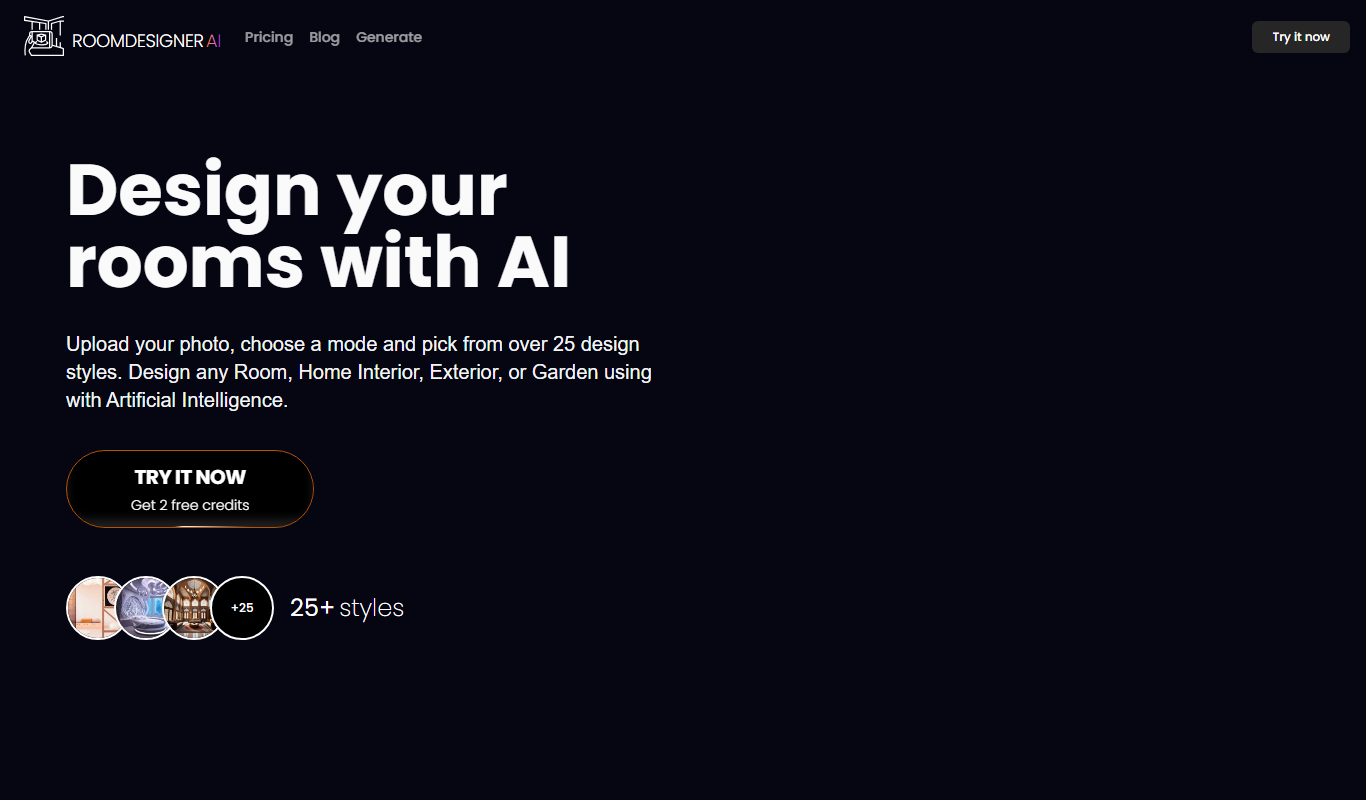
roomdesigner.ai
RoomDesigner.ai is an AI-driven web tool that helps users design and visualize interior room layouts with drag-and-drop features and 3D previews.
Free Trial
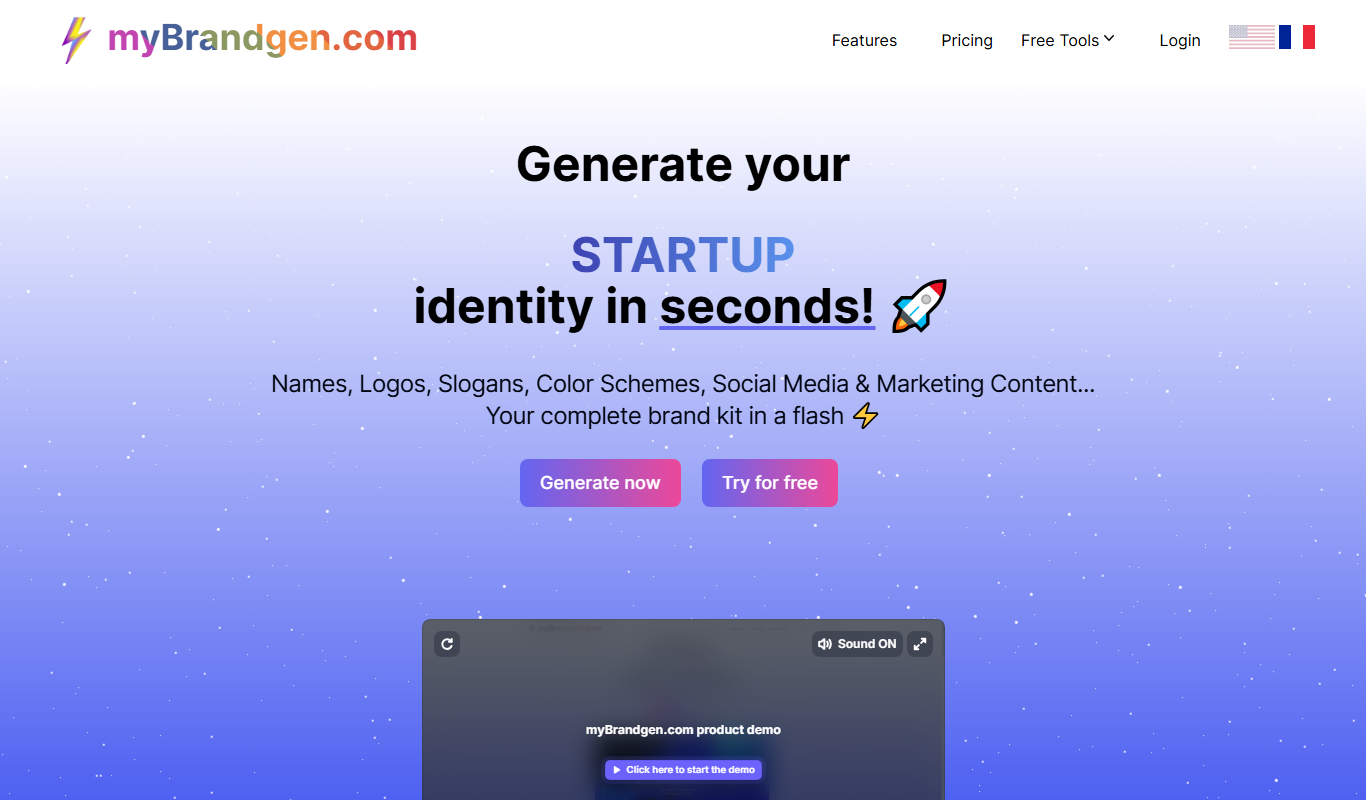
myBrandgen.com
myBrandgen is an AI-driven platform that generates logos and brand identity assets, enabling businesses to create cohesive branding quickly without design expertise.

Freemium
IconKit
IconKit is a web-based AI tool that generates custom icons quickly for branding and design projects, offering easy customization and multiple export formats.