
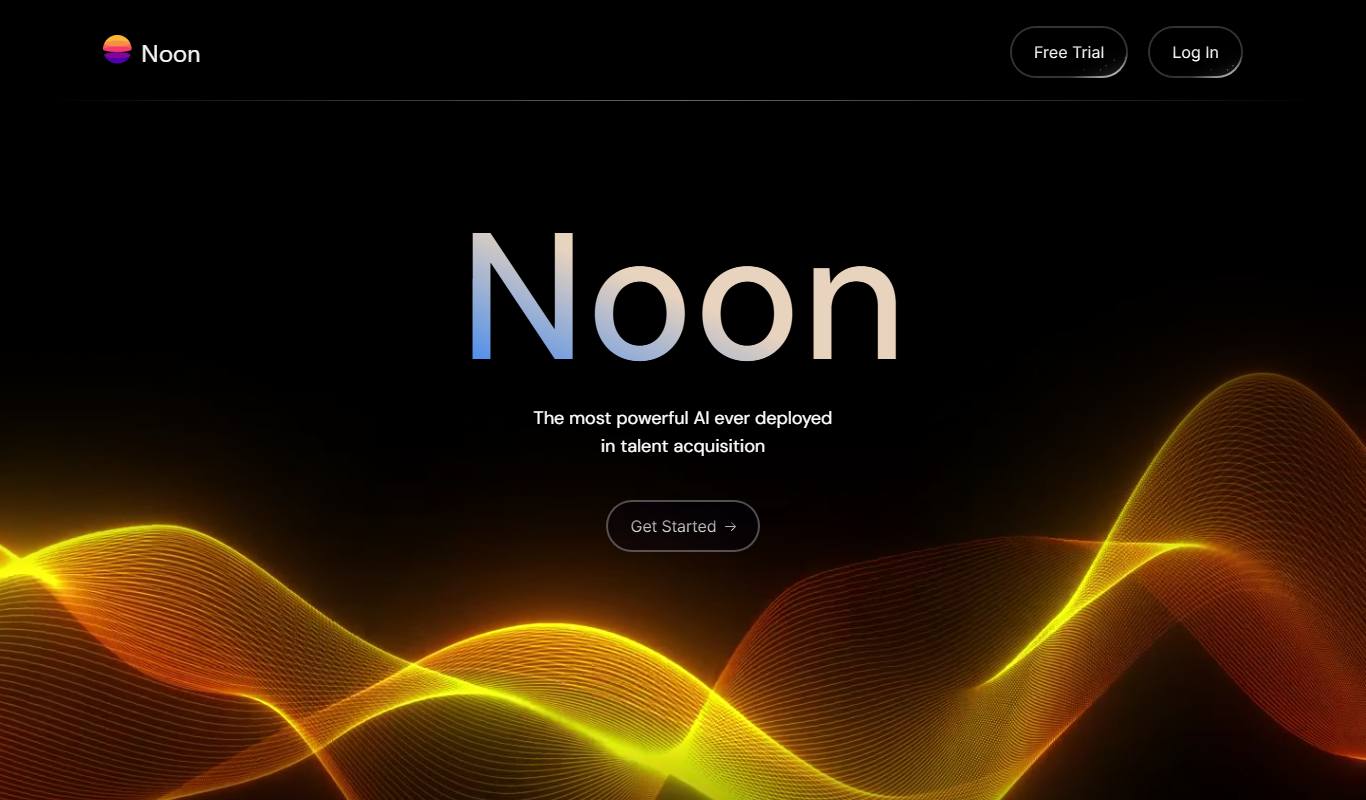
From my experience with Noon AI, I found it excels at enabling businesses to quickly build and deploy AI-powered chatbots without needing coding skills. Its no-code interface and multi-channel support make it accessible for small to medium businesses aiming to automate customer support and lead generation. However, the platform currently supports only English, which may limit use for global audiences. Overall, if you need a straightforward conversational AI solution to streamline business communications and workflows, Noon AI delivers reliable and scalable results.

Noon AI Review: AI-Powered Conversational Platform for Business Automation
Noon AI is a no-code conversational AI platform that helps businesses automate customer interactions, lead generation, and internal workflows through intelligent chatbots deployed across multiple channels.
What is Noon AI?
Noon AI is a conversational AI platform designed to automate business communications and workflows. It leverages natural language processing to create intelligent chatbots that engage customers, qualify leads, and streamline internal processes. The platform aims to reduce manual workload by handling routine interactions across websites, messaging apps, and other digital channels.
Key Features of Noon AI
No-Code Chatbot Builder
Intuitive drag-and-drop interface to create AI-powered conversational workflows without coding.
Multi-Channel Support
Deploy chatbots across websites, Facebook Messenger, WhatsApp, and other messaging platforms.
AI-Powered Natural Language Understanding
Advanced NLP capabilities enable the chatbot to understand and respond to user intents accurately.
Integrations
Connect with CRM, calendar, and other business tools to automate workflows and data synchronization.
Analytics Dashboard
Track chatbot performance, user engagement, and conversion metrics in real time.
Pros and Cons of Noon AI
Pros
- User-friendly no-code chatbot builder
- Supports multiple messaging platforms
- Real-time analytics for performance tracking
- Flexible integrations with business tools
- Scalable plans for different business sizes
Cons
- Limited language support (English only)
- Advanced AI customization may require technical knowledge
Key Use Cases for Noon AI
Customer Support Automation
Automate customer interactions with AI chatbots that handle inquiries, complaints, and FAQs efficiently.
Lead Generation
Engage website visitors with conversational AI to qualify leads and schedule meetings automatically.
Business Process Automation
Streamline internal workflows by automating repetitive tasks and data collection through conversational interfaces.
Appointment Scheduling
Allow customers to book appointments or meetings via AI-powered chatbots integrated with calendar systems.
Sales Support
Assist sales teams by providing instant responses to product queries and guiding customers through purchase decisions.
How Noon AI Works
-
1
Sign Up
Create an account on Noon AI’s platform to access the chatbot builder and dashboard.
-
2
Design Conversation Flows
Use the visual no-code editor to create custom conversational workflows tailored to your business needs.
-
3
Integrate Channels
Connect the chatbot to your website, messaging apps, or CRM systems for seamless communication.
-
4
Deploy and Monitor
Launch the chatbot live and monitor performance with real-time analytics to optimize interactions.
Who's Using Noon AI
Small and medium businesses
Customer support teams
Sales and marketing departments
Lead generation specialists
Business process managers
Noon AI Pricing
Free
$0/month
Basic chatbot features with limited conversations and channels.
Pro
$49/month
Advanced features, higher conversation limits, and multi-channel support.
Enterprise
Custom pricing
Tailored solutions with dedicated support, custom integrations, and SLA guarantees.
Frequently Asked Questions About Noon AI
No, Noon AI provides a no-code visual builder that allows users to create conversational workflows without programming.
You can deploy chatbots on websites, Facebook Messenger, WhatsApp, and other supported messaging channels.
Yes, Noon AI supports integrations with popular CRM systems and calendar applications to automate workflows.
Yes, Noon AI offers a free plan with basic features and limited usage.
This tool is designed to help users accomplish its core tasks more efficiently. It is typically used by individuals or teams looking to improve productivity and workflow.
Yes, it can help with that use case depending on how you configure it and what features are available. You’ll get the best results with clear inputs and a defined goal.
It depends on your specific needs and how you plan to use the tool. The official website and documentation are the best sources for the latest details.
Integration support depends on the tool and its available connectors or API. Check the official documentation or integrations page to confirm what is supported.
Share your review
Reviews are limited to one per logged-in user and are published after moderation.
You need an account to review this tool.
0.0
★
★
★
★
★
0 reviews
5 star
0
4 star
0
3 star
0
2 star
0
1 star
0
No reviews yet
Be the first to share how this tool worked for you.
Questions from the community
Read questions and answers about this tool, or ask your own.
No questions yet
Start the conversation by asking the first question about this tool.
Is this tool helpful?

Free
hiration.com
Hiration is an AI-driven platform that helps job seekers build ATS-friendly resumes, create cover letters, prepare for interviews, and optimize LinkedIn profiles to improve job search success.

One-time purchase
JobScout360 Jobs Bot | By Webs-Automation
JobScout360 Jobs Bot is a Windows desktop automation tool by Webs-Automation that automates job applications across multiple portals by filling forms and uploading resumes automatically.

Free
Tech Jobs NYC
Tech Jobs NYC is a free online job board focused on technology careers in New York City, offering curated listings and employer job postings.

Free Trial
MiGuru AI
MiGuru AI is a cloud-based business intelligence platform that uses AI and machine learning to provide predictive analytics, customizable dashboards, and automated reporting for businesses.

Free
Ortto
Ortto is a marketing automation platform that integrates customer data management with email and SMS marketing to help businesses automate personalized campaigns and improve customer engagement.

Free
Jobalytics
Jobalytics is an AI-driven tool that analyzes your resume against job descriptions to provide personalized feedback, helping you optimize your resume and improve your chances of landing interviews.

Free
HireTalent-Free Applicant TrackingSystem
HireTalent Free Applicant Tracking System is a no-cost web platform that helps businesses manage job postings, track applicants, communicate with candidates, and collaborate with hiring teams to streamline recruitment.
Free
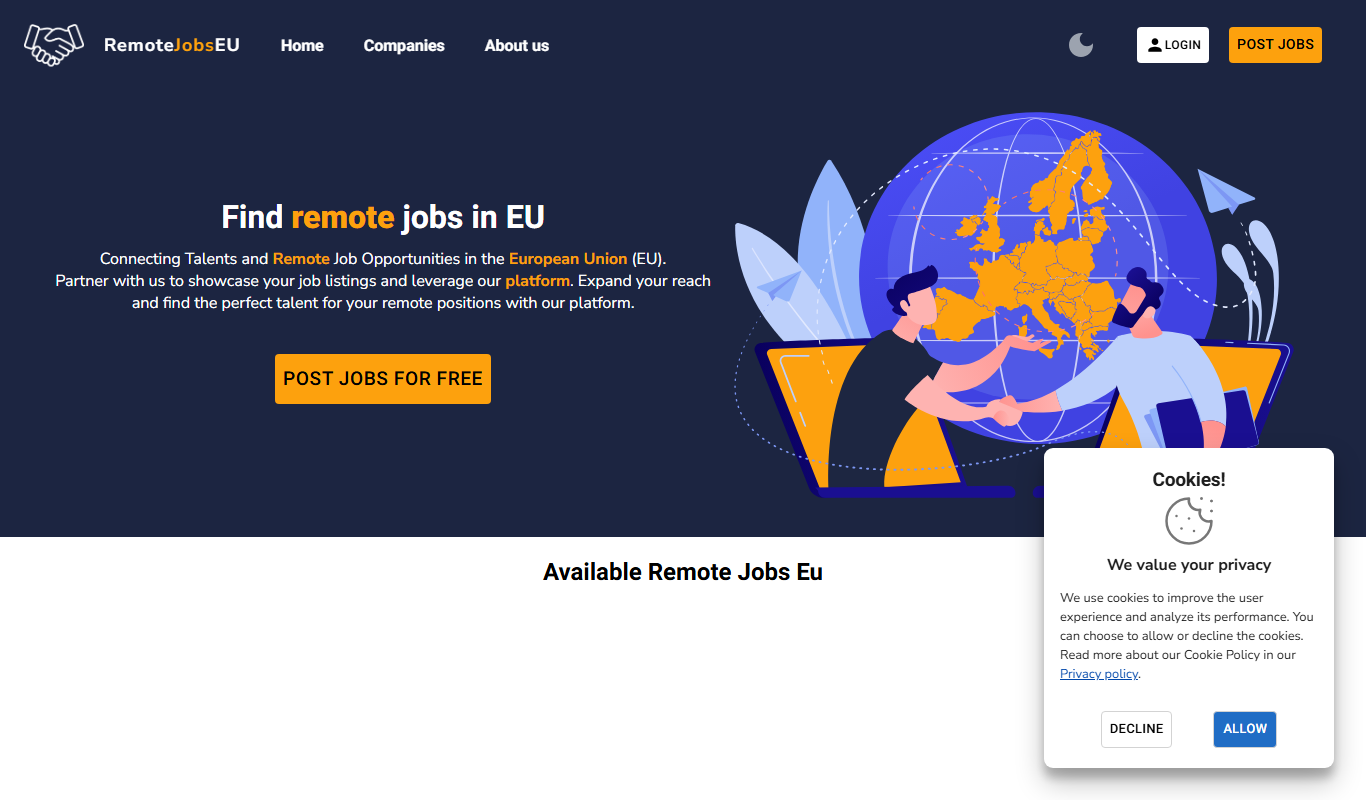
RemoteJobsEu
RemoteJobsEu is a free job board specializing in remote developer and designer jobs available to candidates in Europe, helping tech professionals find location-independent roles.