
From my experience with AI Christmas Photo, I found it excels at quickly generating festive holiday images without requiring any design skills. The straightforward web interface makes it accessible for casual users and marketers alike, especially during the busy holiday season. However, the tool offers limited customization compared to professional graphic design software, and higher usage requires a paid plan. Overall, if you need to create personalized Christmas photos or social media content fast, AI Christmas Photo delivers solid, easy-to-use results.
AI Christmas Photo Maker for Festive Holiday Image Generation Online
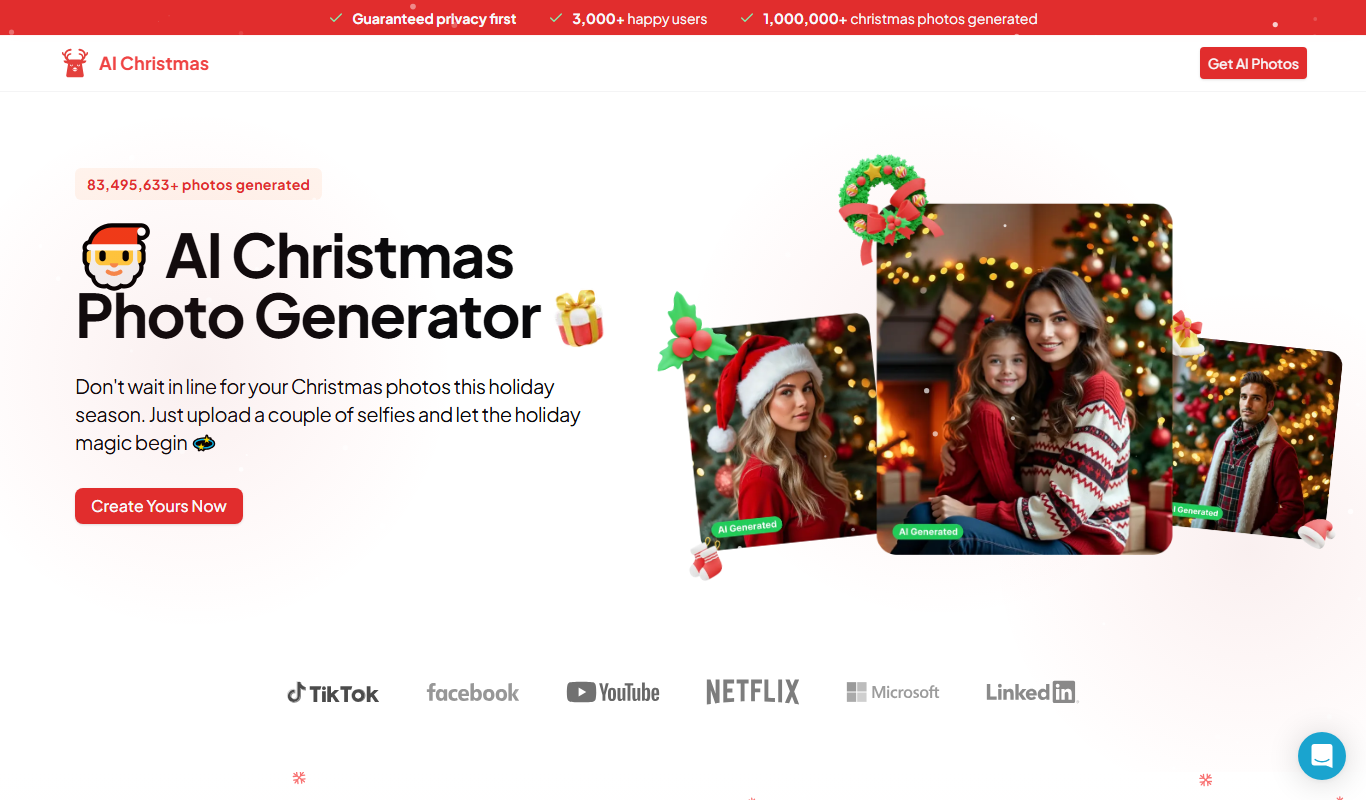
AI Christmas Photo is an online tool that uses artificial intelligence to generate unique Christmas-themed images from text prompts or uploaded photos, ideal for holiday cards and social media.
What is AI Christmas Photo?
AI Christmas Photo is an online AI-powered image generator specialized in creating festive Christmas-themed photos. Users can input prompts or upload images to generate unique holiday visuals enhanced with seasonal elements such as Santa hats, snow, Christmas trees, and decorations. The tool leverages artificial intelligence to produce creative and personalized holiday images quickly and easily.
Key Features of AI Christmas Photo
AI-Powered Holiday Image Generation
Creates unique Christmas-themed photos using advanced AI models.
Prompt and Image Input
Supports both text prompts and image uploads for versatile creation.
Multiple Variations
Generates several versions of festive images to choose from.
User-Friendly Web Interface
Accessible without installation, easy to use for all skill levels.
Pros and Cons of AI Christmas Photo
Pros
- Easy to use with no technical skills required
- Fast generation of festive images
- Free tier available for casual users
Cons
- Limited customization options compared to professional design tools
- Premium plan required for high-volume use
Key Use Cases for AI Christmas Photo
Create Personalized Christmas Photos
Generate unique holiday-themed images for personal use, greeting cards, or social media sharing.
Social Media Content Creation
Produce festive visuals quickly to engage audiences during the holiday season.
Holiday Marketing Materials
Design Christmas-themed images for promotional campaigns without needing graphic design skills.
How AI Christmas Photo Works
-
1
Access the Website
Visit the AI Christmas Photo website on any web browser.
-
2
Enter a Prompt or Upload Image
Provide a text description of the desired Christmas-themed photo or upload an image to transform.
-
3
Generate Images
Use the AI engine to create multiple holiday-themed photo variations based on your input.
-
4
Download or Share
Select your favorite generated images to download or share directly on social media.
Who's Using AI Christmas Photo
Individuals creating holiday greeting cards
Social media managers needing festive content
Small businesses designing seasonal marketing materials
AI Christmas Photo Pricing
Free
$0
Basic access with limited daily image generations.
Premium
$9.99/month
Higher generation limits, faster processing, and priority access.
Frequently Asked Questions About AI Christmas Photo
You can generate images without an account, but signing up unlocks higher limits and premium features.
Check the website’s terms of service for licensing details; typically, personal and commercial use is allowed with attribution.
Common image formats like JPG and PNG are supported for uploads.
It depends on your specific needs and how you plan to use the tool. The official website and documentation are the best sources for the latest details.
Some tools offer a free plan or trial with limited features. Availability can vary, so confirm on the official website.
Yes, it can help with that use case depending on how you configure it and what features are available. You’ll get the best results with clear inputs and a defined goal.
Share your review
Reviews are limited to one per logged-in user and are published after moderation.
You need an account to review this tool.
0.0
★
★
★
★
★
0 reviews
5 star
0
4 star
0
3 star
0
2 star
0
1 star
0
No reviews yet
Be the first to share how this tool worked for you.
Questions from the community
Read questions and answers about this tool, or ask your own.
No questions yet
Start the conversation by asking the first question about this tool.
Is this tool helpful?

Free
Giftdeas AI
Giftdeas AI is an online tool that uses artificial intelligence to generate personalized gift ideas based on recipient details like interests and occasion.

Commission-based
Giftit
Giftit Social is a web platform that helps groups coordinate and fund gifts together by creating personalized campaigns with social sharing and secure payment options.
Freemium
Gyftter
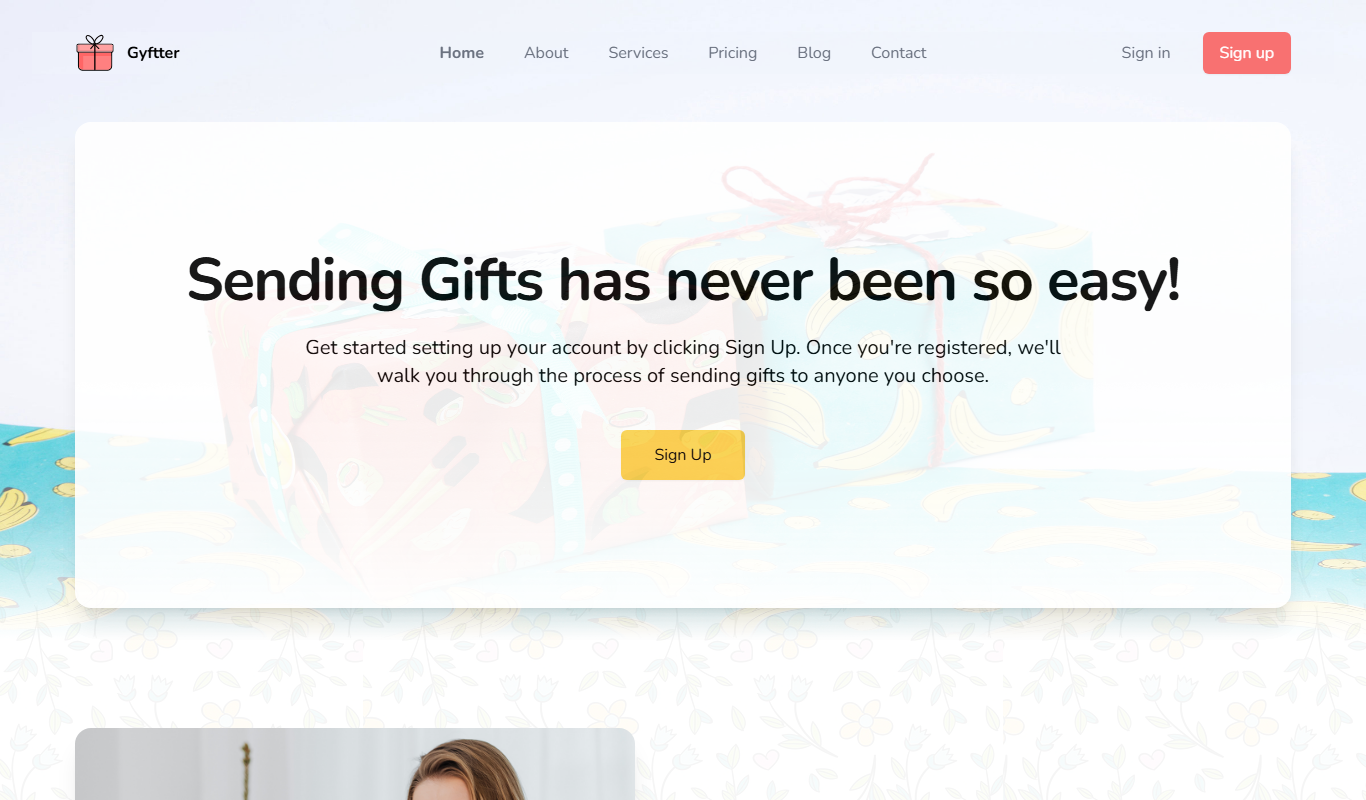
Gyftter is a web-based platform that enables businesses and individuals to create, customize, distribute, and manage digital gift cards with real-time tracking and secure redemption.

Custom Pricing
Snappy
Snappy is a corporate gifting platform that enables companies to send personalized gifts and rewards to employees and clients through a curated marketplace and automated campaign management.
Free
Cool Gift Ideas
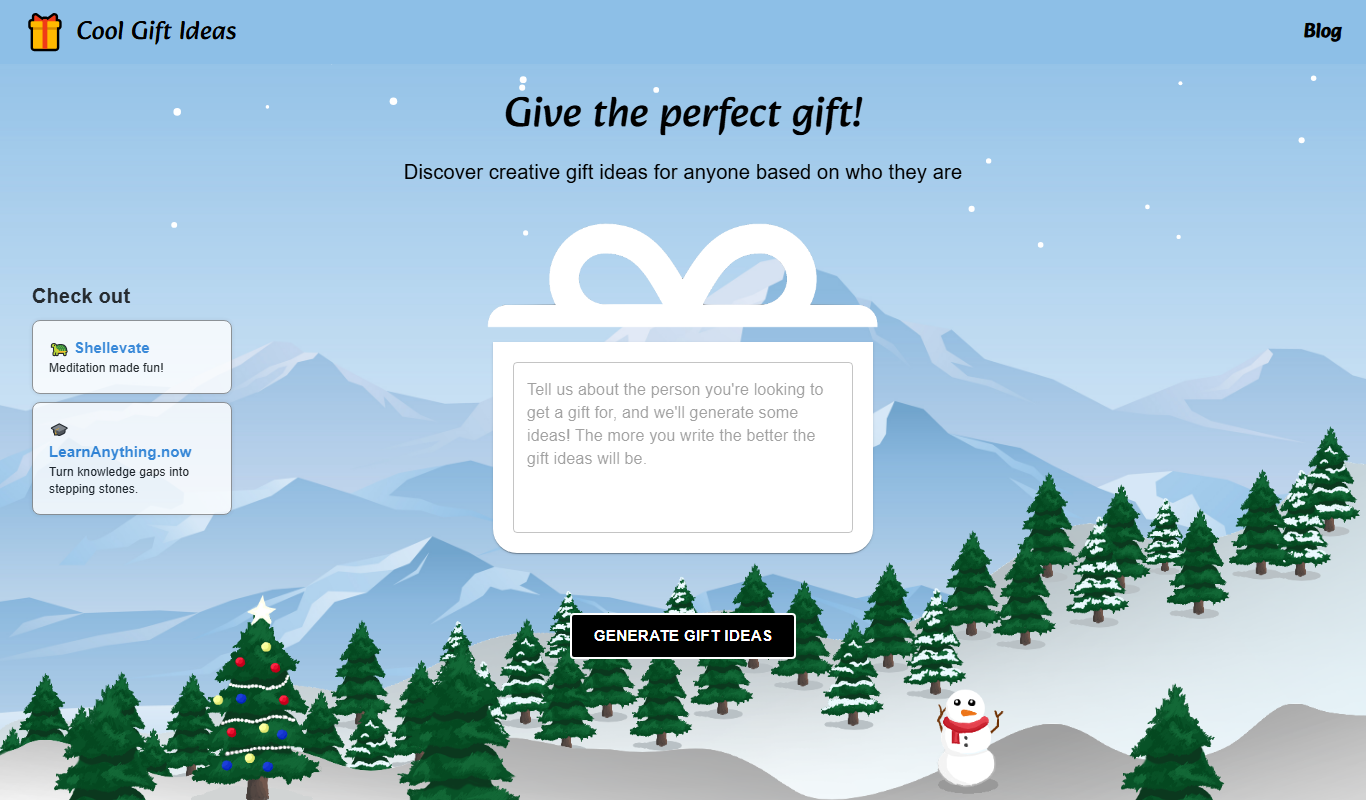
Cool Gift Ideas is a free online tool that generates personalized gift suggestions based on recipient details and occasion, helping users find unique and thoughtful presents quickly.

Free
Fun Gifts – AI memory game
Fun Gifts AI Memory Game is a free web-based interactive memory game that uses AI to adapt difficulty and offers personalized gift suggestions during gameplay.

Freemium
Giftastic.ai
Giftastic.ai is an AI-driven platform that provides personalized gift recommendations based on recipient details and occasions, helping users find unique presents quickly.

Free
Gensmo
Gensmo is an AI-powered writing assistant that helps users generate creative stories, content ideas, and improve writing flow, primarily supporting English language content on a web platform.